Blog
Insights & Updates
Stay up to date with the latest features, tips for managing your Google Drive, and company news.
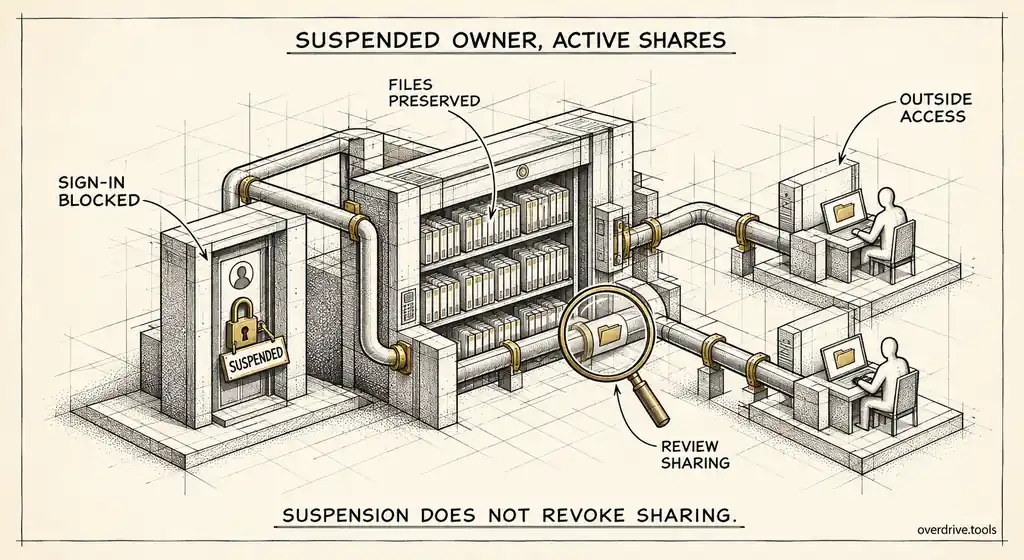
Find Drive Files Owned by Suspended Workspace Users
Suspending a user doesn't stop their files being shared. Here's how admins find exposed files owned by suspended users and decide what to do with them.
Read article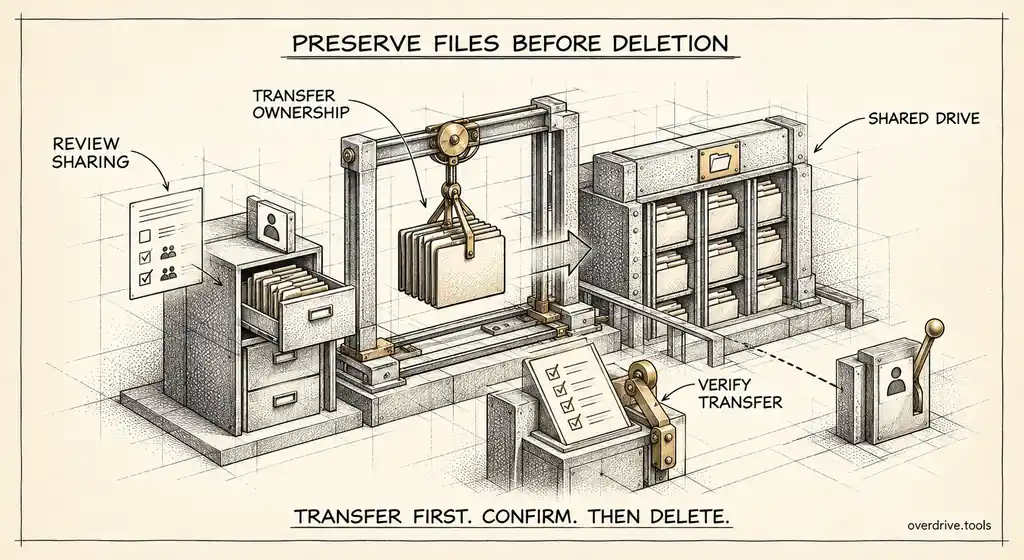
Where Drive Files Go When You Delete a Workspace User
Deleting a Workspace user can take their Drive files with it. Here's what transfers, what doesn't, how long you have, and the order to do things in.
Read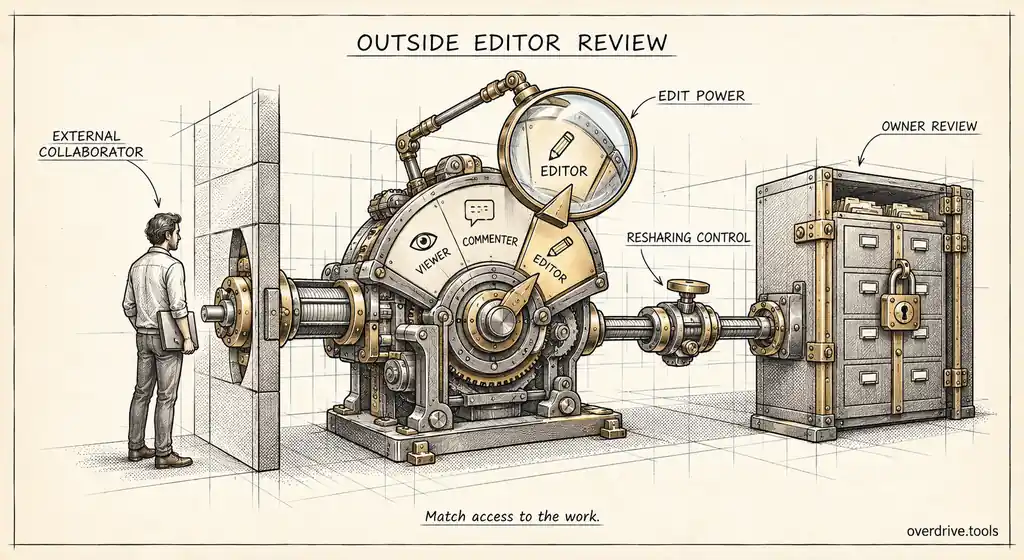
External Users With Edit Access to Company Files
An outside editor can change, copy, and often reshare your files. Here's how Workspace admins find external editors and cut access down to what's needed.
Read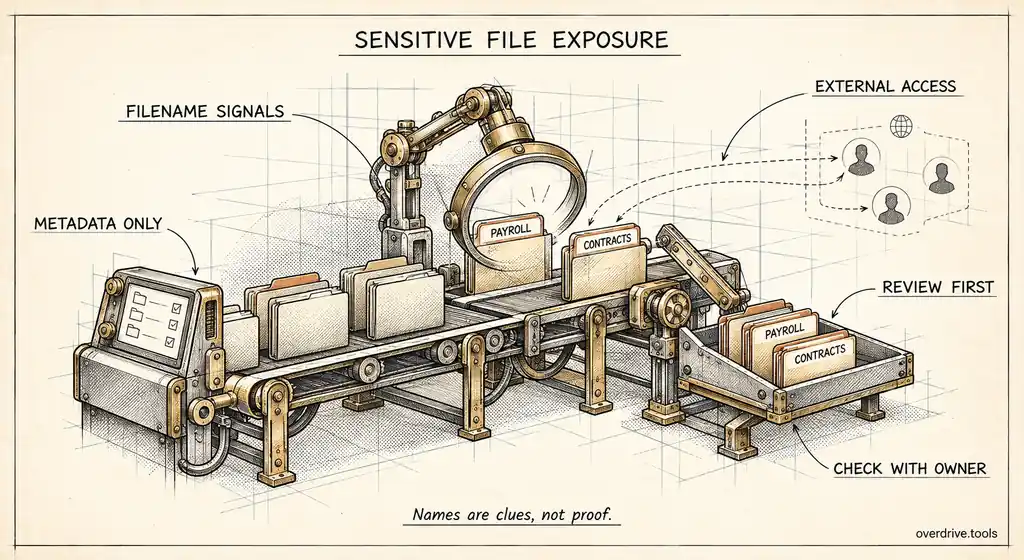
Find Contracts and Payroll Files Shared Externally
Not all external sharing is equal. Here's how Workspace admins find sensitive files like contracts and payroll shared outside, even without DLP.
Read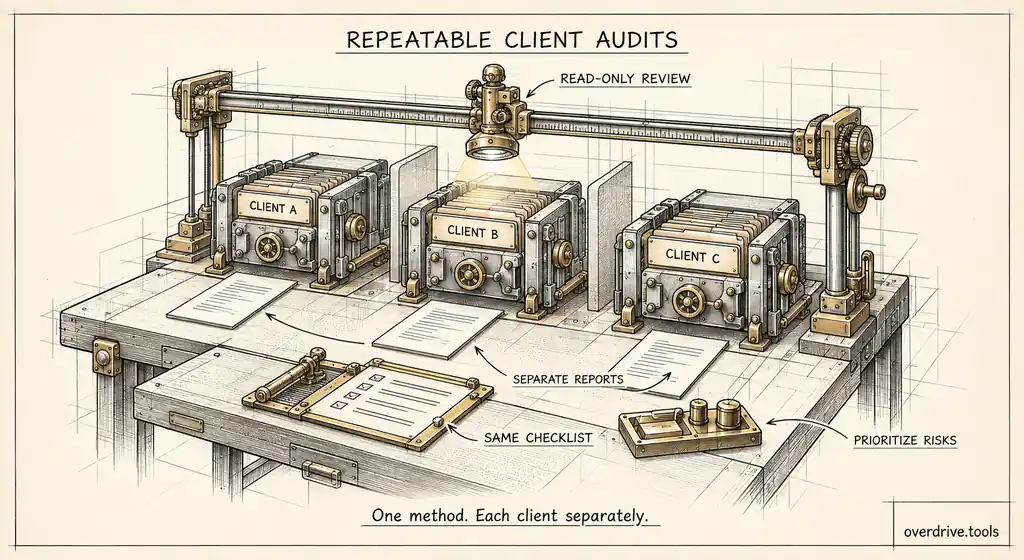
How MSPs Audit Drive Sharing Across Client Domains
MSPs and IT consultants get asked about Drive exposure across many client domains. Here's a repeatable way to audit each client and report on it.
Read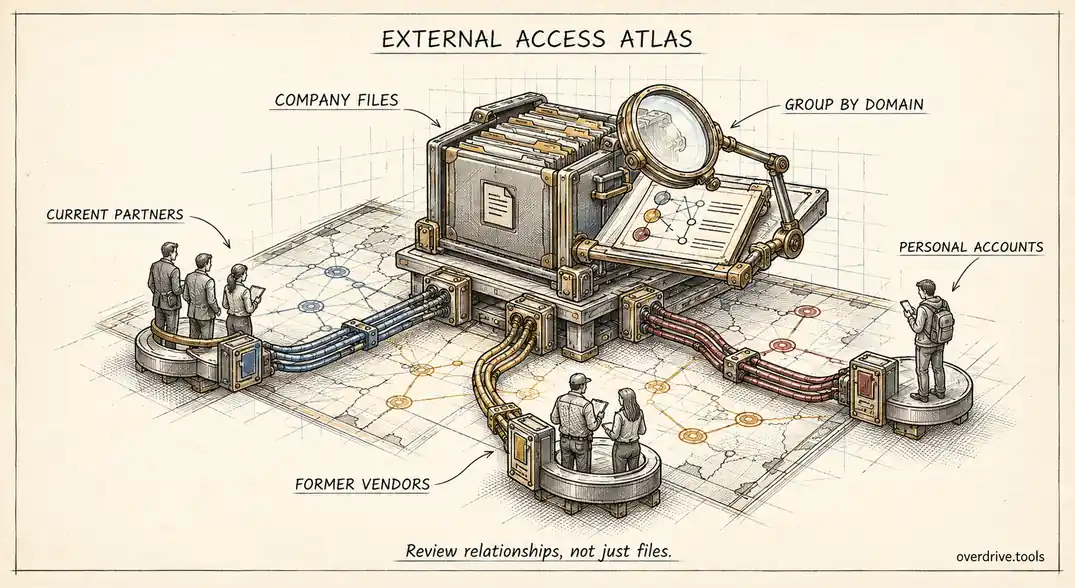
Which Outside Domains Can Access Your Company Drive?
Most Workspace admins can't name every outside company with access to their Drive files. Here's how to build that list and decide which domains to trust.
Read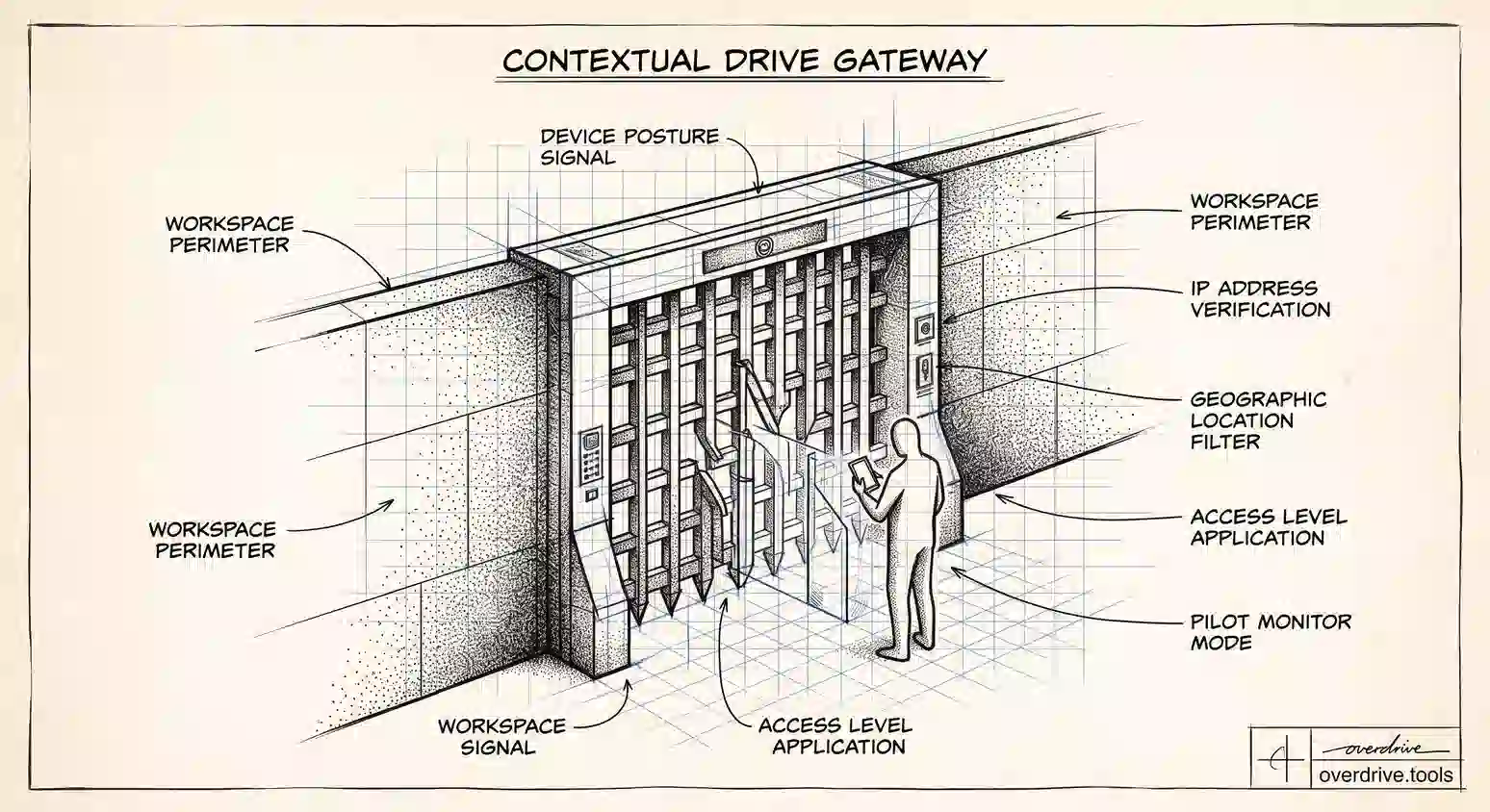
Context-Aware Access for Google Drive: Admin Guide
Context-Aware Access lets Workspace admins gate Drive by device, location, and IP. Here's how to set it up, and which editions actually include it.
Read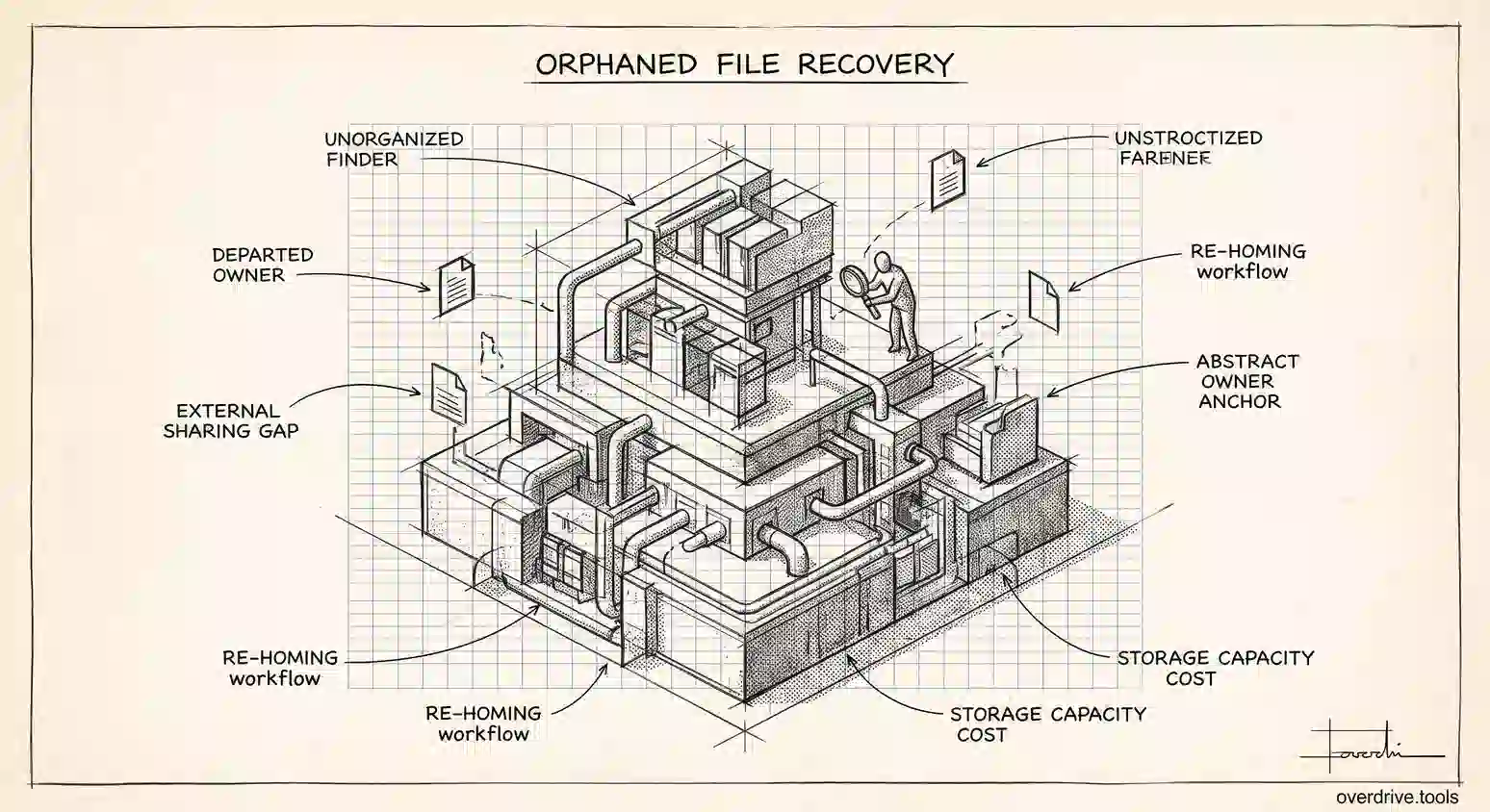
How to Find Orphaned Files in Google Workspace
Orphaned Drive files have no owner and no folder, so nobody finds them by accident. Here's how admins locate them and bring them back under control.
Read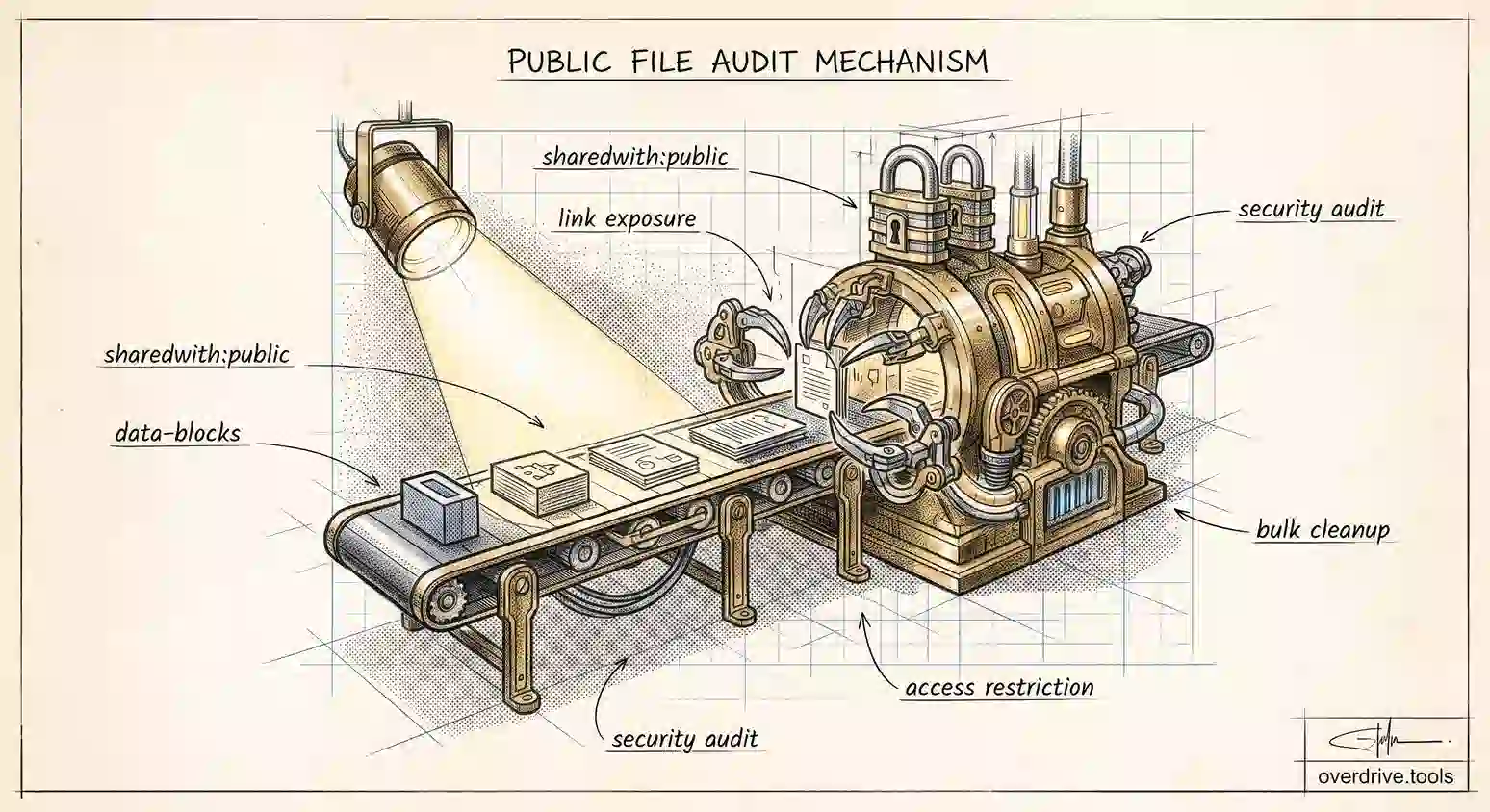
How to Find Public Files in Your Google Drive
Google Drive has a search operator that lists every public file you own in seconds. Here's how to run it, read the results, and fix what turns up.
Read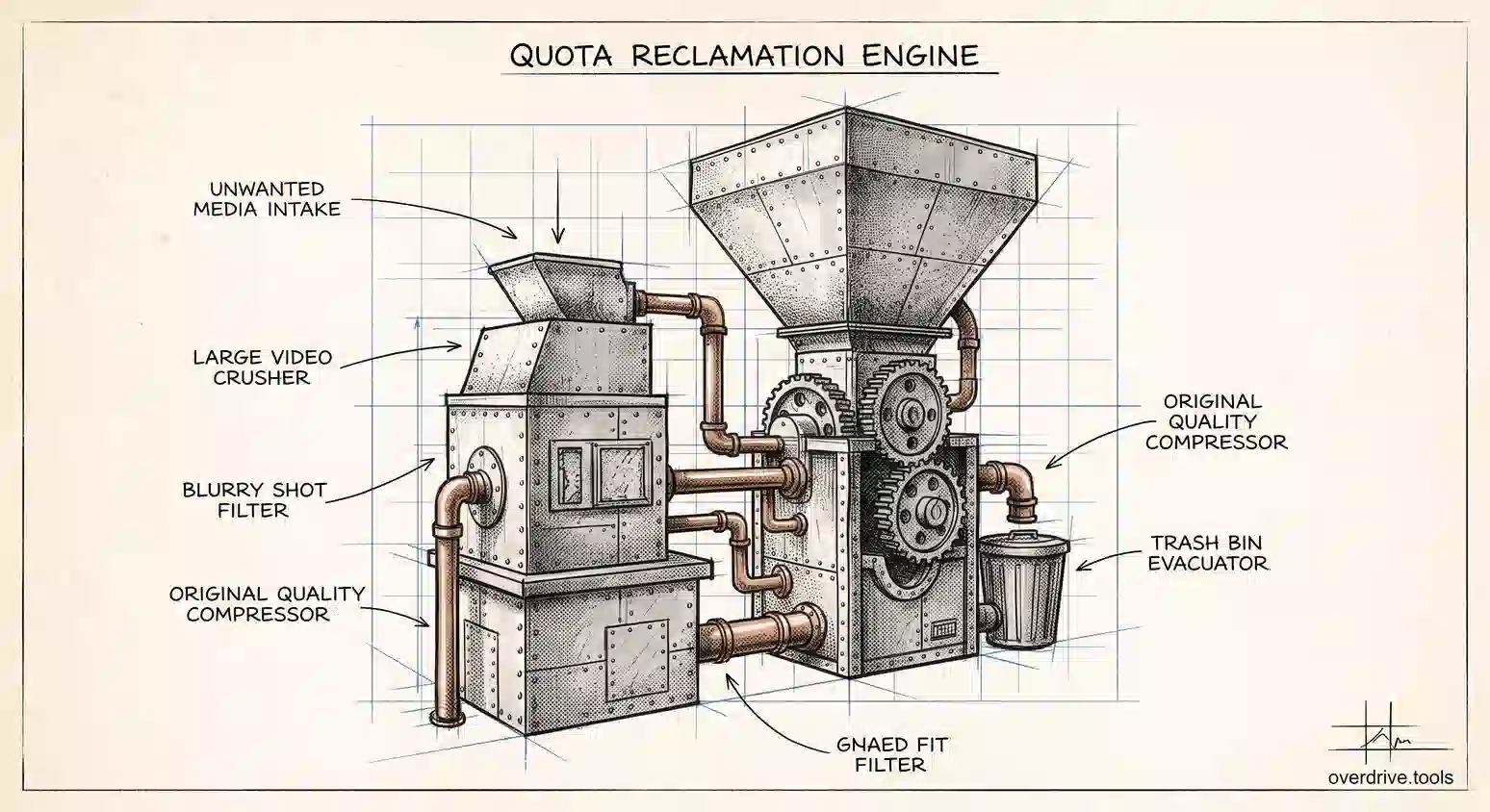
How to Free Up Google Photos Storage Fast
Google Photos is usually the biggest drain on your Google storage. Here's how to reclaim gigabytes from it without deleting the photos you care about.
Read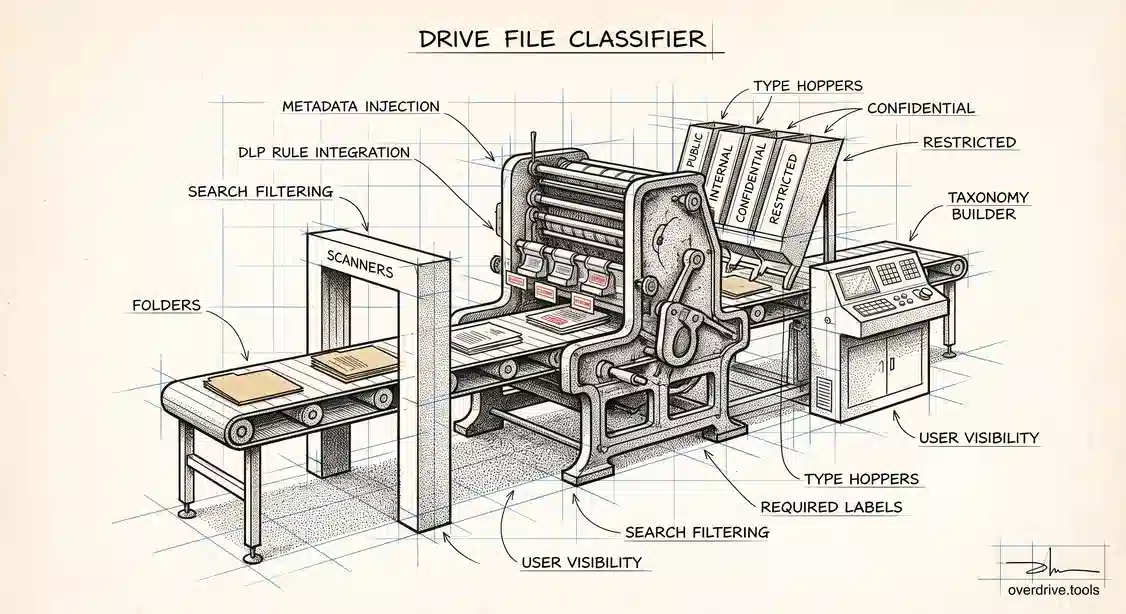
Google Drive Labels: How to Classify Files
Drive labels let Workspace admins tag files by sensitivity and build DLP policy on them. Here's how to set them up, and where classification pays off.
Read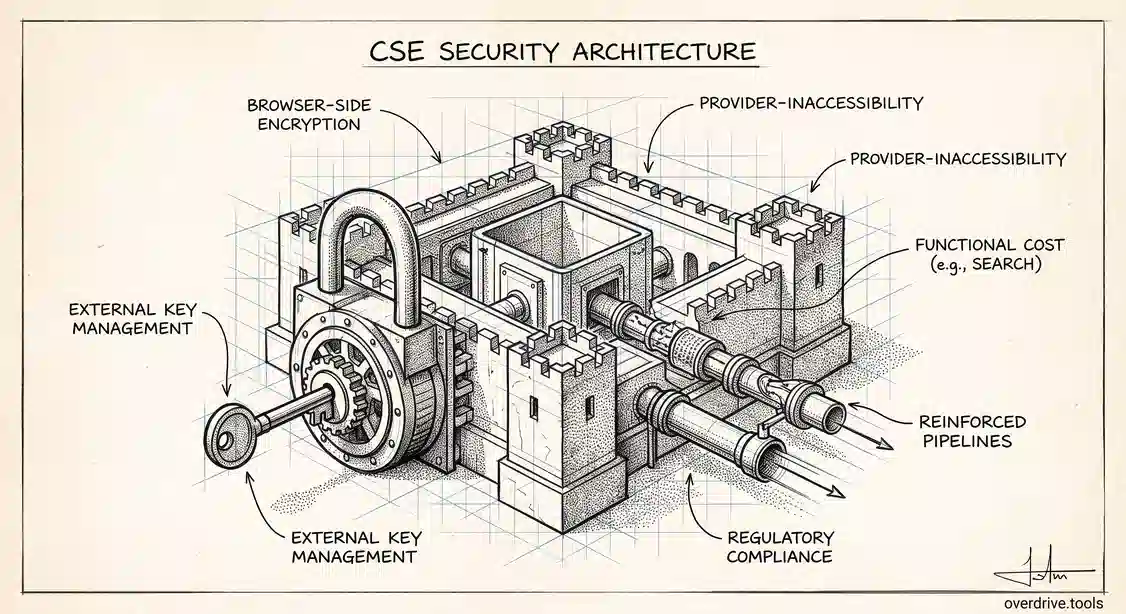
Google Workspace Client-Side Encryption Explained
Client-side encryption puts your organization in control of the keys to its Drive files. Here's what it protects, what it costs you, and who needs it.
Read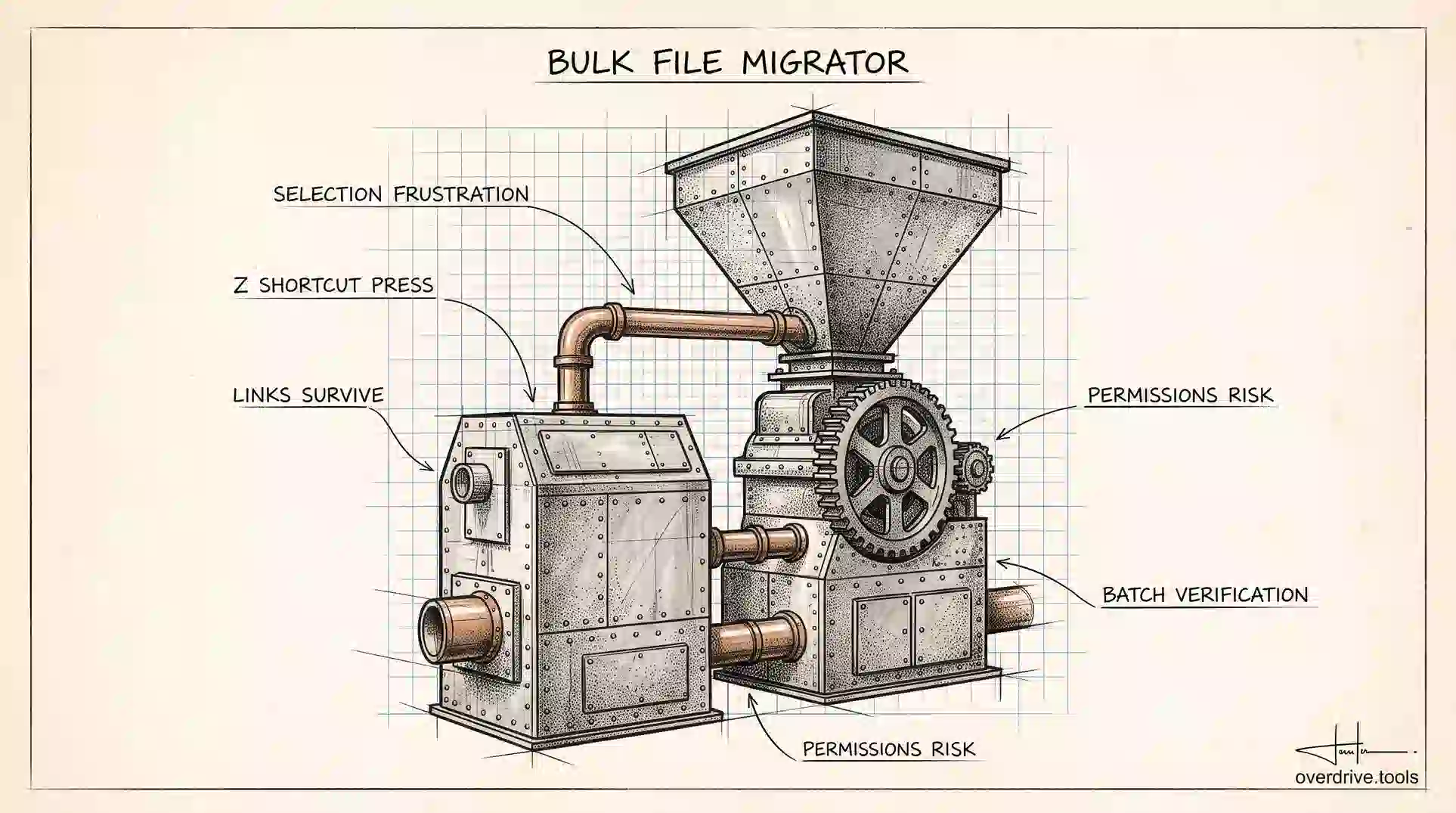
How to Move Google Drive Files in Bulk
Moving hundreds of Google Drive files at once is possible, but the method matters. Here's how to do it without breaking links or losing anything.
Read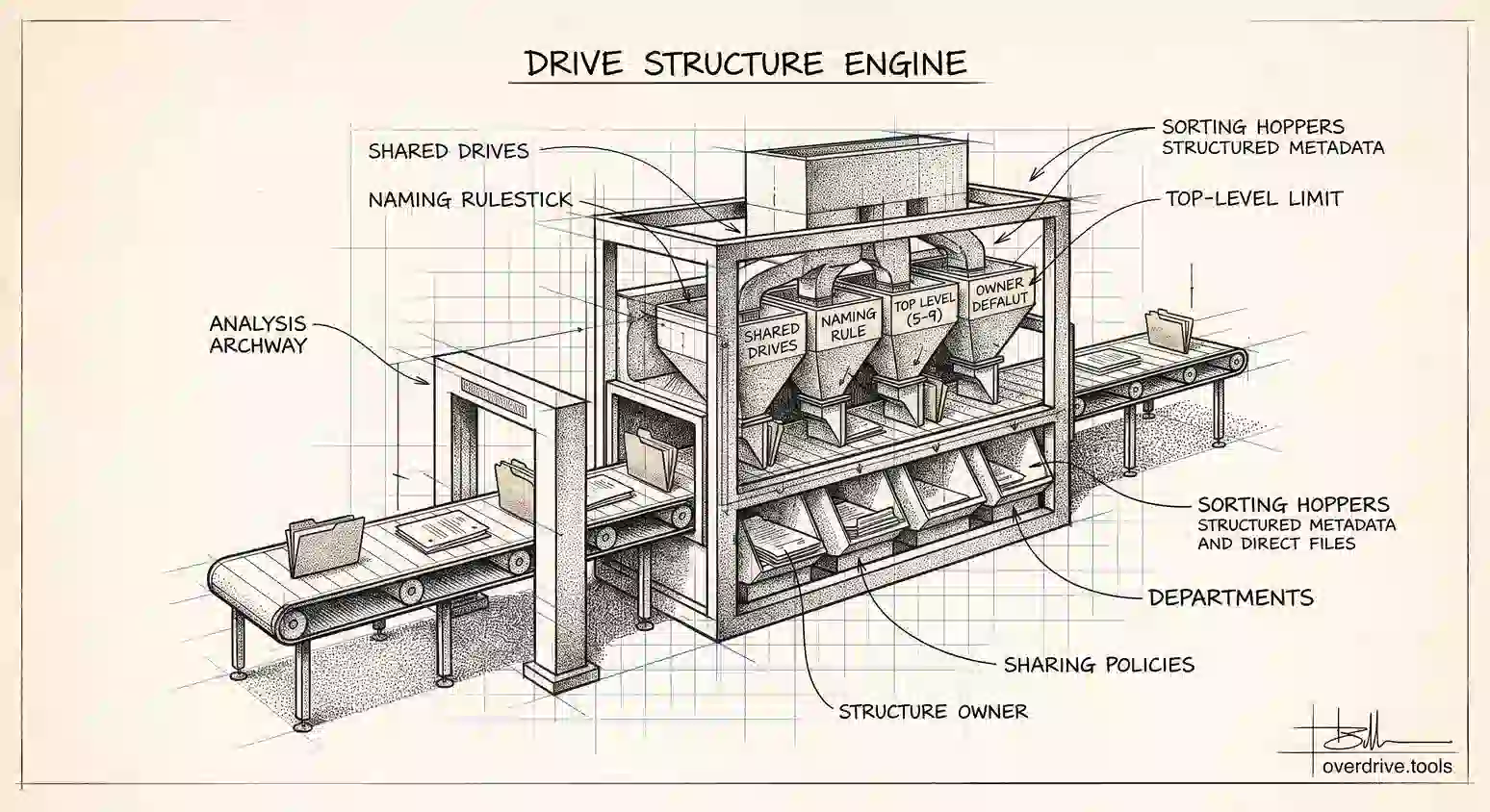
How to Organize Google Drive for a Small Business
A small team's Drive gets messy because nobody owns the structure. Here's a system that survives new hires, departures, and a few years of growth.
Read
How to Recover Permanently Deleted Google Drive Files
Emptied the trash or missed the 30-day window? There are still a few ways to get a Google Drive file back. Here's each one, in order of odds.
Read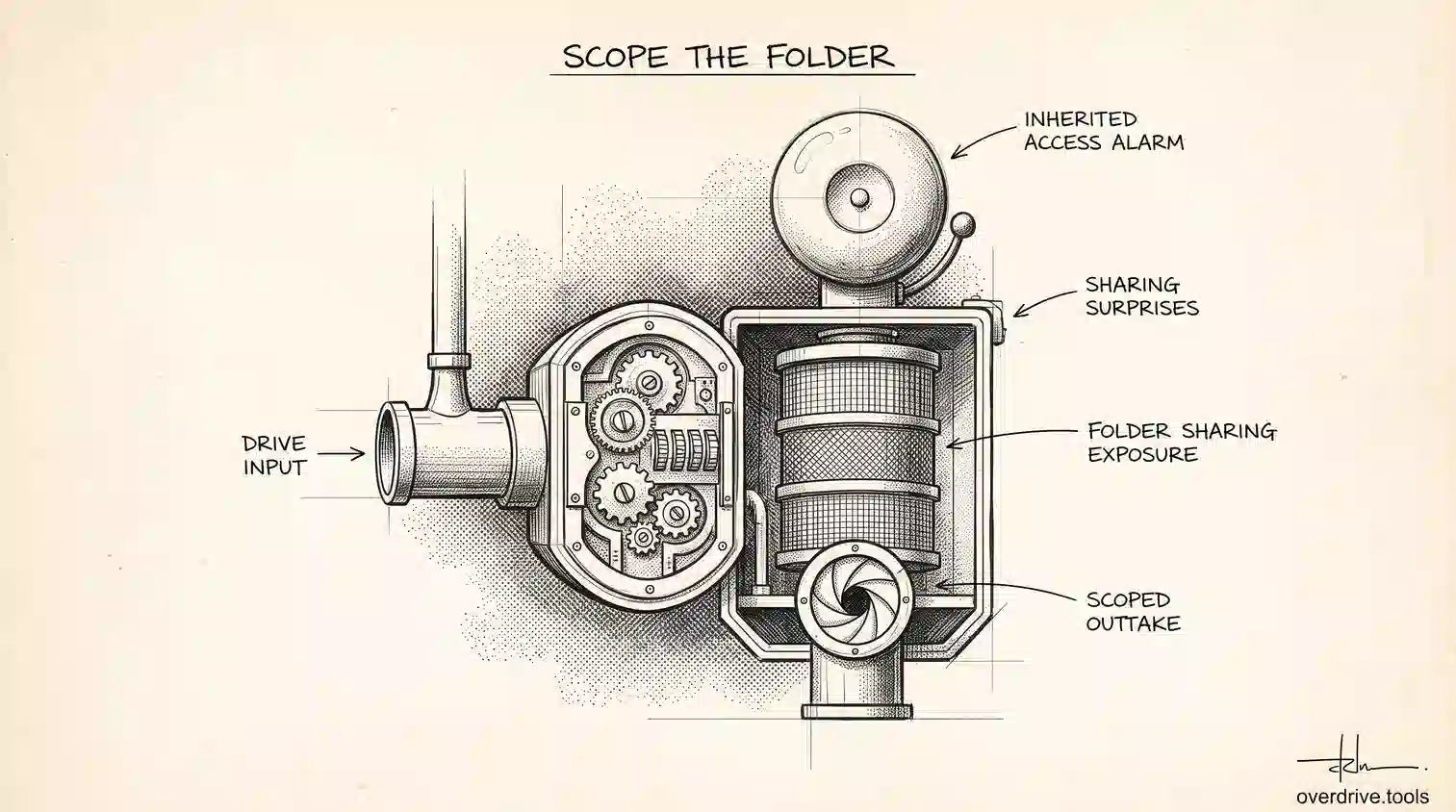
How to Share One Folder, Not Your Whole Drive
Sharing a Google Drive folder can expose more than you intended. Here's how folder access really works, and how to share exactly one thing safely.
Read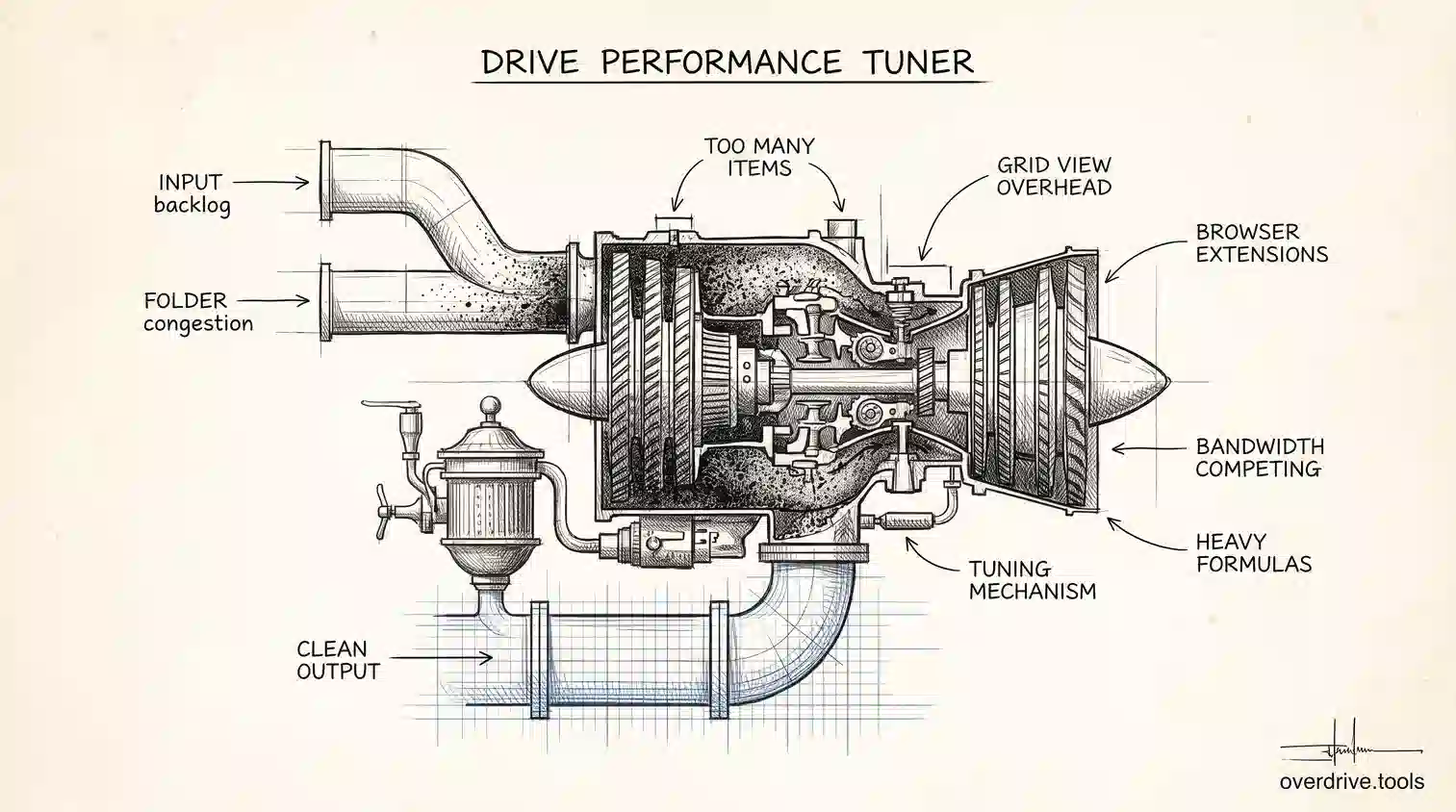
Why Is Google Drive So Slow? How to Speed It Up
Google Drive slows down for reasons that have little to do with your internet speed. Here's what's actually causing it and how to fix each one.
Read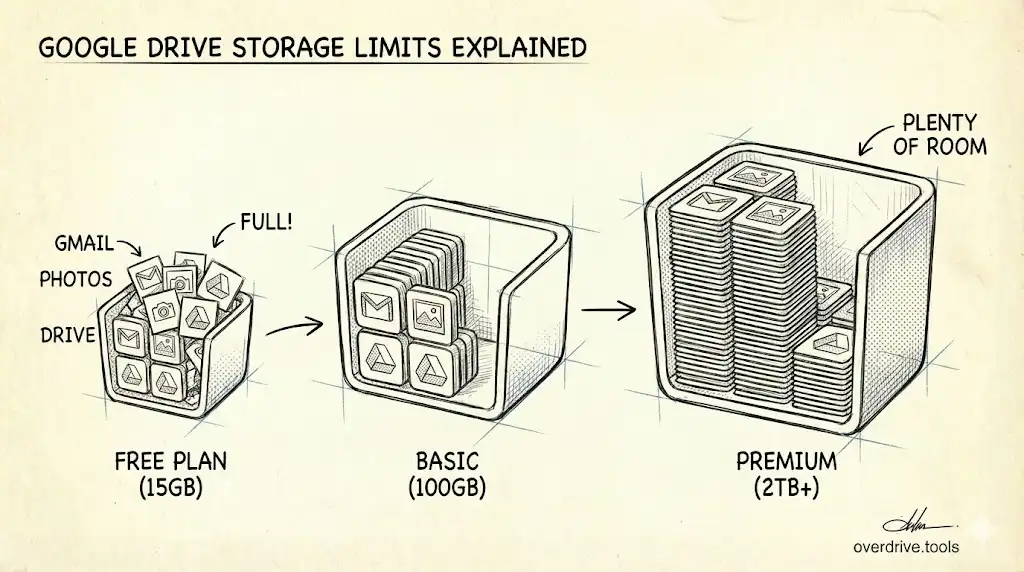
Google Drive Free Storage Limit in 2026: What Changed
Google cut free storage to 5 GB by default in May 2026, with 15 GB unlocked by phone number. Here's the new limit and what counts against it.
Read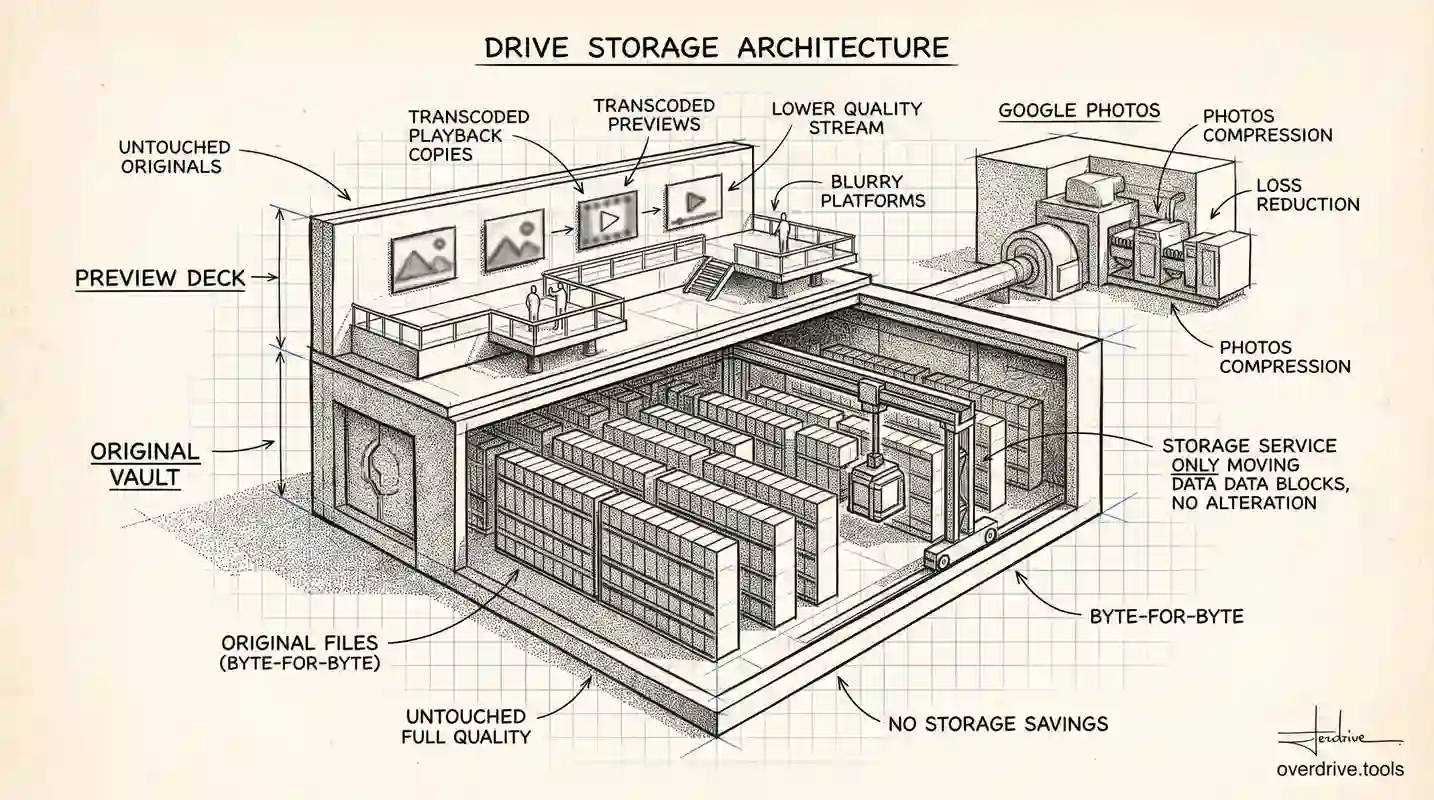
Does Google Drive Compress Your Files?
Google Drive doesn't compress files you upload, but the preview you see is a lower-quality copy. Here's what's really stored, and where quality is lost.
Read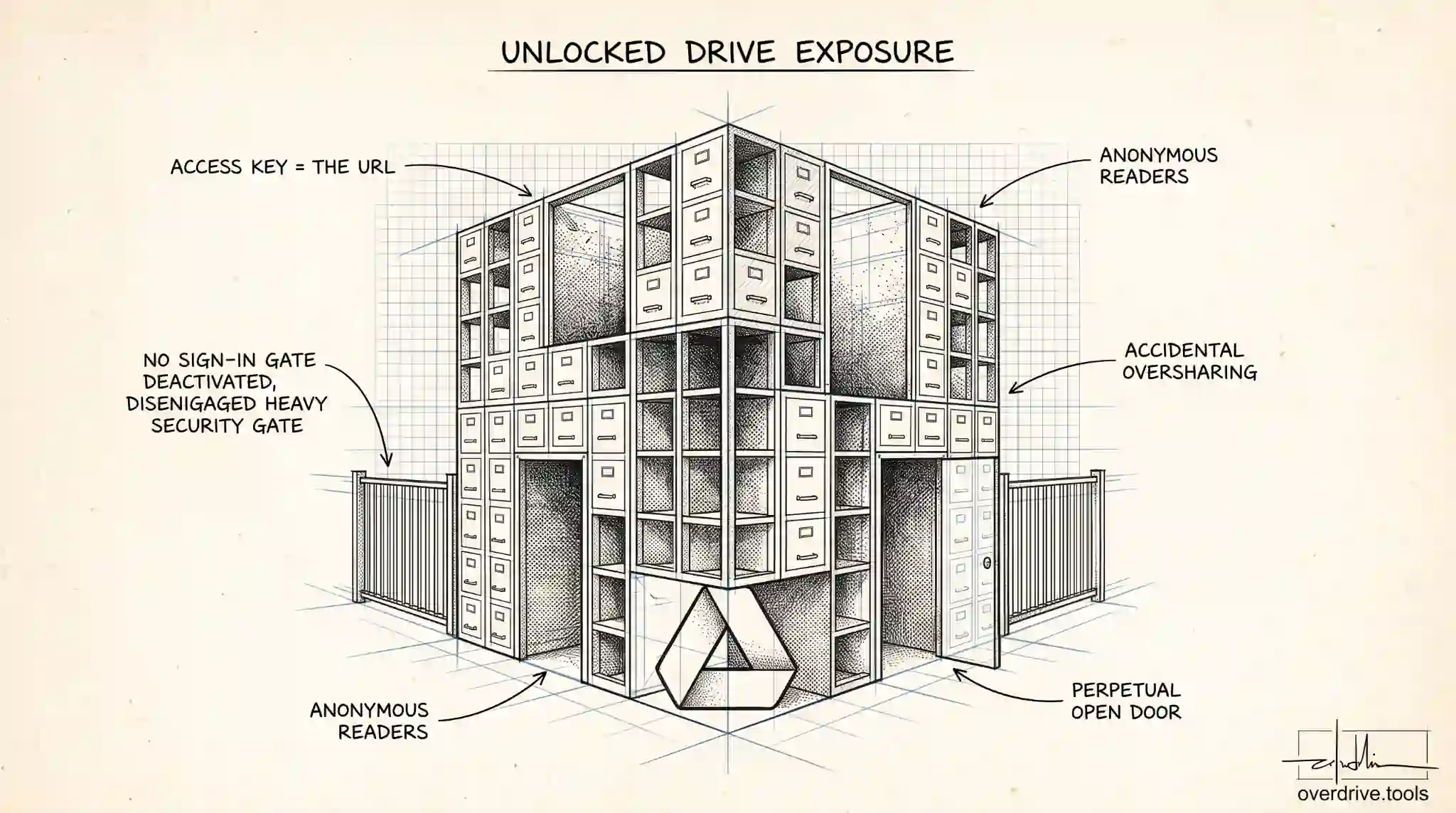
"Anyone With the Link" in Google Drive: What It Means
"Anyone with the link" in Google Drive lets anyone with the URL open your file without signing in. Here's what it really means and who can see it.
Read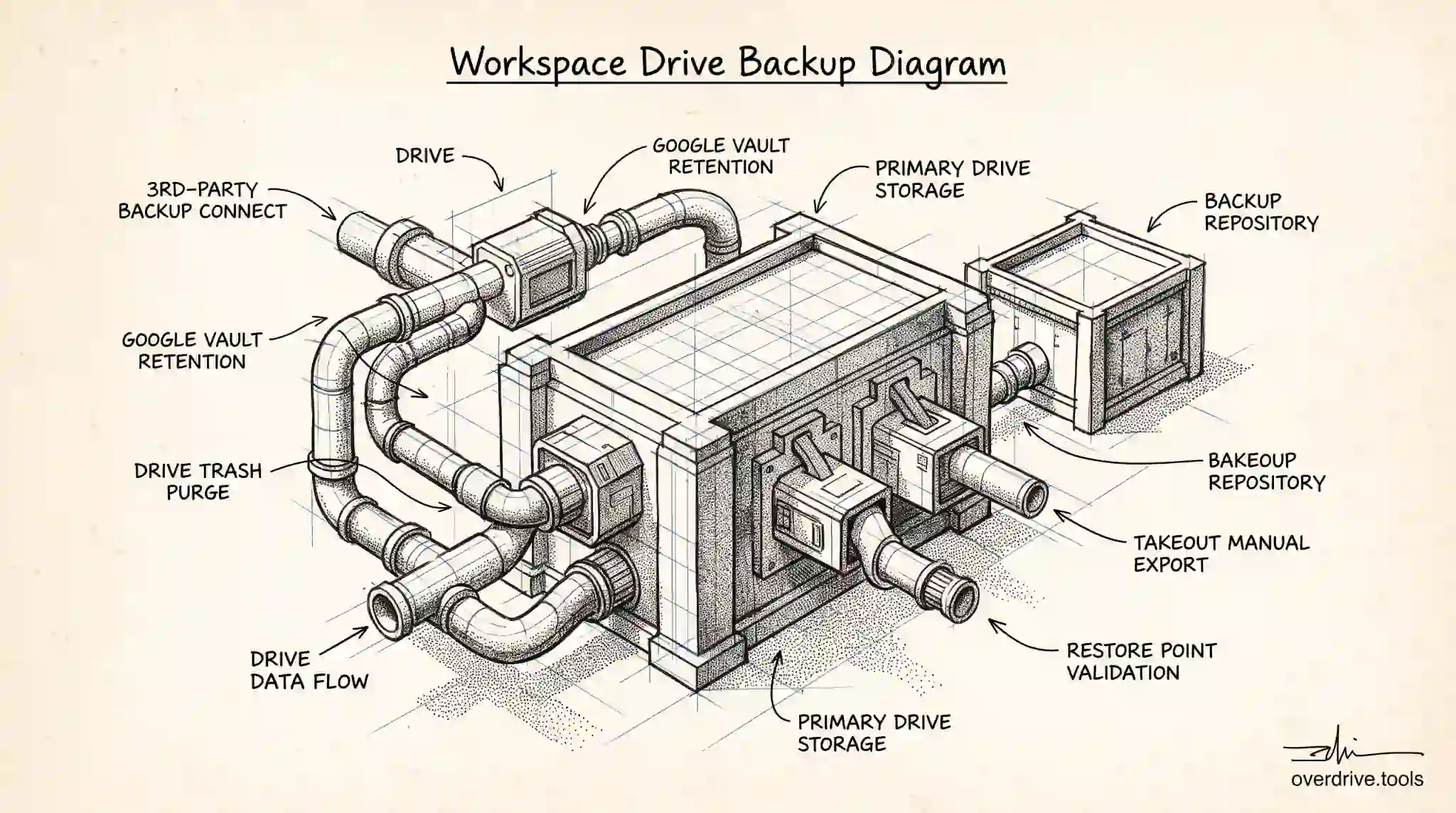
How to Back Up Google Workspace Drive Data
Google Workspace doesn't back up Drive data the way admins assume. Here's how backup really works, the options available, and what each one misses.
Read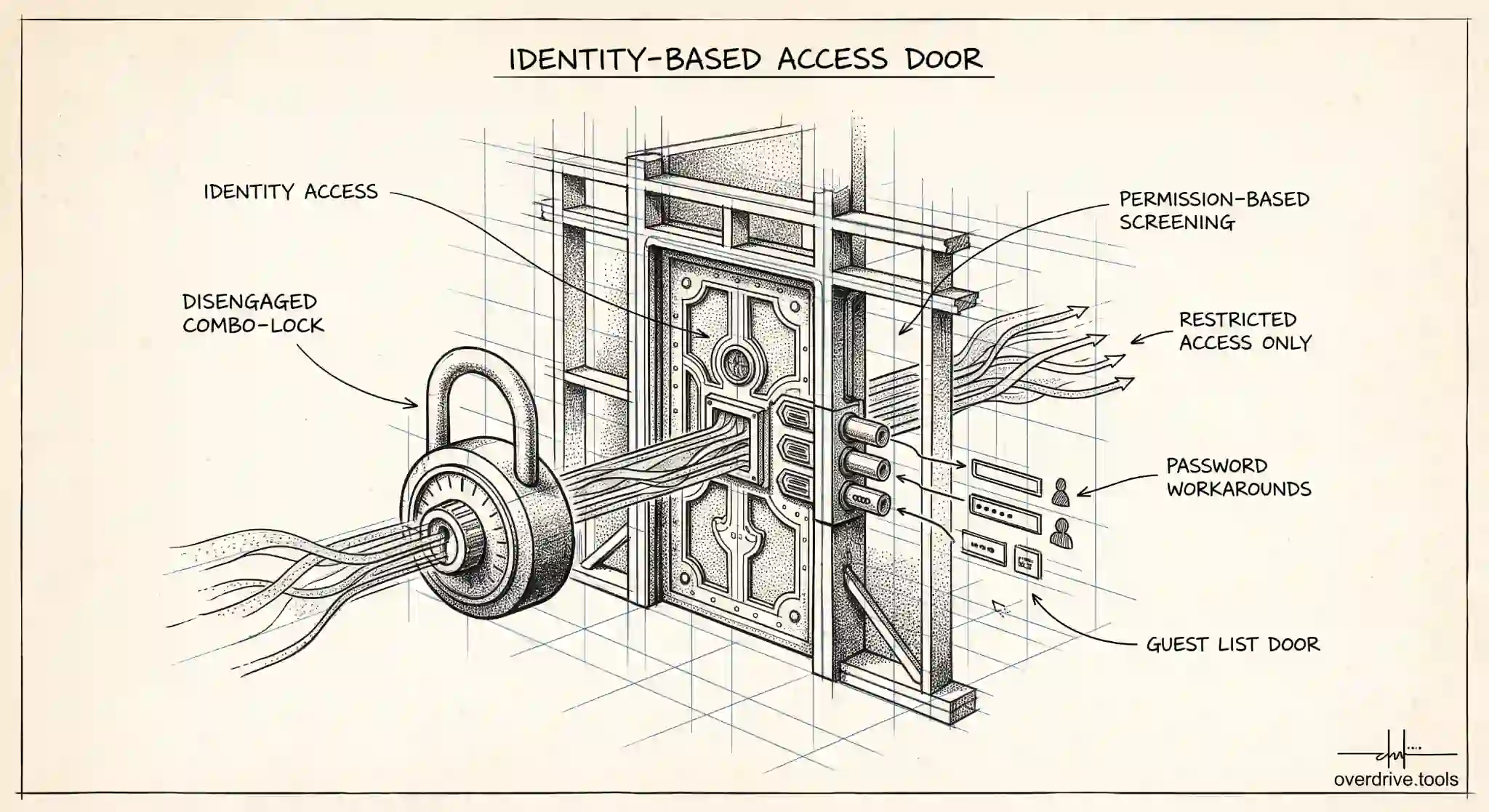
Can You Password Protect a Google Drive Folder?
Google Drive has no built-in password for folders. Here's why, what actually protects your files instead, and the workarounds for true password protection.
Read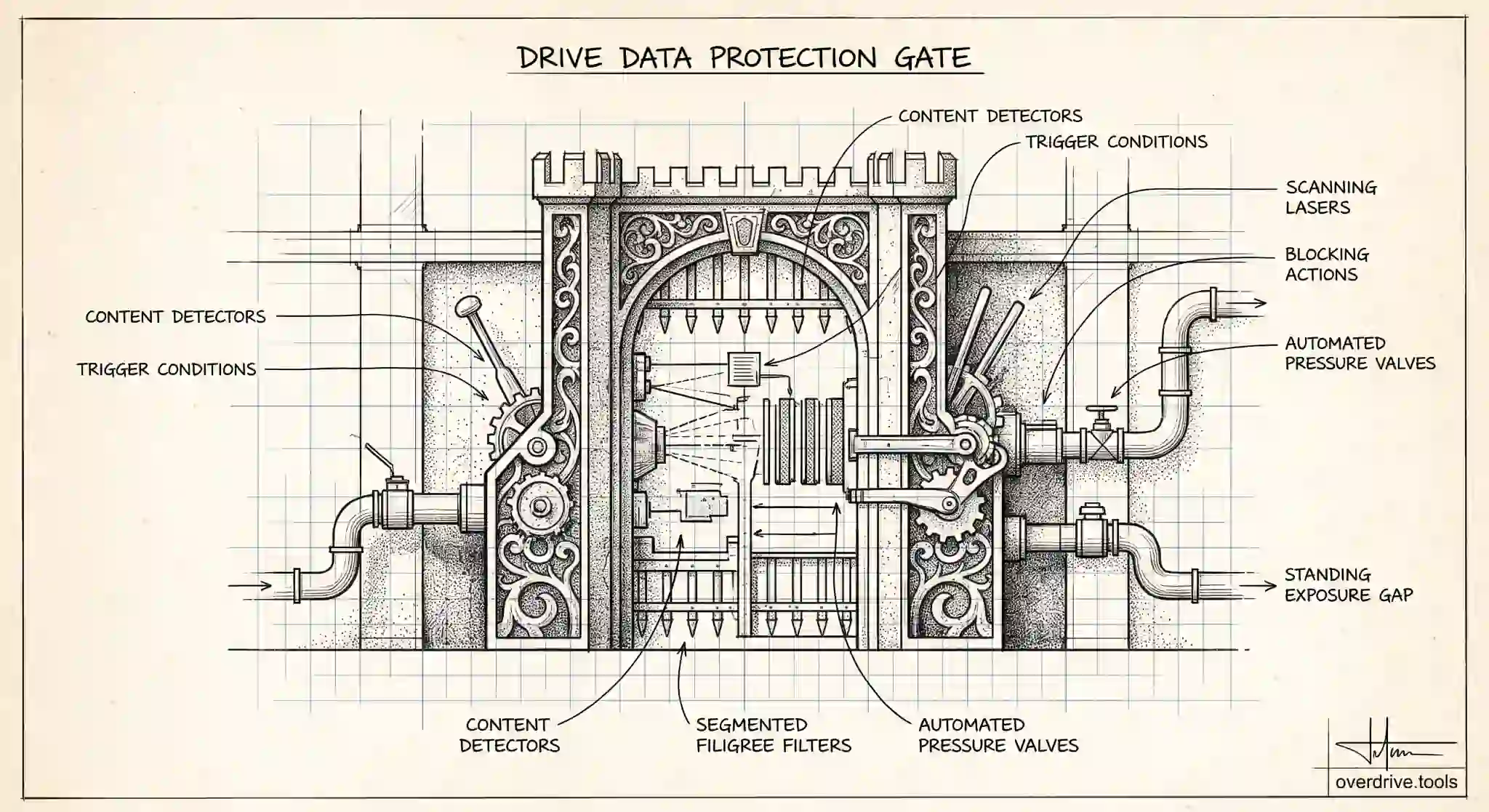
How to Set Up DLP Rules for Google Drive
DLP rules for Google Drive automatically detect and block sensitive data from being shared. Here's how admins set them up, and which editions include DLP.
Read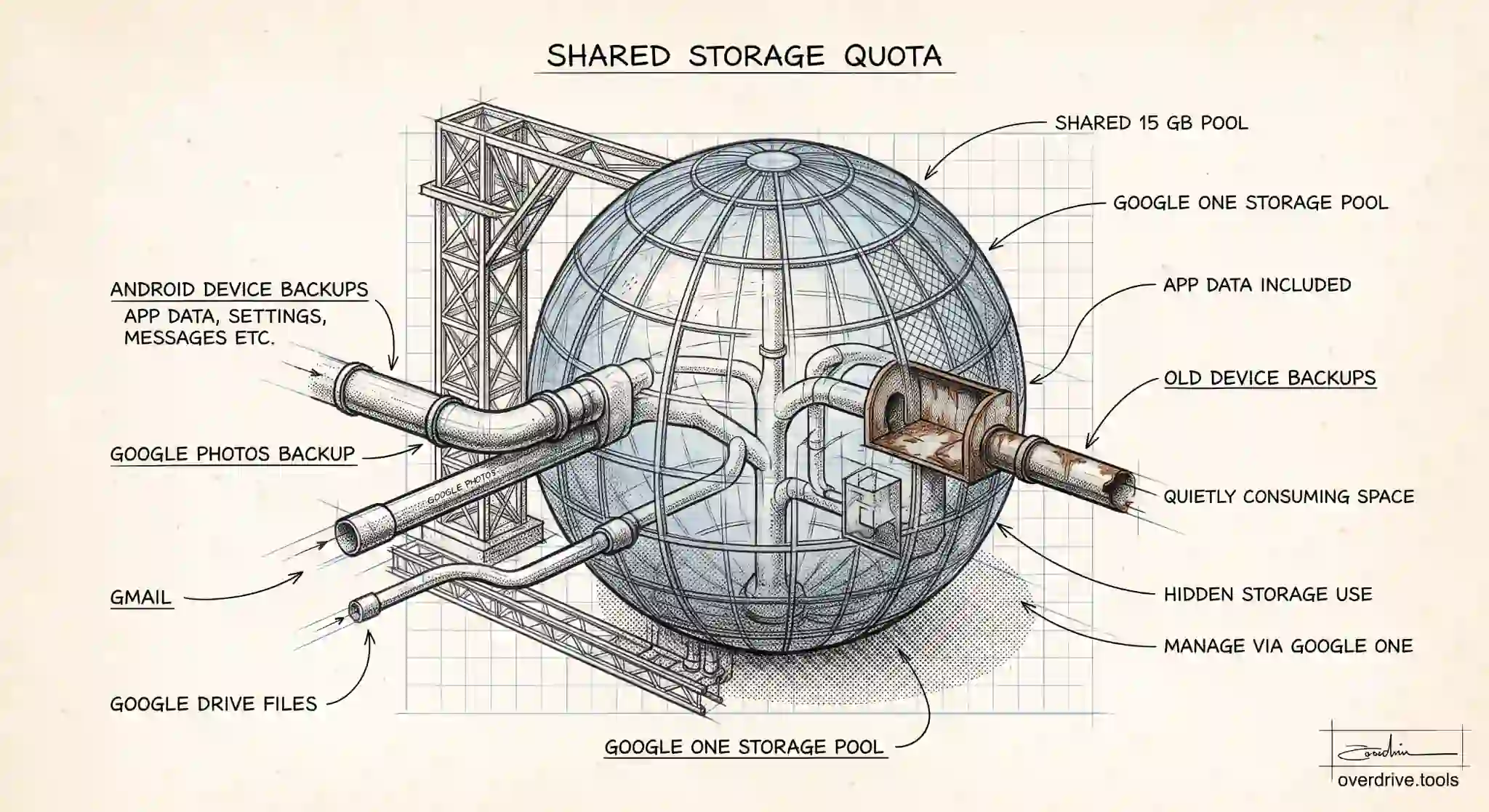
Does Android Backup Use Google Drive Storage?
Yes, Android device backups count against your Google storage, shared with Drive, Gmail, and Photos. Here's what they include and how to control the space.
Read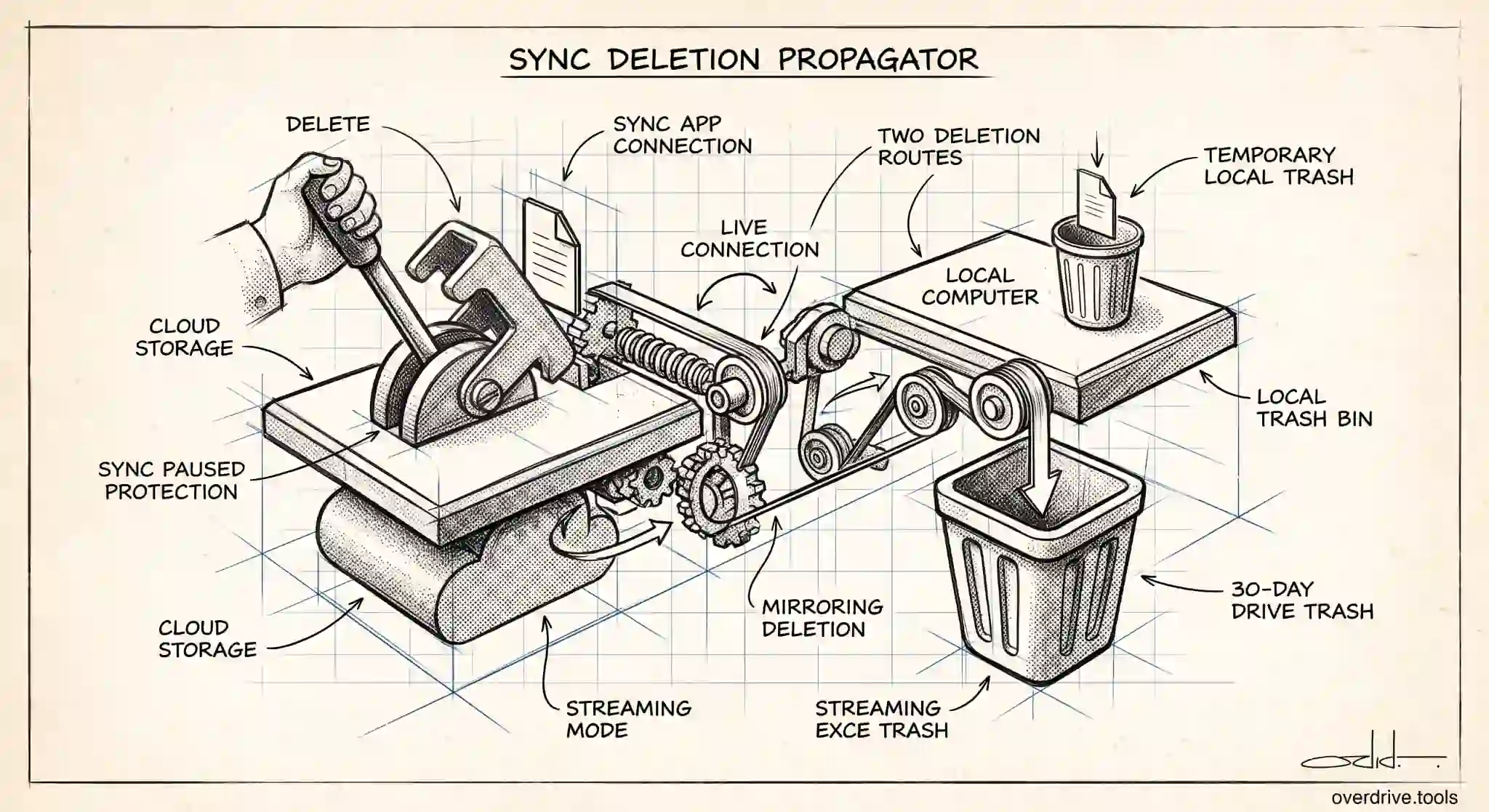
Does Deleting From Google Drive Delete From Computer?
With Drive for Desktop, deleting a synced file from Google Drive also removes it from your computer. Here's when that happens and how to stay safe.
Read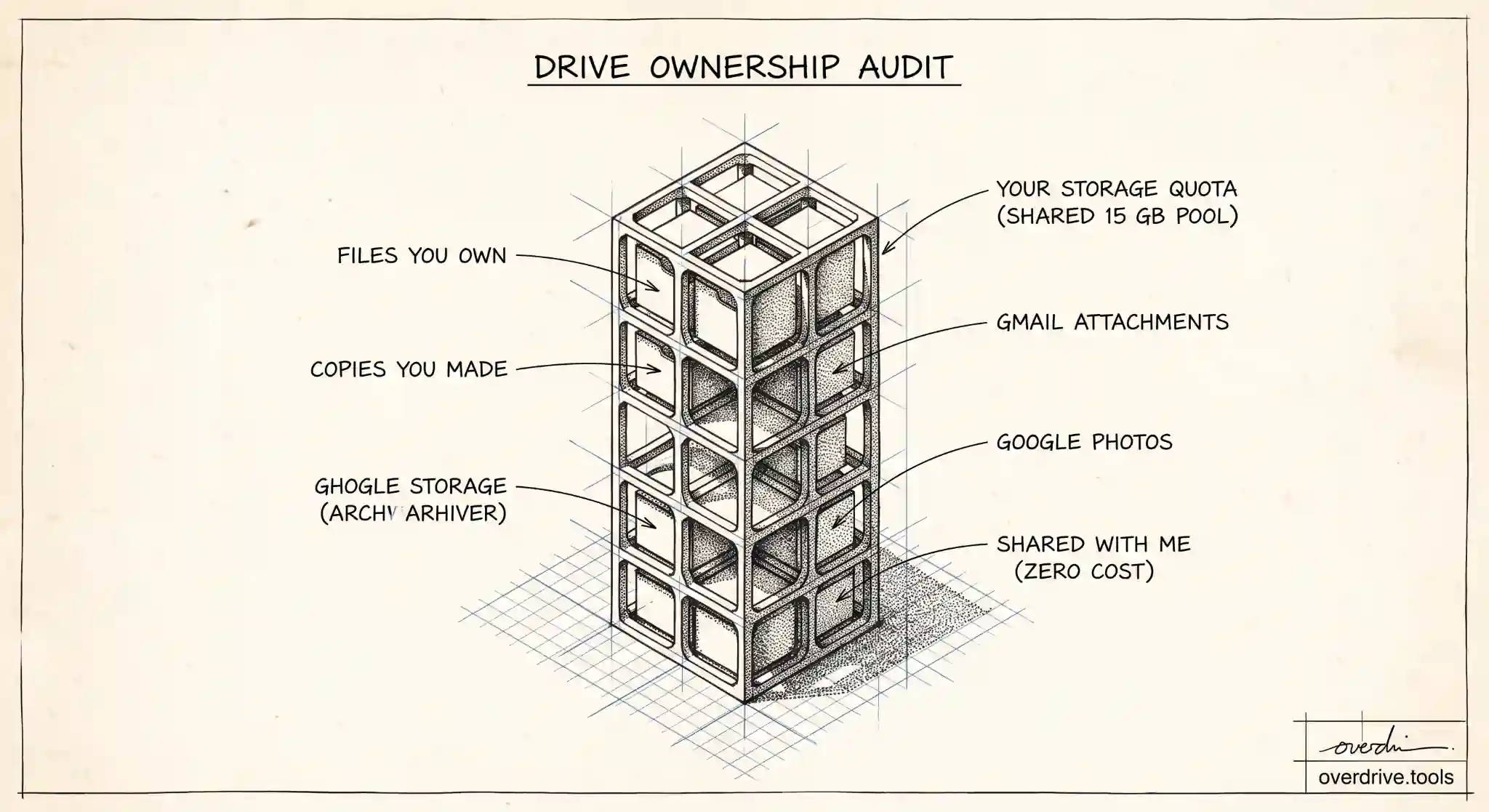
Does "Shared With Me" Use Google Drive Storage?
Files in "Shared with me" don't count against your Google Drive storage. Only files you own do. Here's how it works and the one exception to watch for.
Read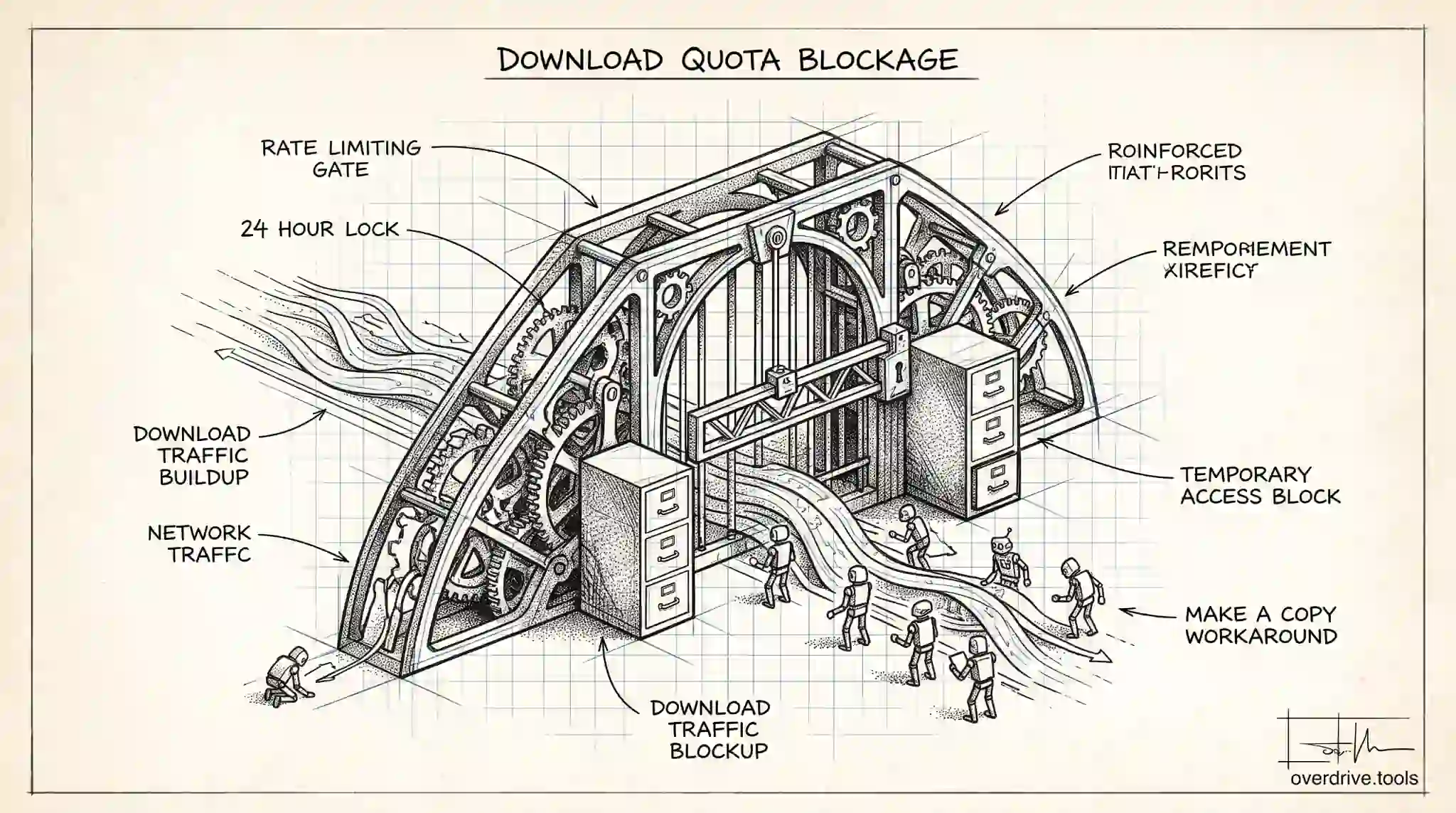
Google Drive Download Quota Exceeded: How to Fix It
"Download quota exceeded" in Google Drive means a file was downloaded too many times in 24 hours. Here's why it happens and how to get the file anyway.
Read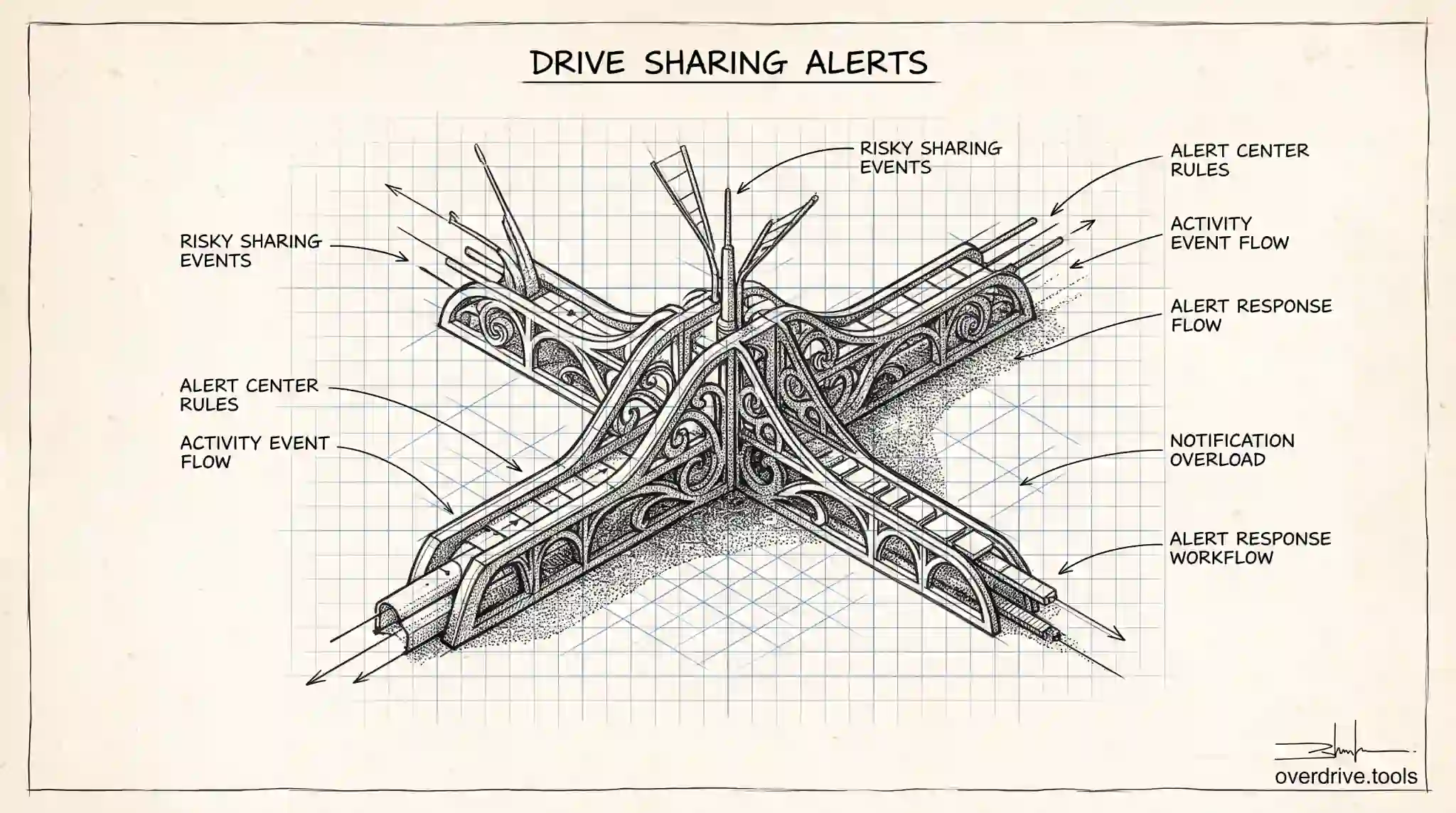
How to Set Up Drive Sharing Alerts in Google Workspace
Google Workspace can alert admins when Drive files are shared in risky ways. Here's how to set up sharing alerts, and where their real limits are.
Read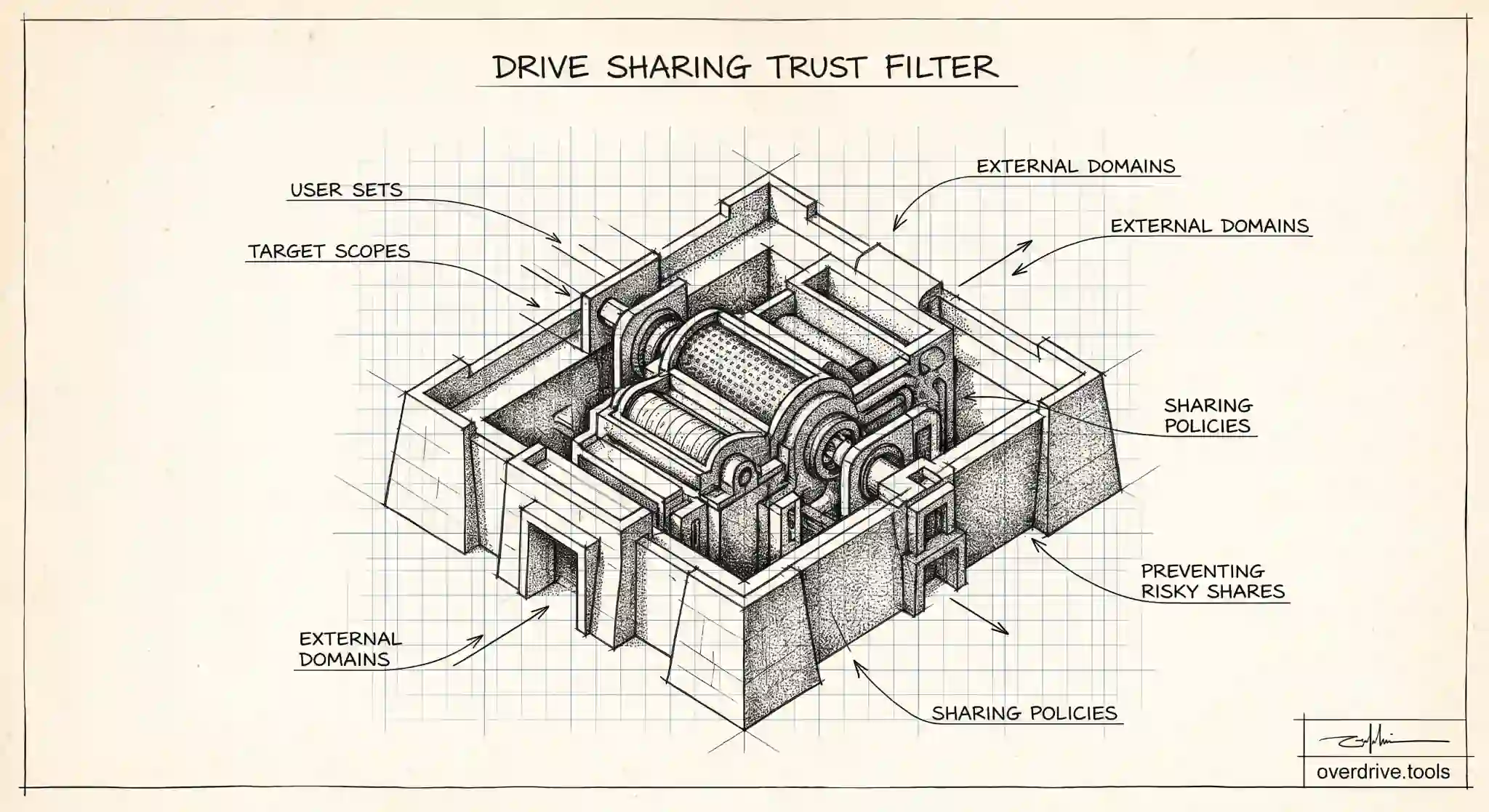
Google Drive Trust Rules Explained
Trust rules give admins granular control over who can share Drive files with whom. Here's how they work, which editions have them, and how to use them.
Read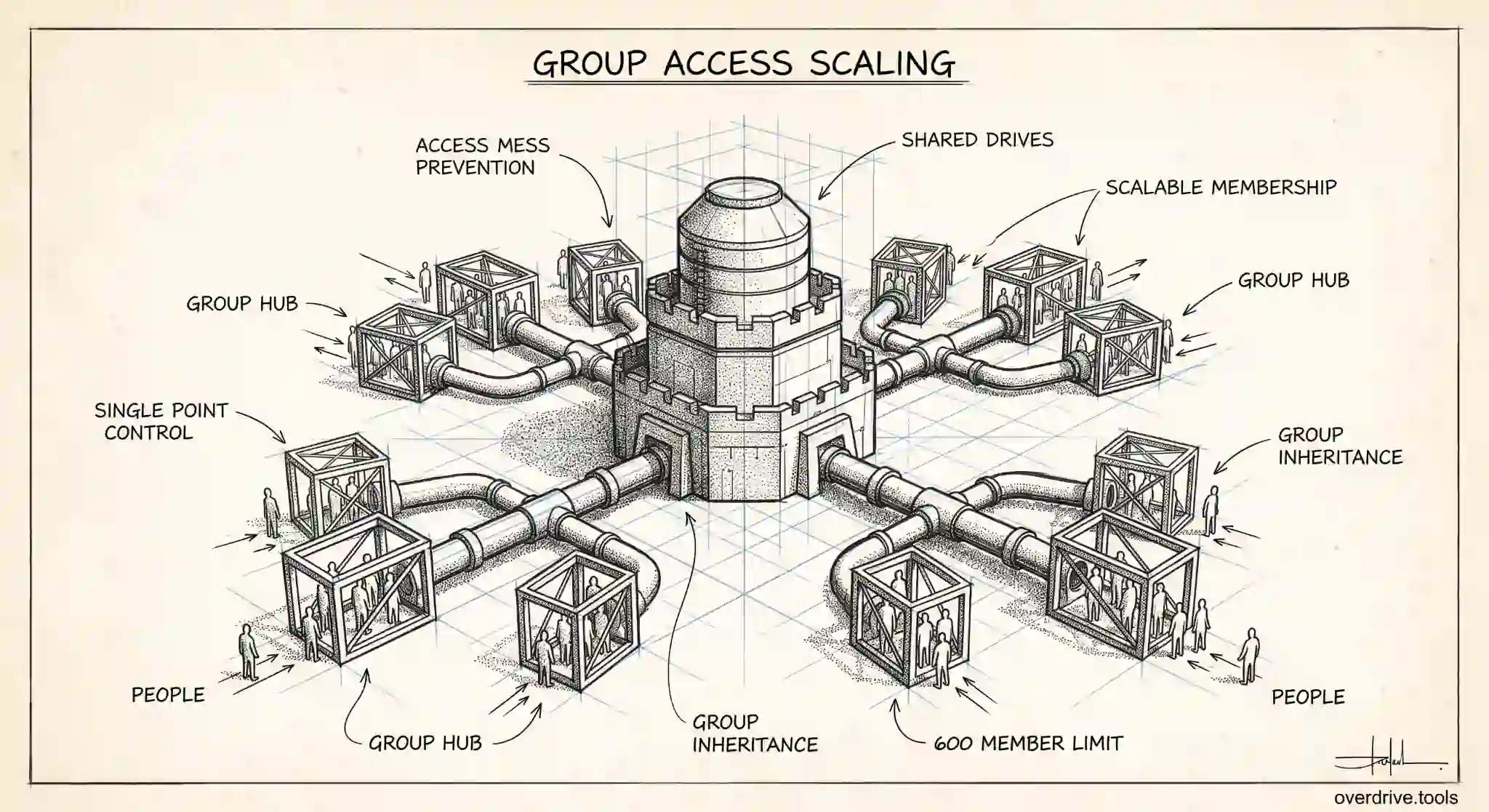
How to Use Google Groups with Shared Drives
Managing shared drive access with Google Groups scales better than adding people one by one. Here's how admins set it up, and the limits to plan around.
Read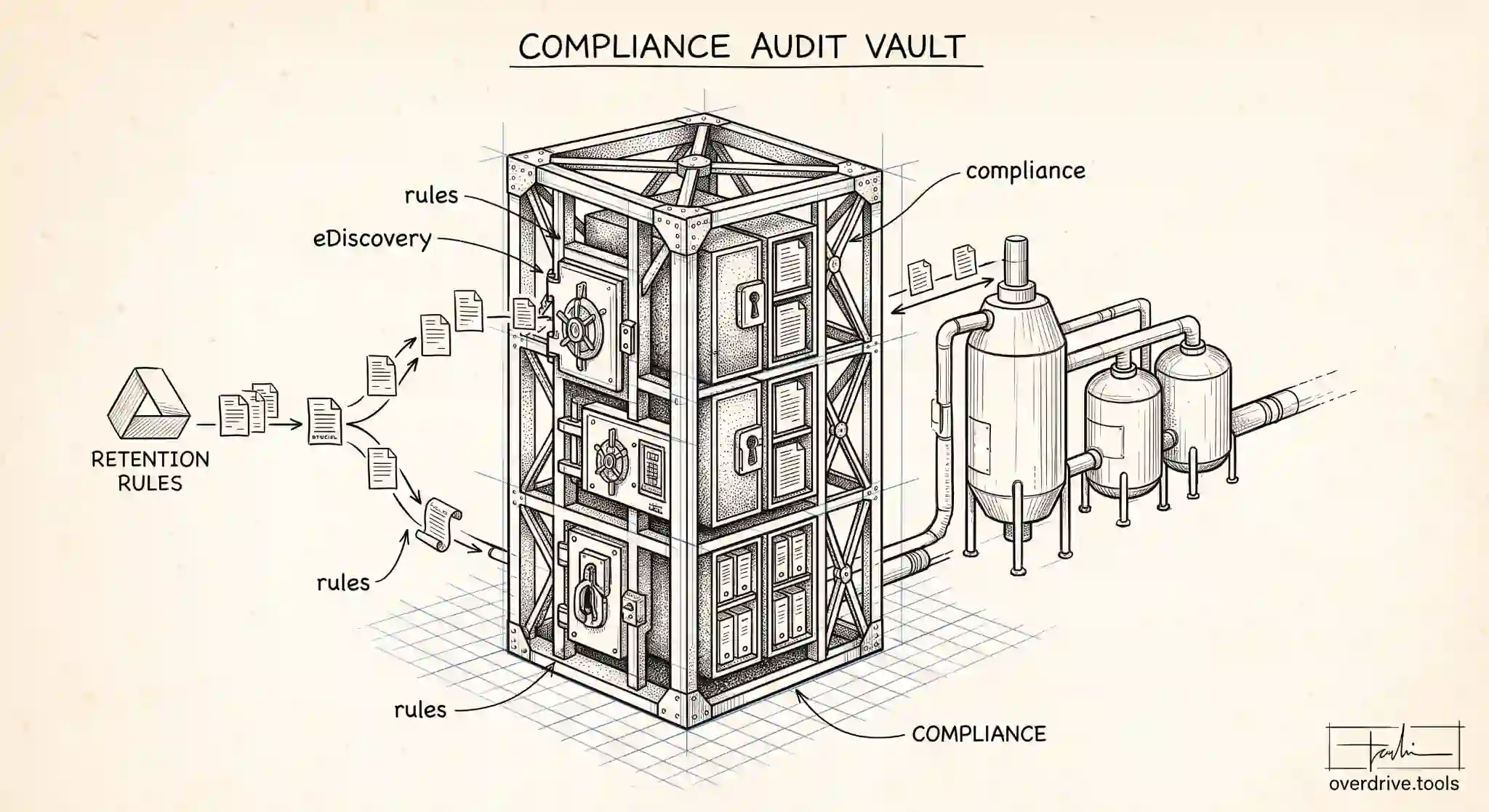
Google Vault and Drive: What Admins Need to Know
Google Vault handles retention, holds, and eDiscovery for Drive, but it's not a backup. Here's what Vault does for Drive data, and what it doesn't.
Read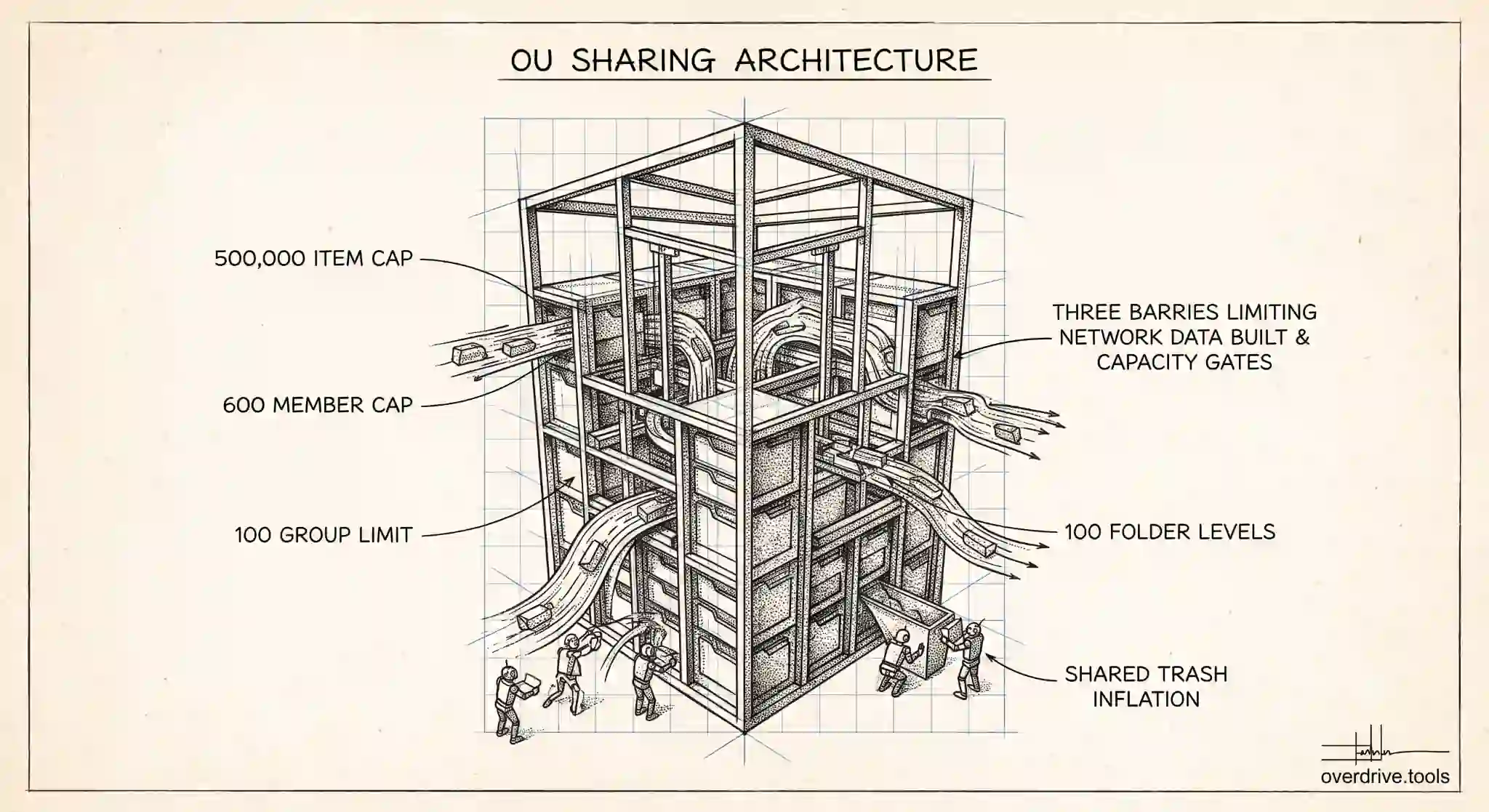
Google Workspace Sharing Settings by OU: Admin Guide
Google Workspace lets admins set Drive sharing rules per organizational unit. Here's how to configure sharing by OU without creating security gaps.
Read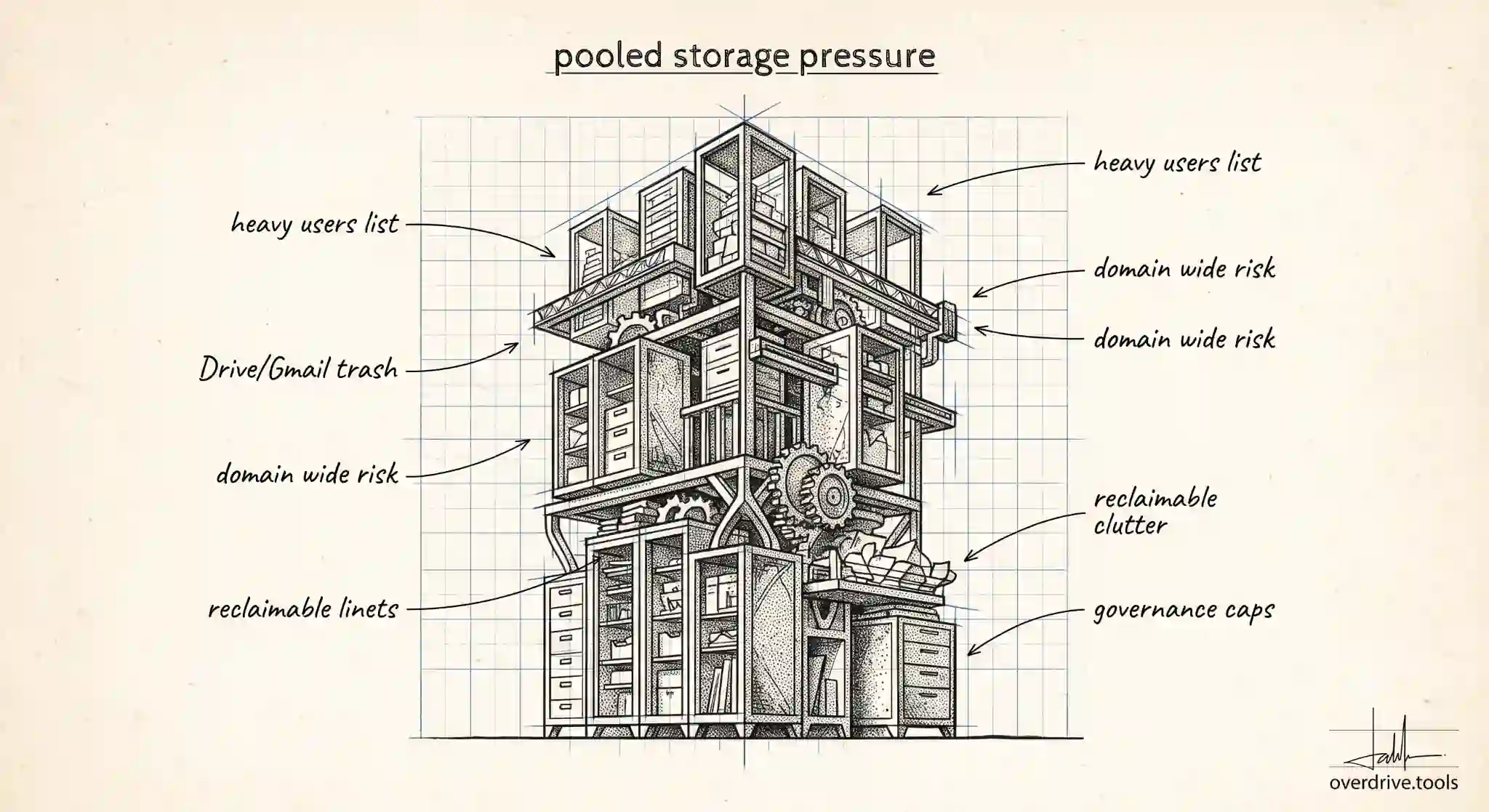
Google Workspace Storage Full: What Admins Can Do
When Google Workspace pooled storage fills up, it affects the whole domain. Here's what admins can do to free space, add capacity, and prevent a repeat.
Read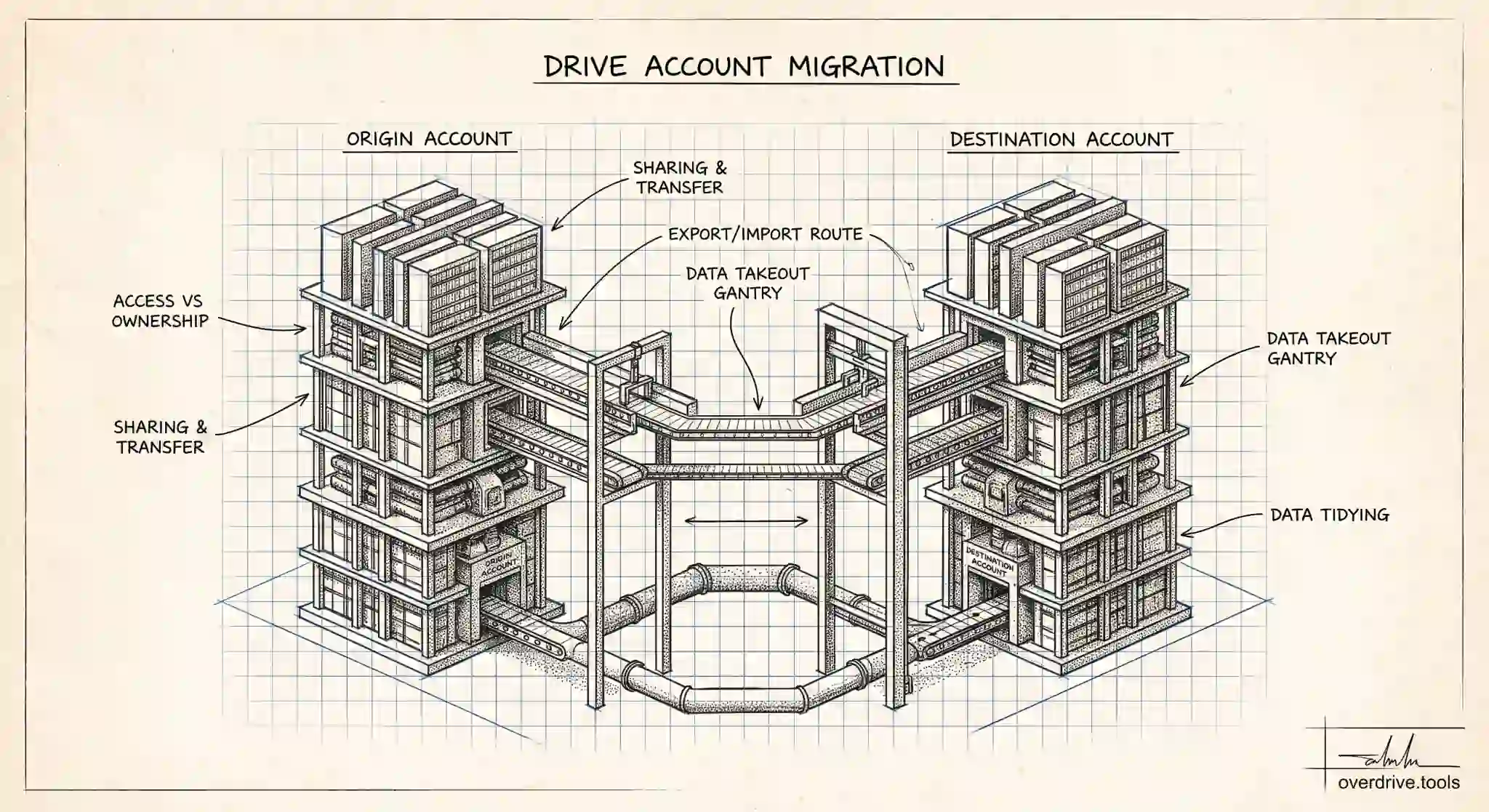
How to Transfer Google Drive to Another Account
Moving Google Drive to another account can be done by sharing, transferring ownership, or exporting. Here's each method, and which one to use when.
Read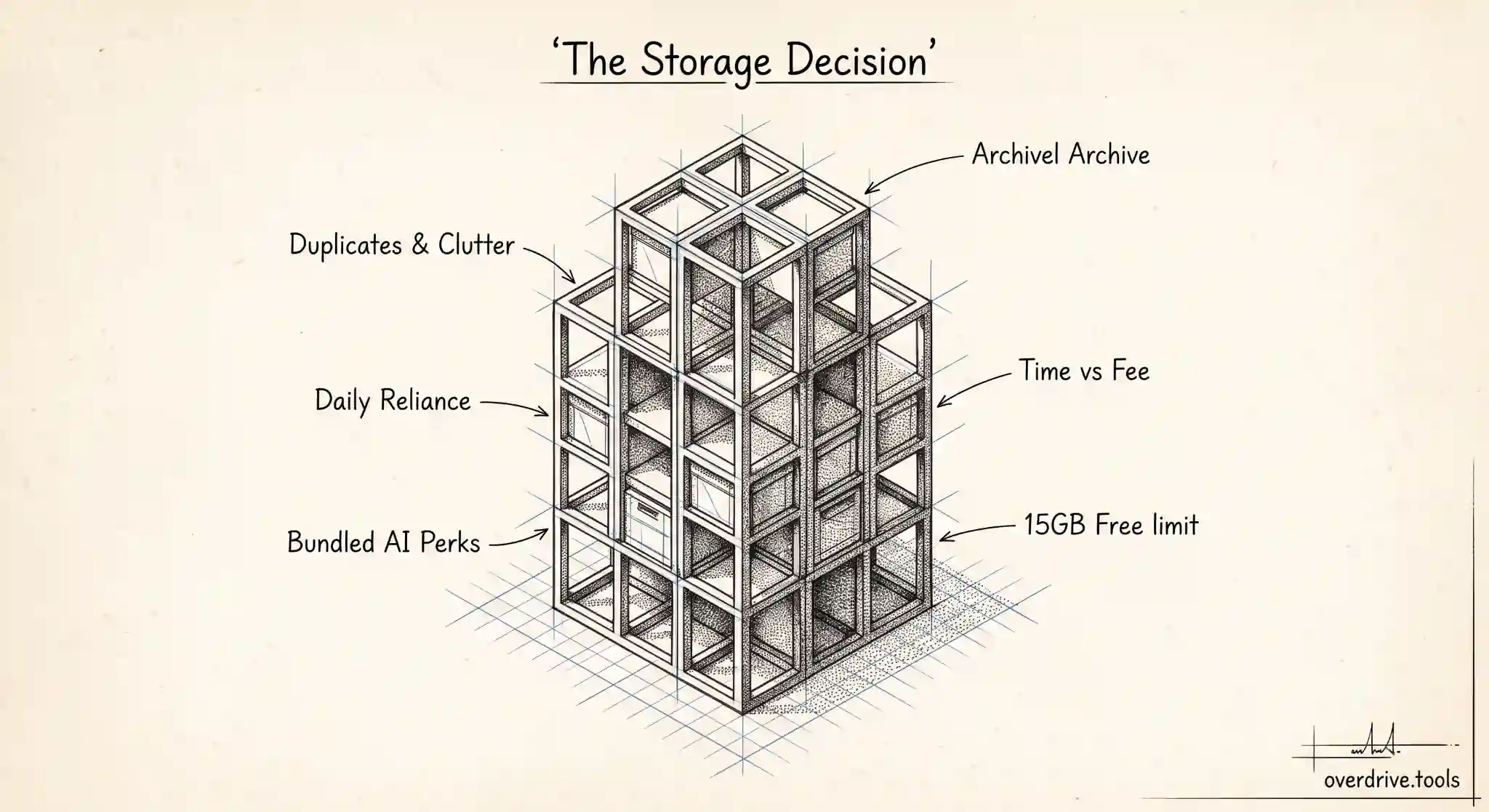
Is Google One Worth It?
Google One is worth it if you're out of free storage and use Google daily, but not always. Here's how to decide, and when to clean up instead.
Read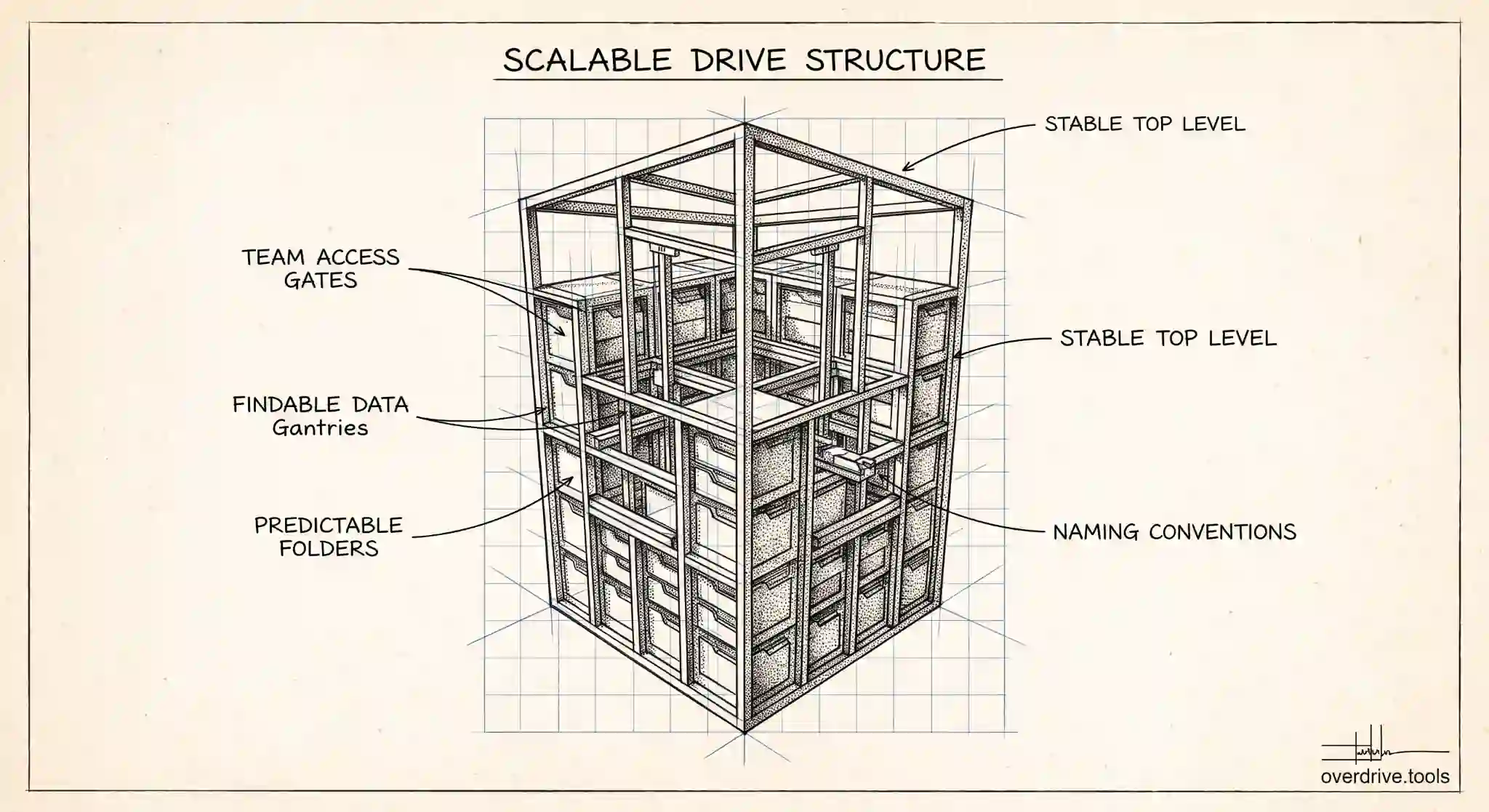
Shared Drive Folder Structure: Best Practices for Teams
A good shared drive folder structure keeps team files findable and access simple. Here's how admins design one that scales, and the mistakes to avoid.
Read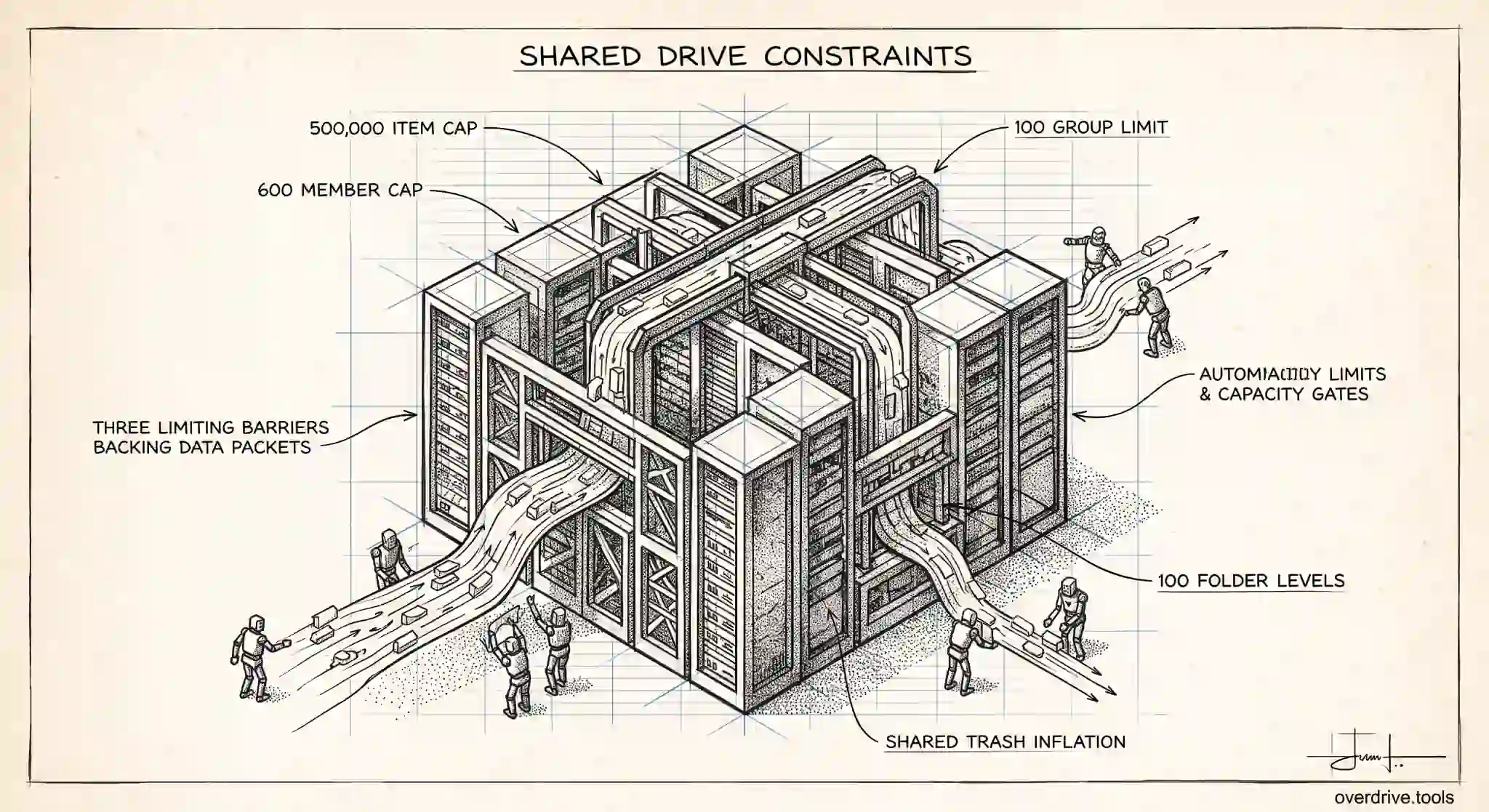
Shared Drive Limits: Files, Members, and Storage
Google shared drives cap out at 500,000 items, 600 members, and 100 folder levels. Here's what each limit means for admins, and how to design around them.
Read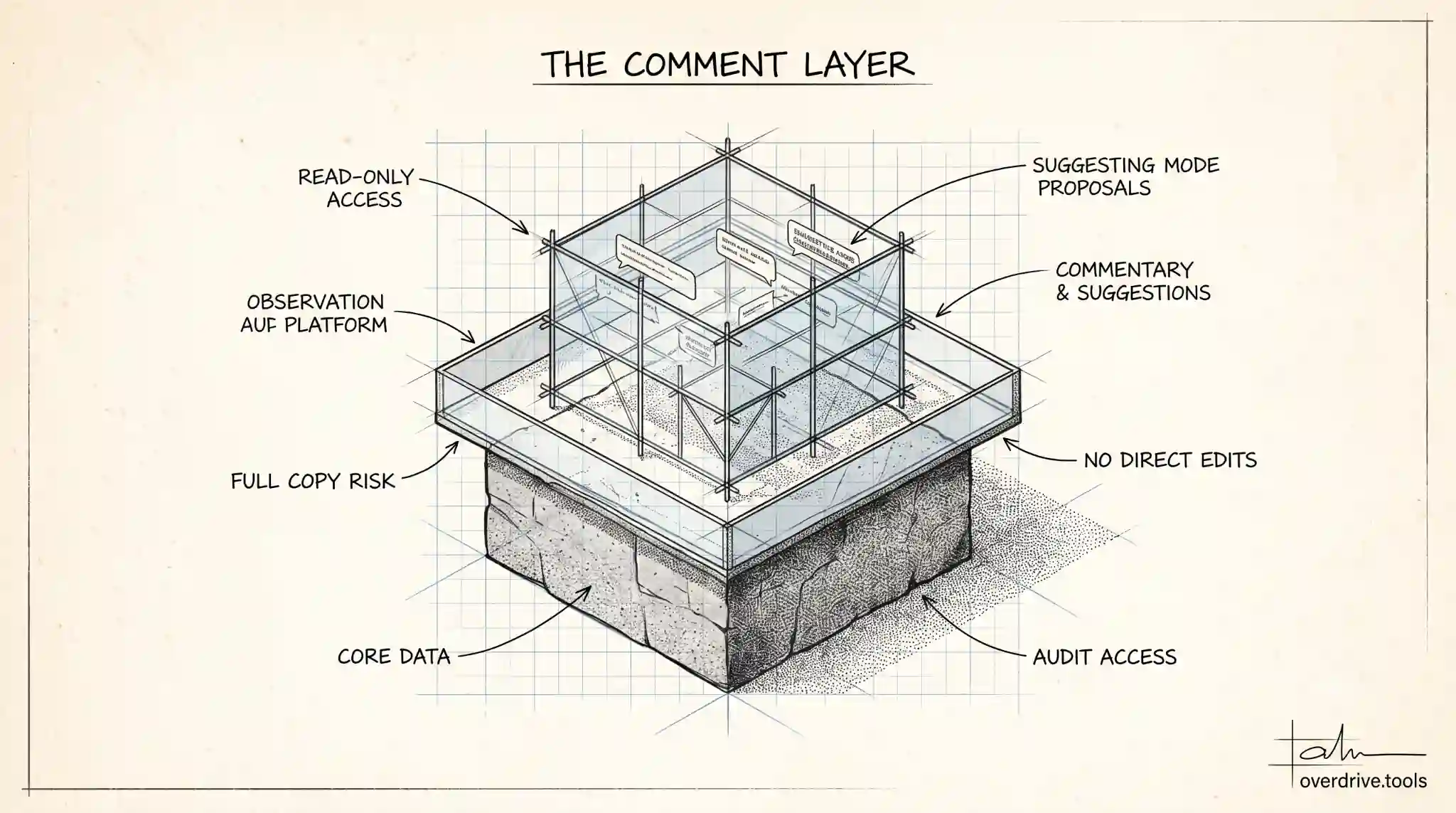
What Can a Commenter Do in Google Drive?
A commenter in Google Drive can view and comment on a file but can't edit or delete it. Here's what commenter access allows, and where its limits are.
Read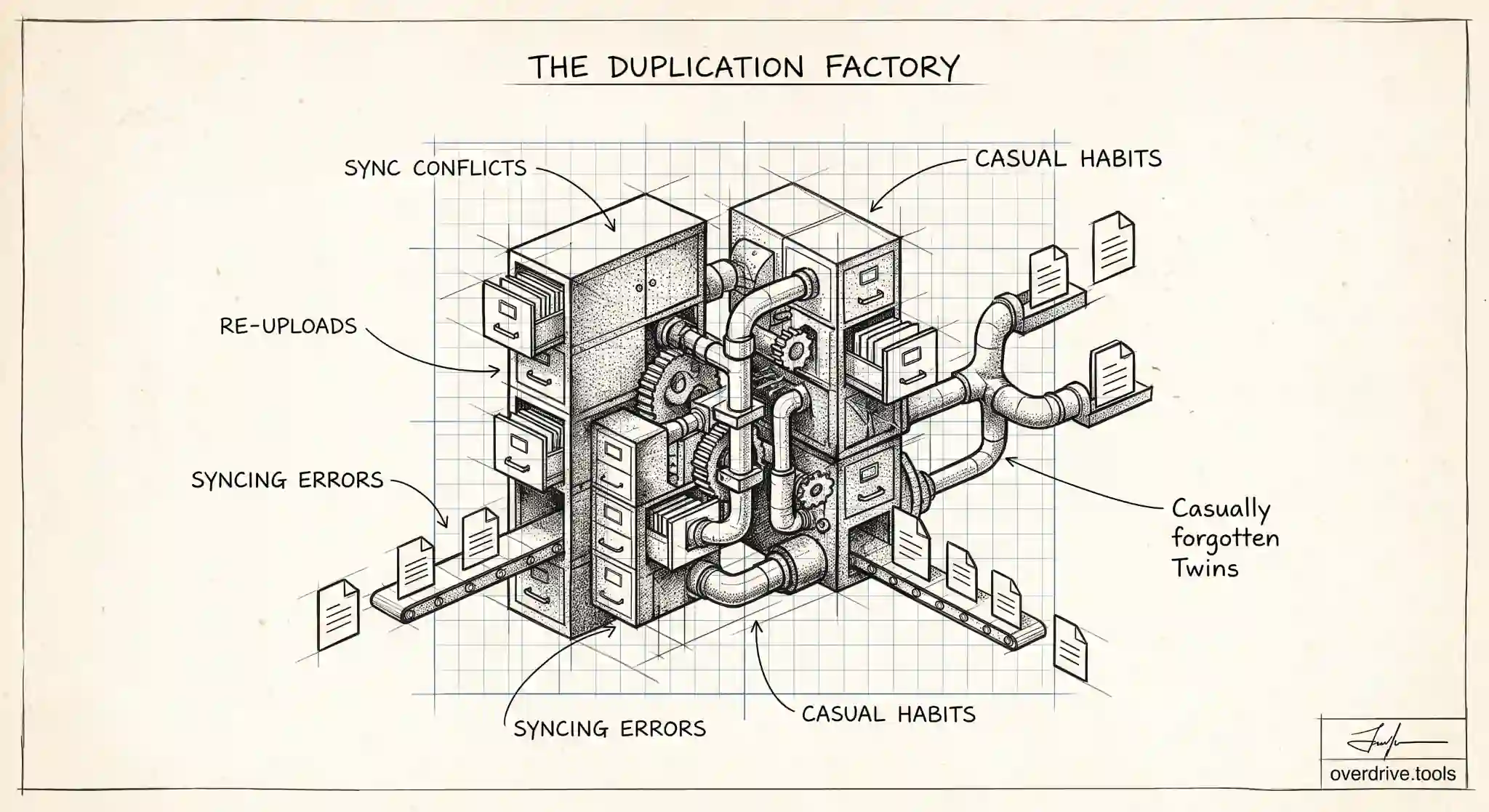
Why Does Google Drive Duplicate Files?
Google Drive duplicates files from re-uploads, sync conflicts, and manual copies. Here's why it happens, and how to find and clear the duplicates for good.
Read
Why Does Google Drive Keep Duplicating My Files?
If Google Drive keeps making duplicate copies of your files, here's what's actually causing it, and the fastest way to stop it from happening again.
Read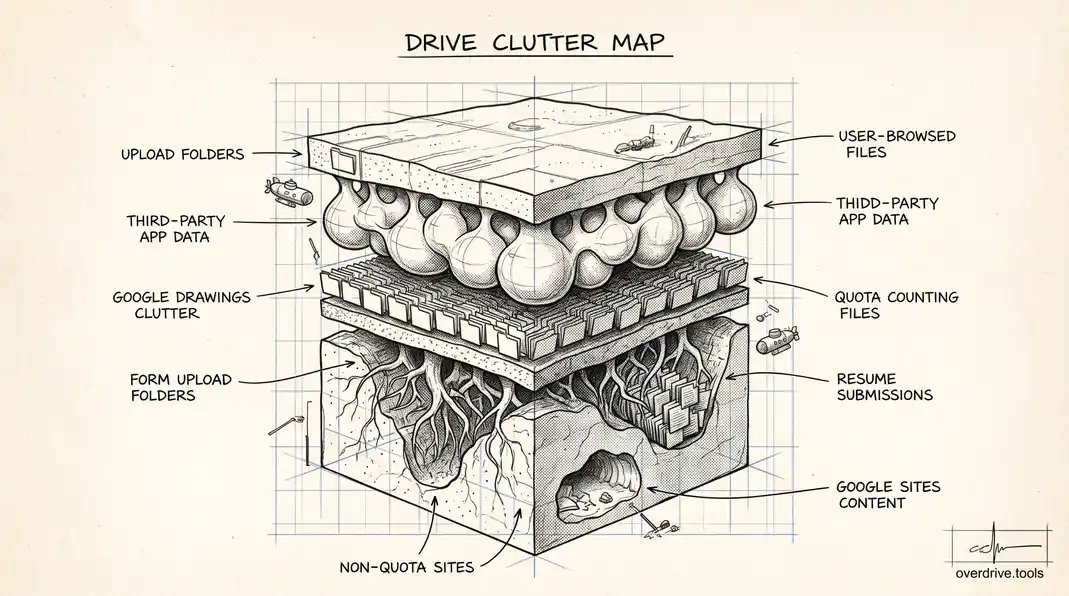
How to Clean Up Google Forms, Sites, and Other Drive File Types Cluttering Your Storage
Most cleanup advice focuses on Docs, Sheets, and duplicates. Here's what to do about the Forms, Sites, and file uploads that quietly build up alongside them.
Read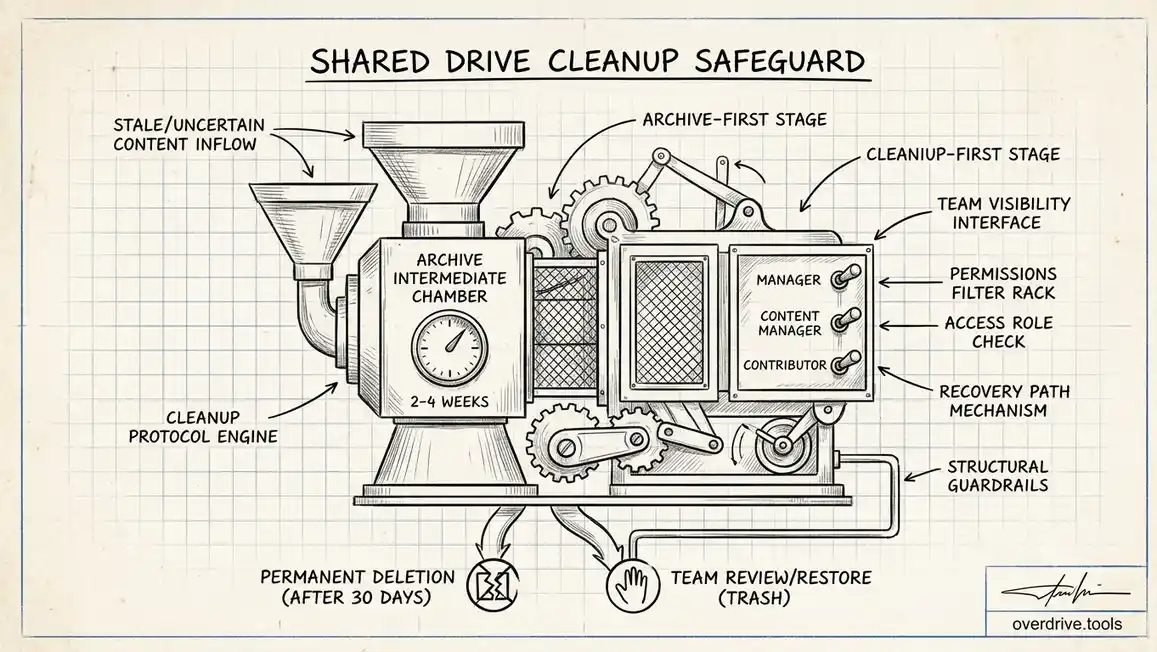
How to Clean Up a Shared Google Drive Without Breaking Team Access
Cleaning up a shared drive isn't like cleaning up your own files, since deleting something the team relies on affects everyone at once. Here's how to do it safely.
Read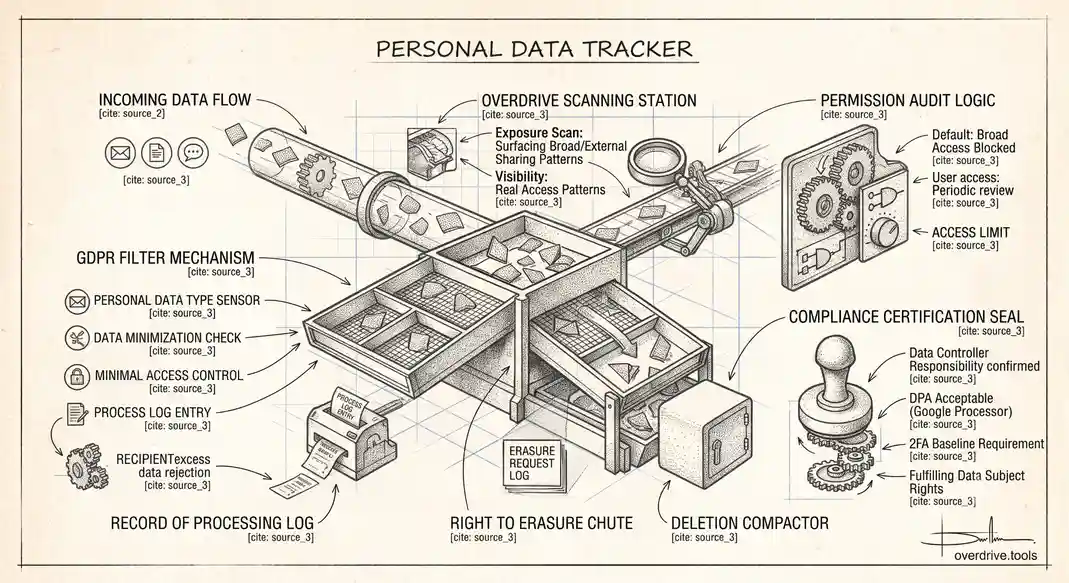
Google Drive and GDPR: What Personal Data Lives in Your Shared Files
Using Google Drive doesn't automatically make you GDPR compliant. Here's what actually counts as personal data in your files, and where the responsibility sits.
Read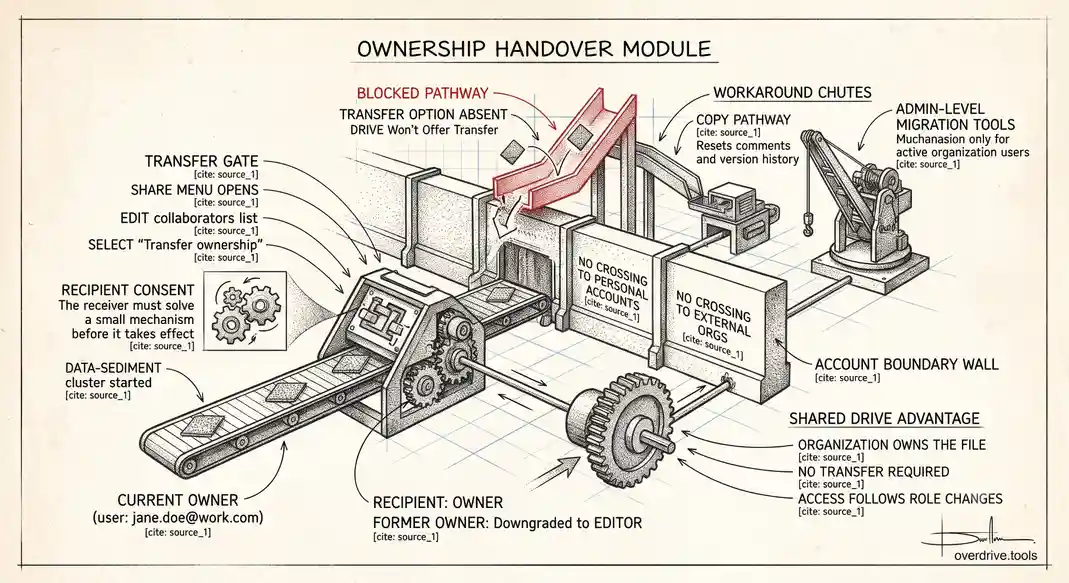
Google Drive Ownership Transfer: How It Works, and Where It Breaks Down
Transferring ownership in Google Drive looks simple until you hit an account boundary it won't cross. Here's what actually happens, and the workarounds that exist.
Read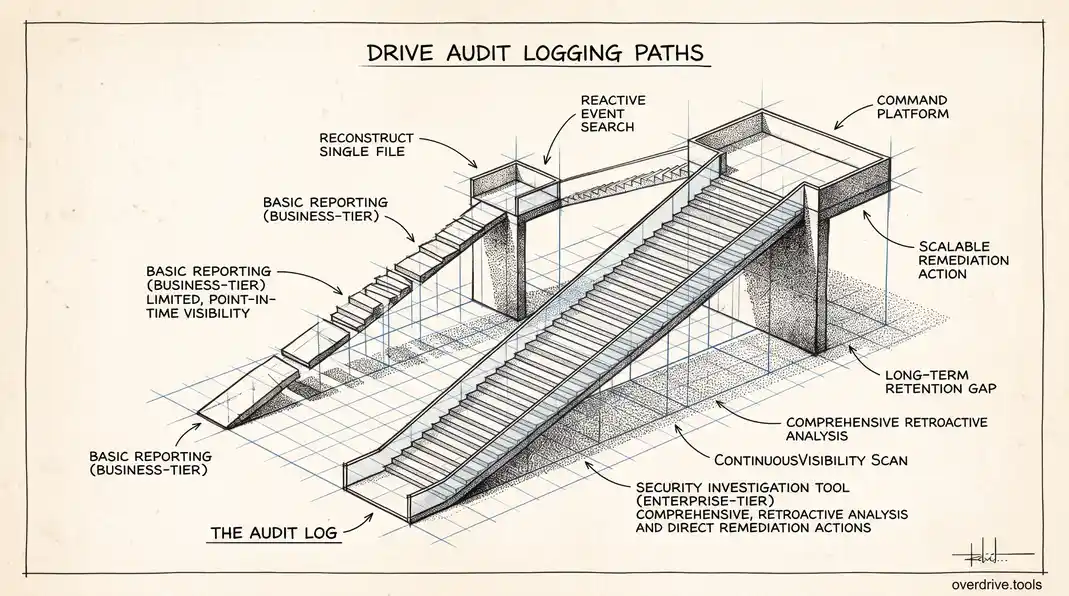
What Google Workspace's Audit Log Shows About Drive Activity (and What It Doesn't)
The Drive audit log in the Admin console tracks more than most admins realize, but it has real gaps. Here's what's actually captured, and what requires a higher edition.
Read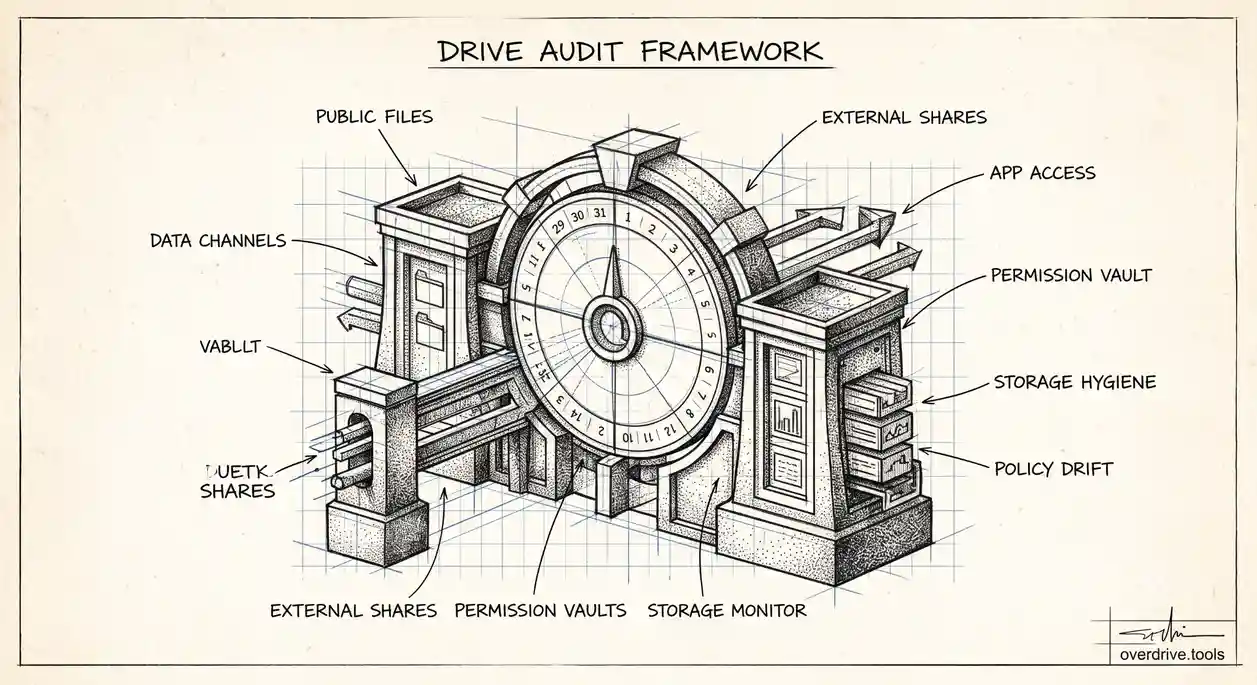
The Google Workspace Drive Security Audit: A Recurring Checklist for Admins
Most Workspace security reviews only happen when someone leaves the company. Here's a quarterly checklist that catches exposure the rest of the year.
Read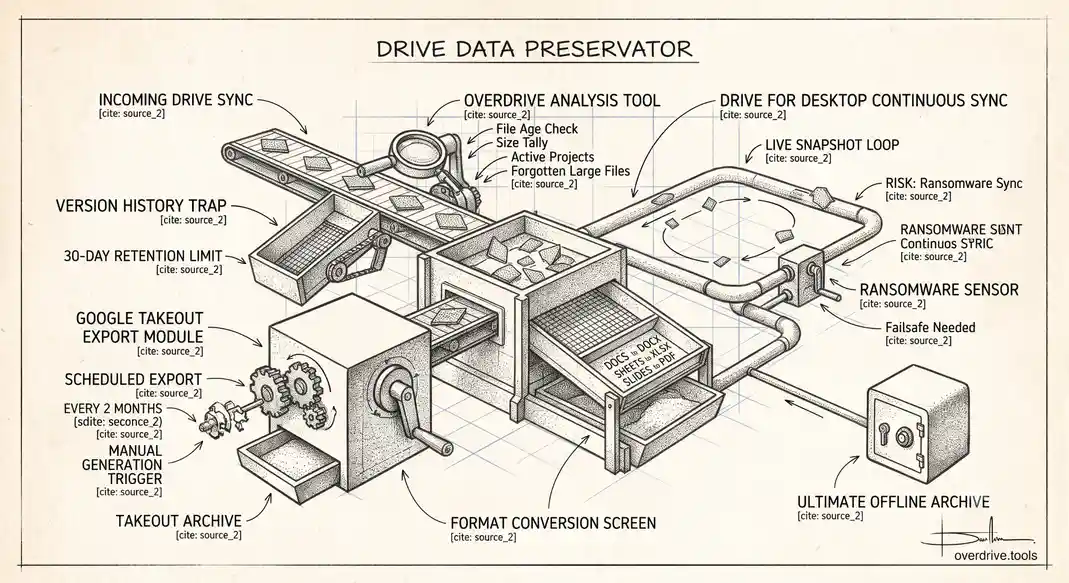
How to Actually Back Up Your Google Drive (Takeout, Sync, and What Neither Covers)
Google Drive isn't automatically backed up the way people assume. Here's how Takeout and Drive for Desktop actually work, and where both fall short.
Read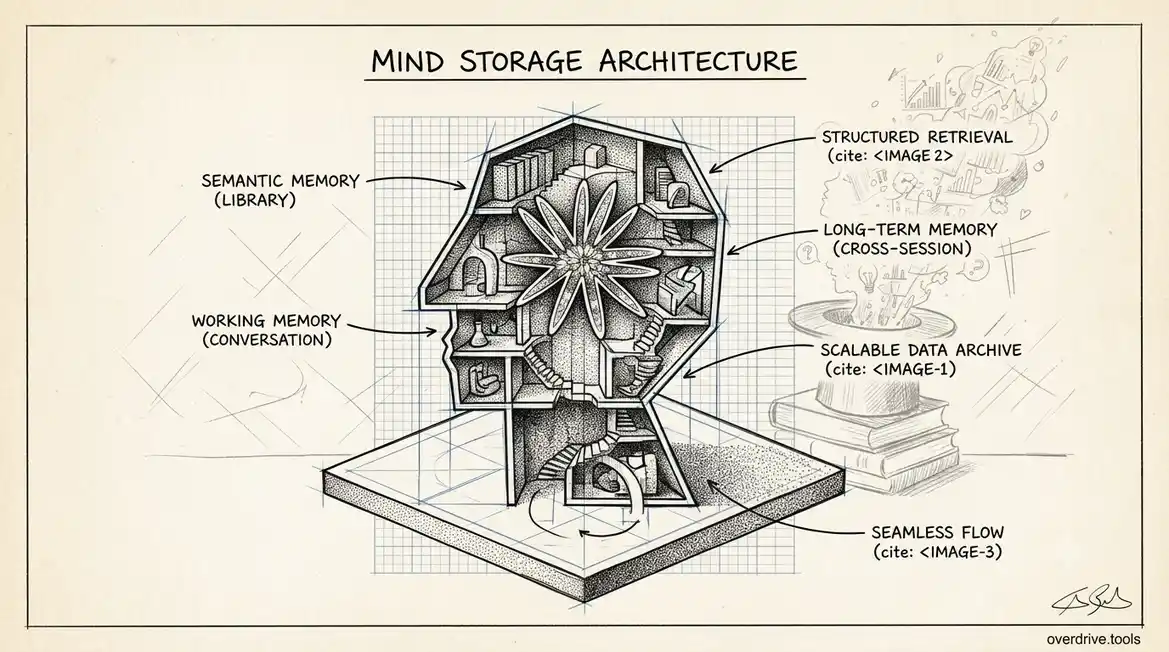
How to Monitor Google Workspace Storage Usage Across All User Accounts
Google Workspace pools storage differently than personal accounts, and per-user overuse is invisible until it isn't. Here's how admins get real visibility.
Read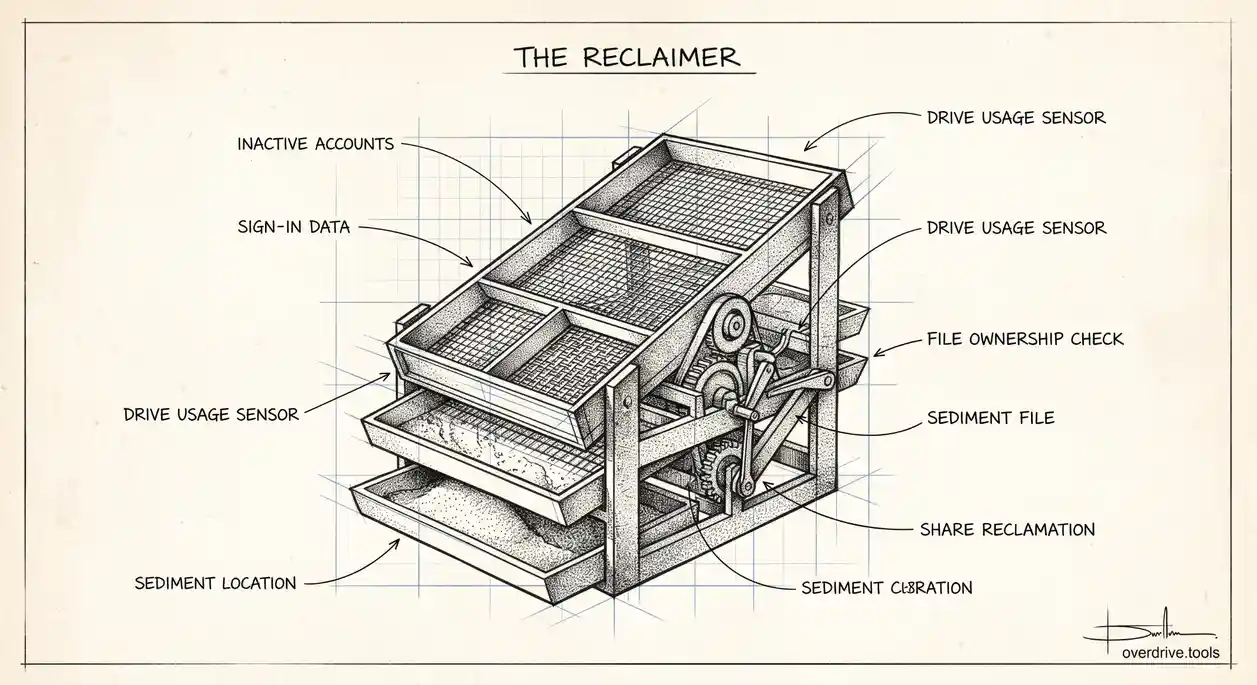
How to Find and Reclaim Unused Google Workspace Licenses
Inactive accounts keep costing you a full license until someone notices. Here's how admins find them, and what to check before freeing one up.
Read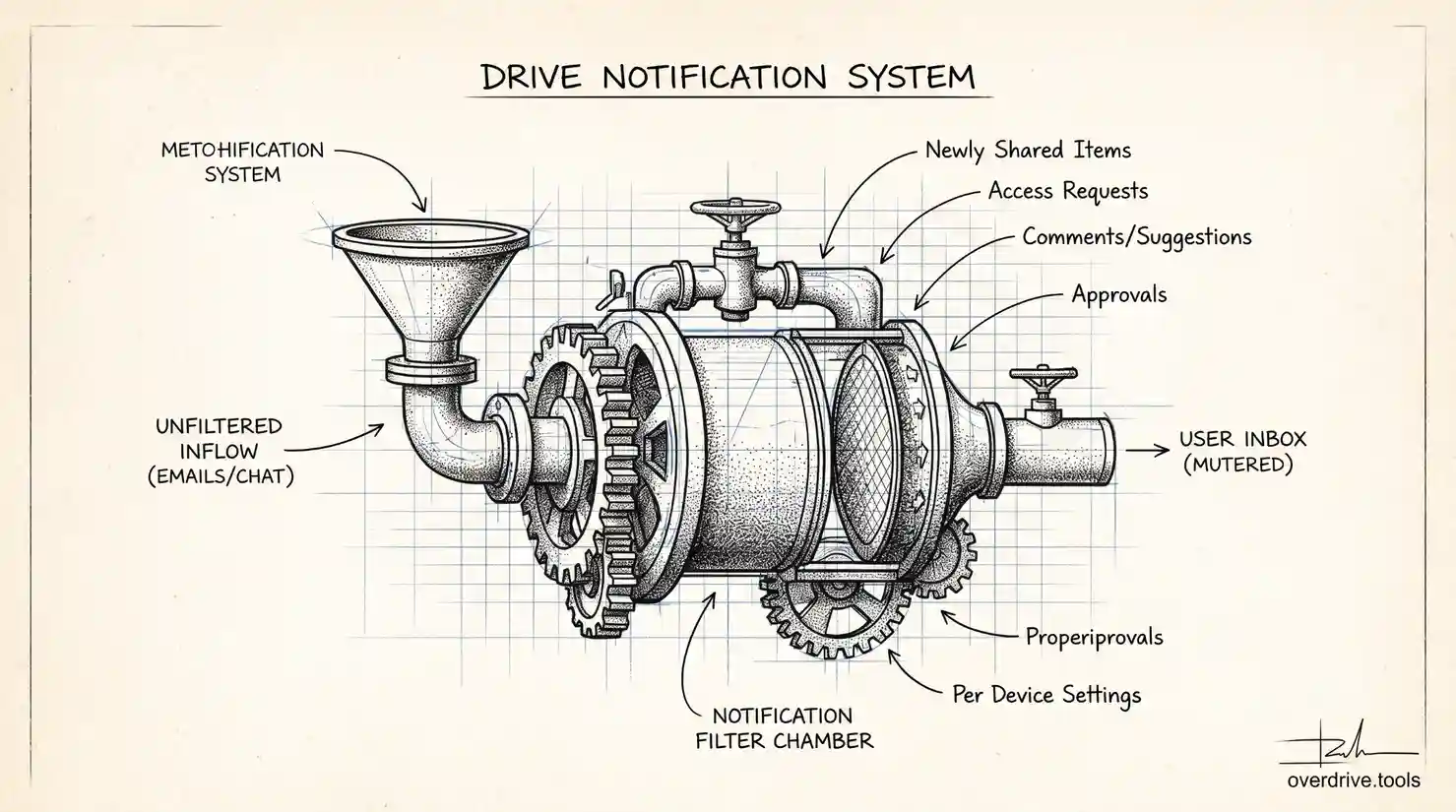
Why You Keep Getting Google Drive Sharing Notification Emails (and How to Stop Them)
Every comment, share, and access request in Google Drive can trigger an email. Here's how to turn off the ones you don't need without losing the ones that matter.
Read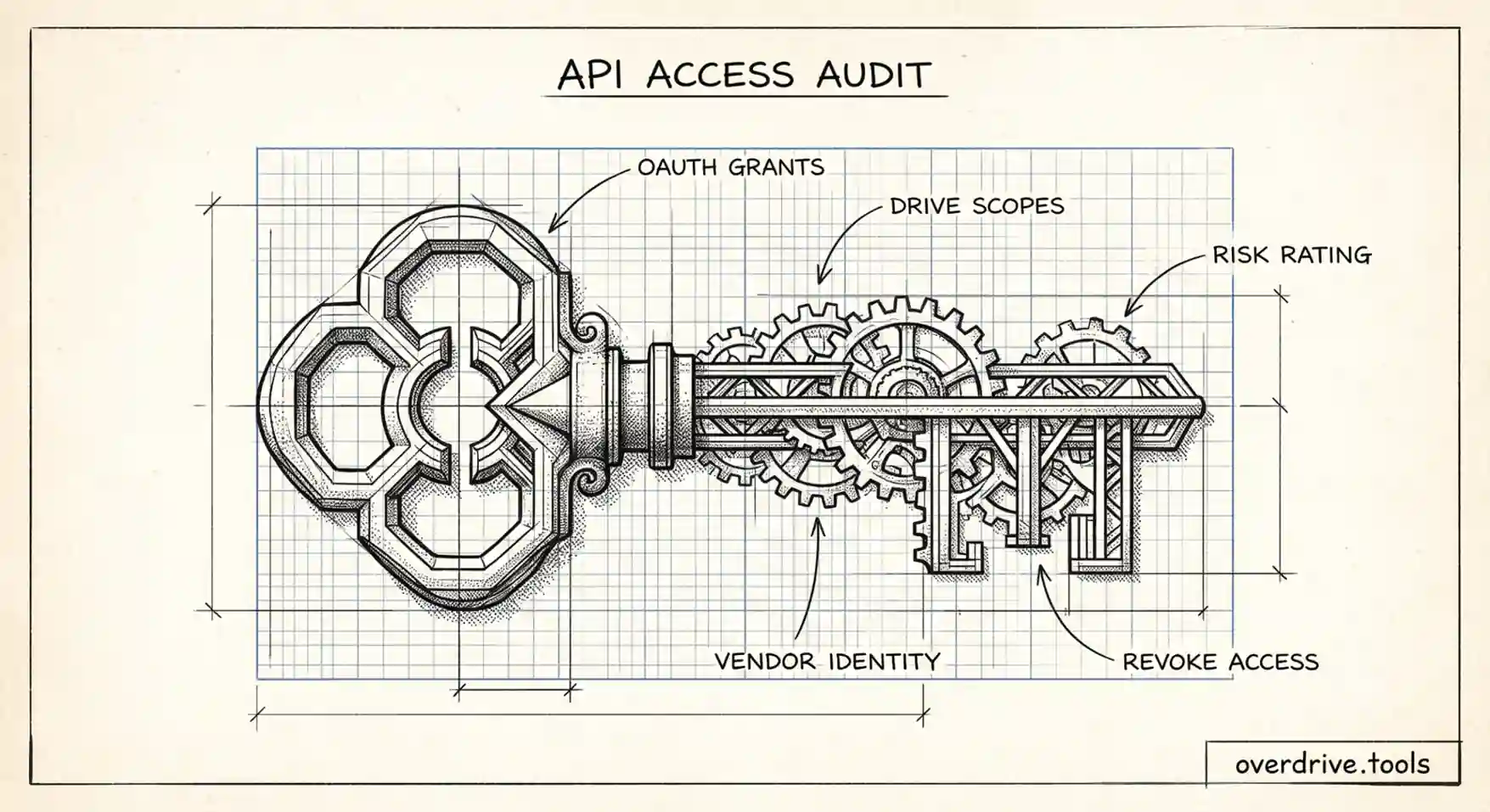
Auditing Third-Party App Access in Google Workspace (Drive & Gmail)
Every OAuth app your users connect holds standing access to Drive and Gmail. Here's how admins audit what's connected, judge the risk, and rein it in.
Read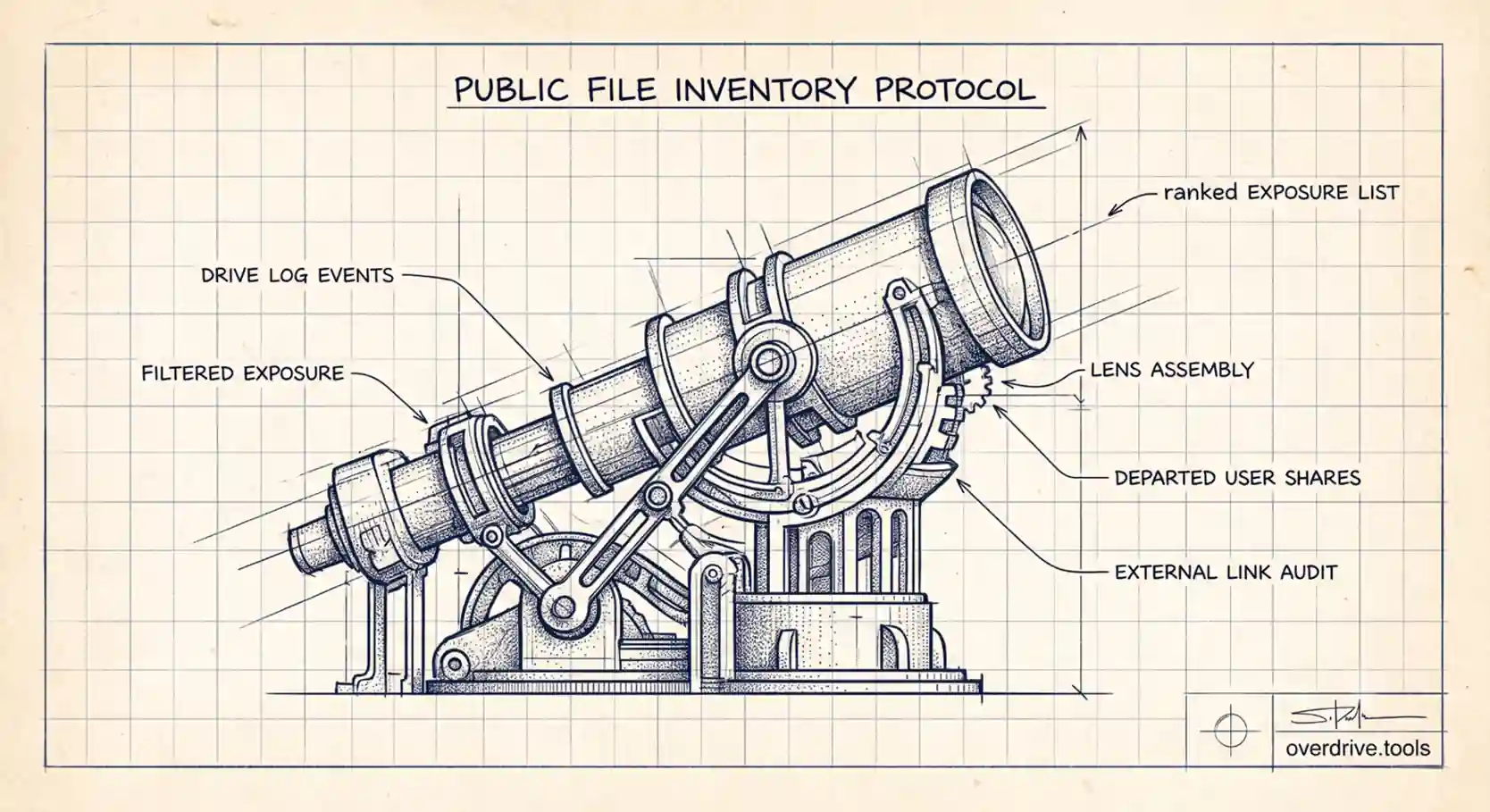
How to Find Every Publicly Shared File in Your Google Workspace
Public 'anyone with the link' files are the quietest risk in a Google Workspace. Here's how admins can find them across the whole org, and why it's harder than it should be.
Read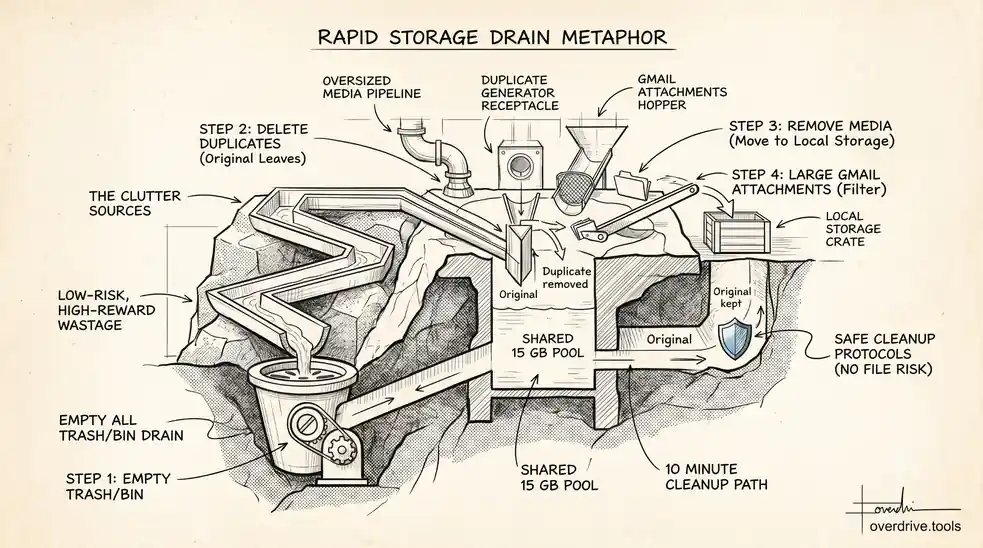
How to Free Up Google Drive Space Fast (Without Losing Anything You Need)
Need space now but afraid to delete the wrong thing? Here's how to free up Google Drive storage fast and safely—without losing files that matter.
Read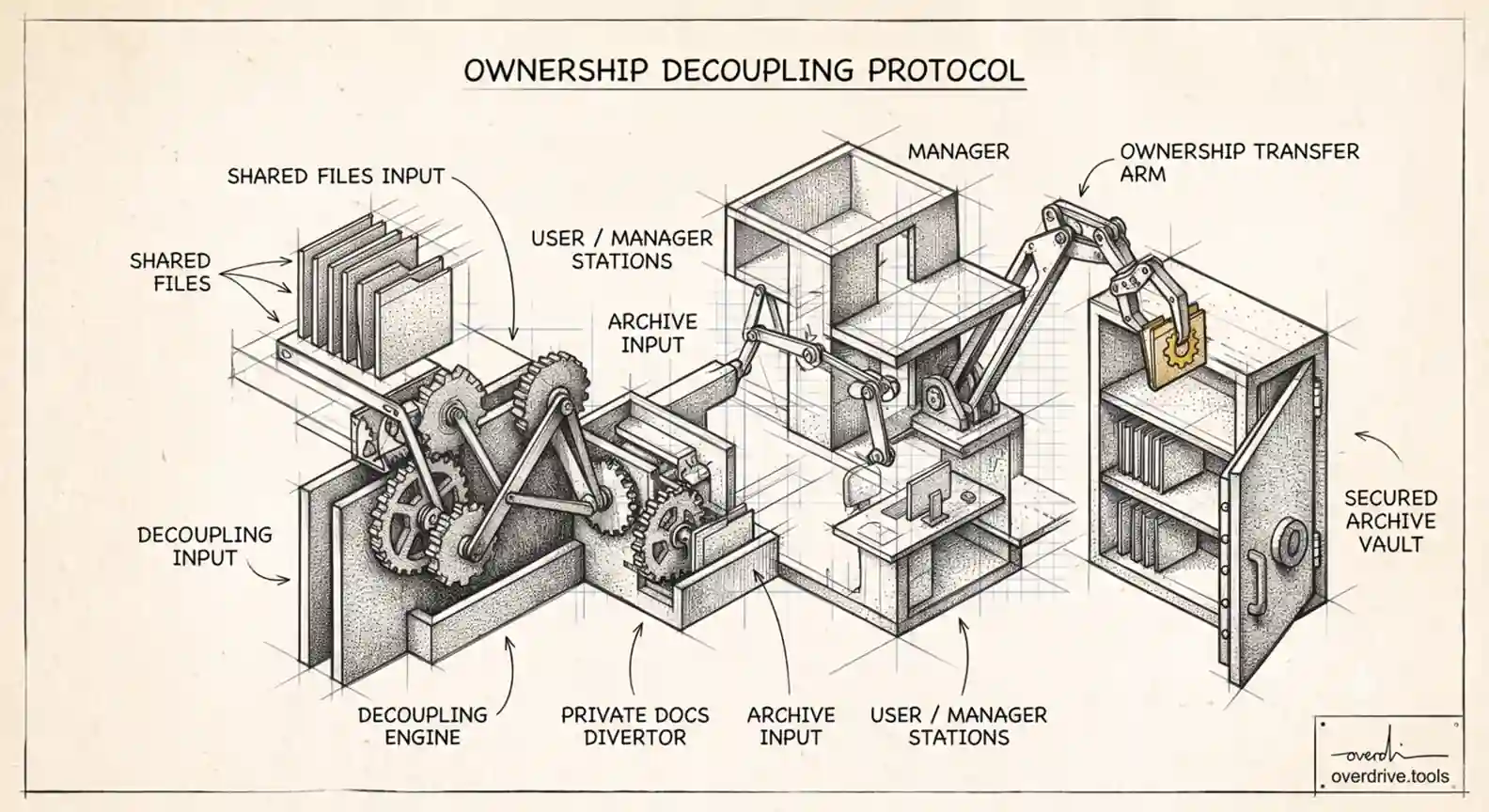
What Happens to Shared Files When an Employee Leaves Your Workspace (and Why Their Shares Don't)
When you suspend or delete a Workspace user, the files they shared keep working. Here's what actually happens to their access, and how admins close the gap.
Read
How to Clear Google Storage When It's Full (Drive, Gmail & Photos)
Out of Google storage? Here's how to clear space across Drive, Gmail, and Photos—the three services that share your storage—in the right order.
Read
Managing External Sharing in Google Workspace: An Admin's Guide
How to control external sharing in Google Workspace—the admin settings, the gaps they leave, and how to audit who outside your organization can see your files.
Read
Shared Drive Permission Levels Explained: Manager, Content Manager, Contributor & Viewer
Google Workspace shared drives use five access levels, not the four in My Drive. Here's what Manager, Content Manager, Contributor, Commenter, and Viewer can each do.
Read
What to Delete First When Your Google Drive Is Full
Out of space and not sure where to start? Here's the exact order to delete things in Google Drive so you free the most space with the least risk.
Read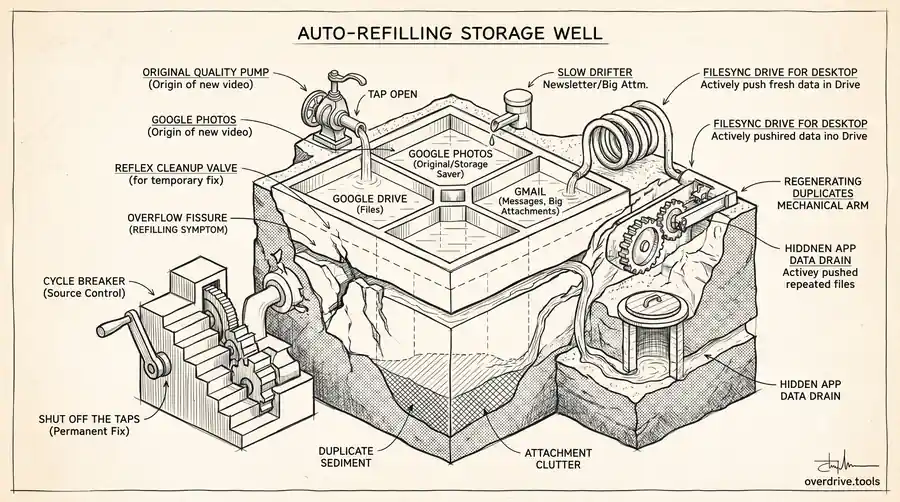
Why Does My Google Storage Keep Filling Up? (And How to Stop It)
Cleared space last month and it's full again? Here's why your Google storage keeps filling up—and how to break the cycle for good.
Read
Can You See Who Viewed a Google Drive File?
Google Drive doesn't show a viewer log by default. Here's exactly what you can and can't see — and when Workspace accounts give you more visibility.
Read
Drive Cleaner & Duplicate Finder for Google Drive
Duplicate files and storage clutter are hard to find manually in Google Drive. Here's how Drive cleaner tools work, what they scan, and when they're worth using.
Read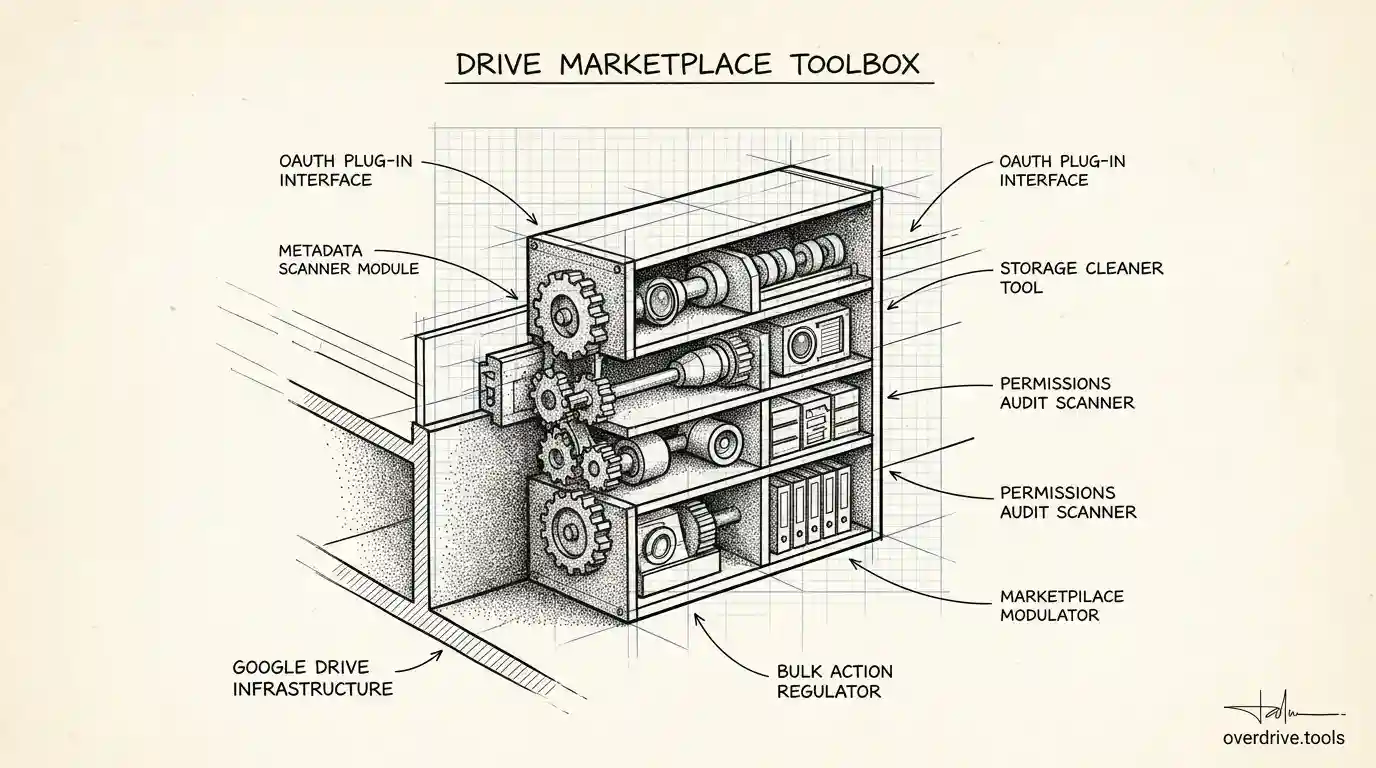
Google Workspace Marketplace: Drive Apps Explained
The Google Workspace Marketplace has hundreds of apps that extend what Google Drive can do. Here's how it works, what Drive apps actually do, and what to look for.
Read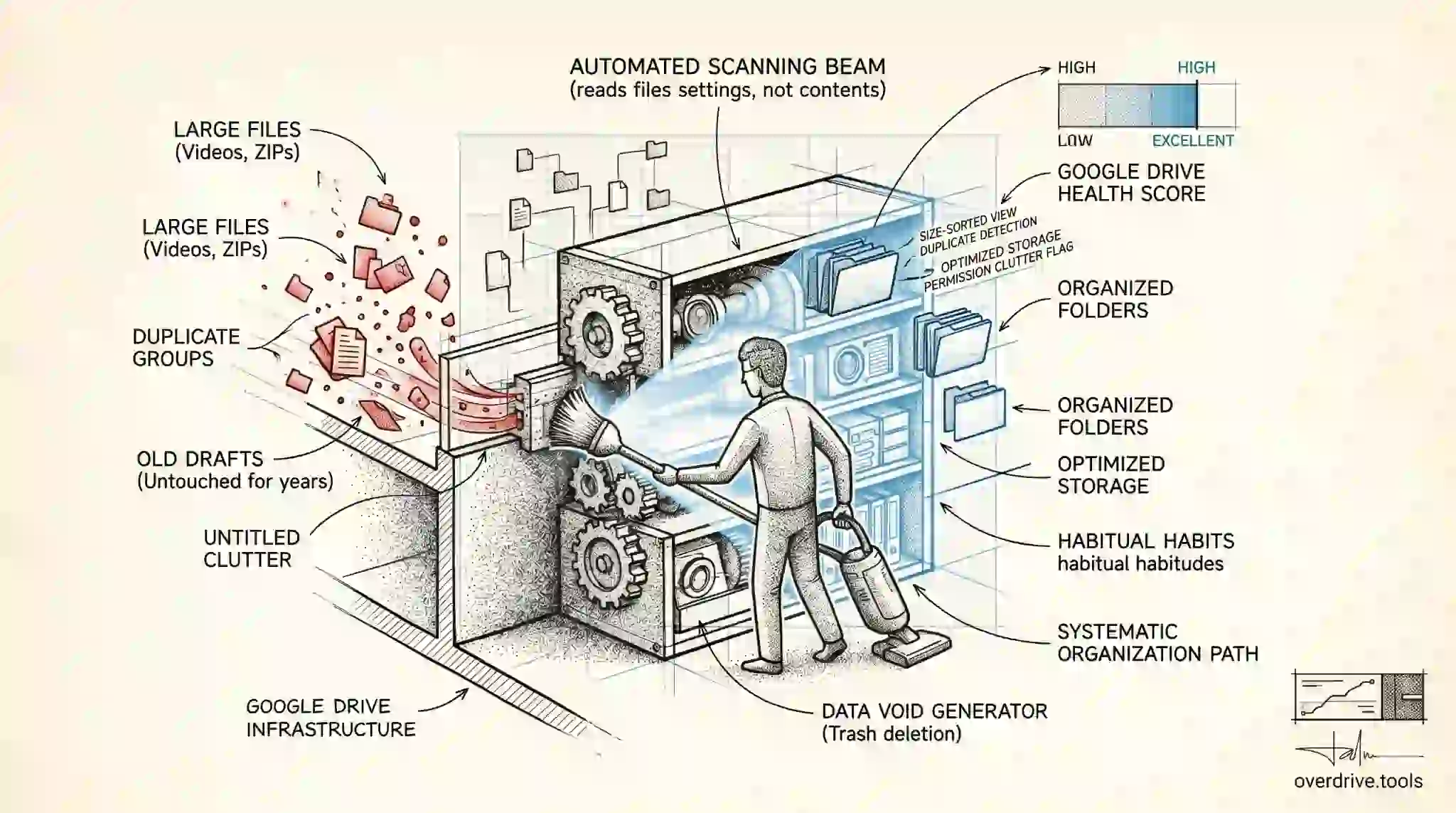
How to Clean Up Google Drive
Cleaning Google Drive is faster than it sounds if you know where to look. Here's how to find what's taking up space and remove it without losing anything important.
Read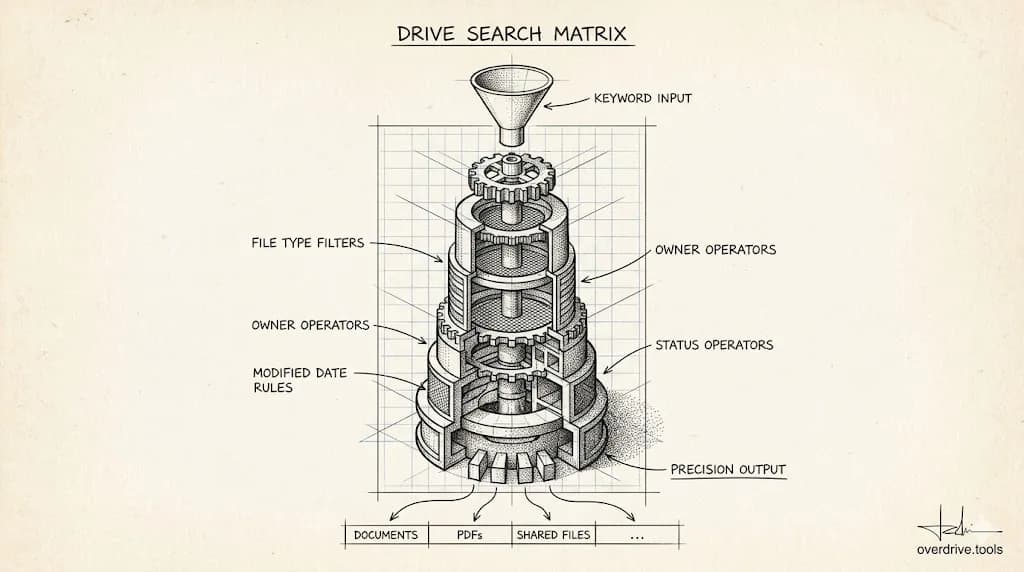
Google Drive Search Operators: Find Any File Instantly
Google Drive's search bar accepts special operators that filter by file type, owner, date, and more. Here's how to use them to find exactly what you're looking for.
Read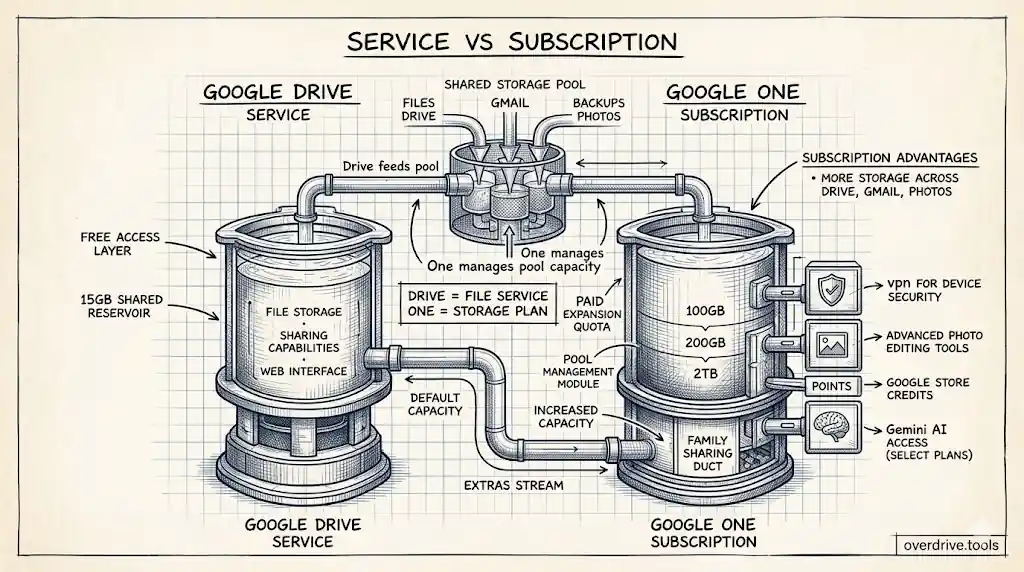
Google Drive vs Google One: What's the Difference?
Google Drive is the file storage service. Google One is the paid plan that gives you more of it. Here's exactly how they differ and which one you actually need.
Read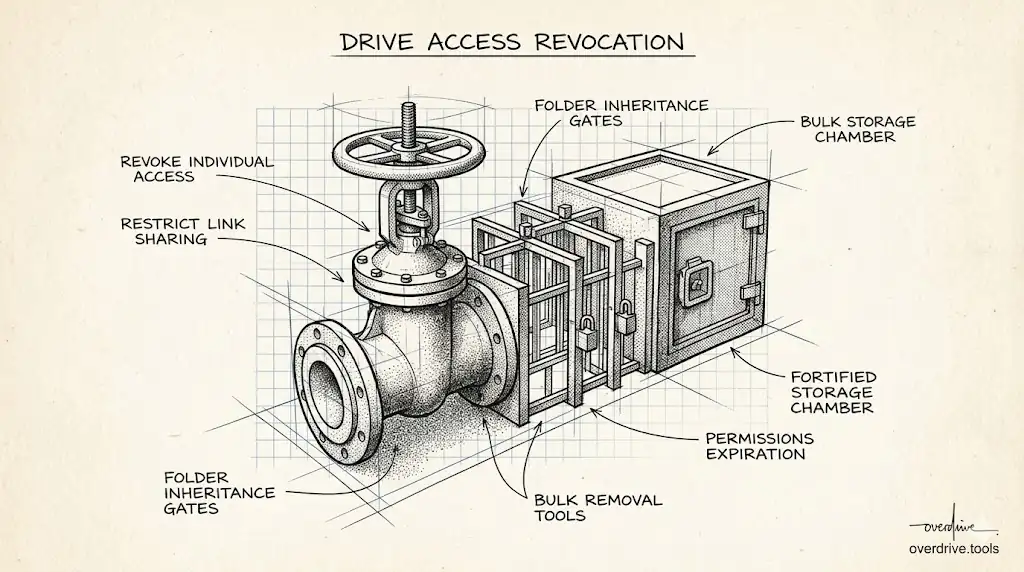
How to Remove Access in Google Drive
Removing access in Google Drive stops someone from viewing, editing, or downloading your files. Here's how to do it for individuals, links, and folders.
Read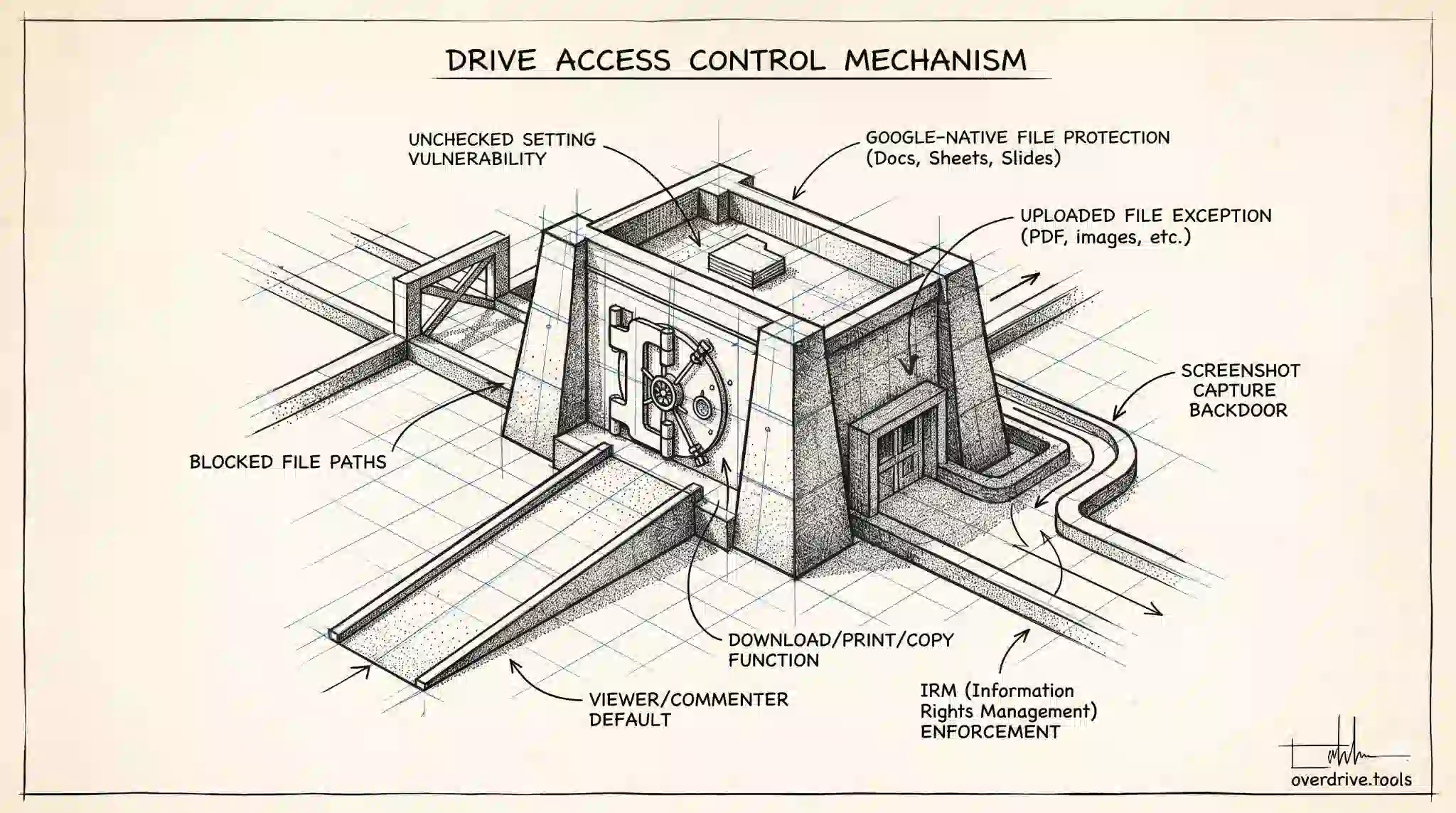
Can Viewers Download Files in Google Drive?
Viewers can download Google Drive files by default. Here's how to disable that, which file types you can protect, and where the setting falls short.
Read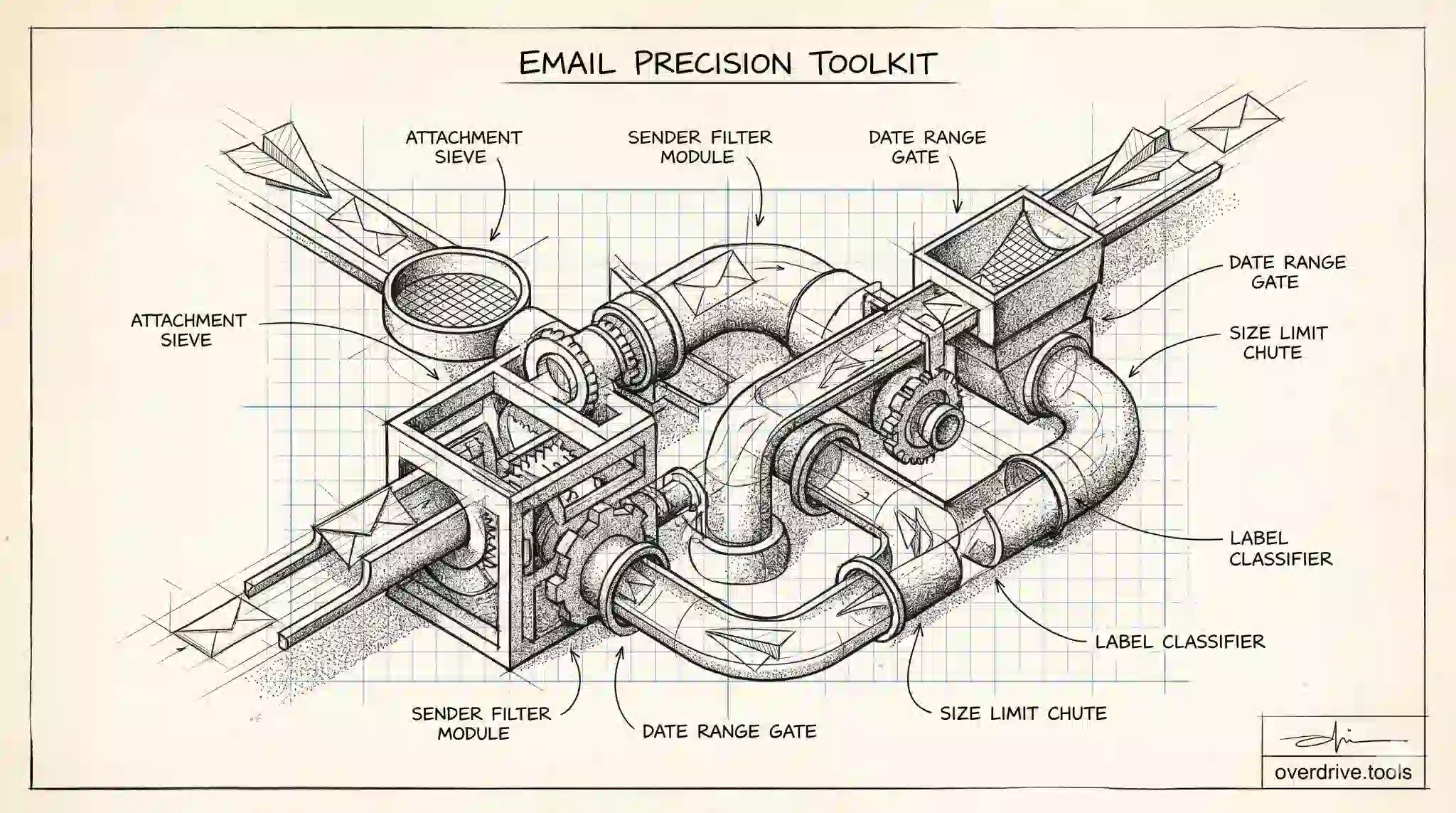
Gmail Search Operators: Find Any Email Fast
Gmail's search operators let you filter your inbox precisely — by sender, size, attachment, date, or link. Here's the complete list with practical examples.
Read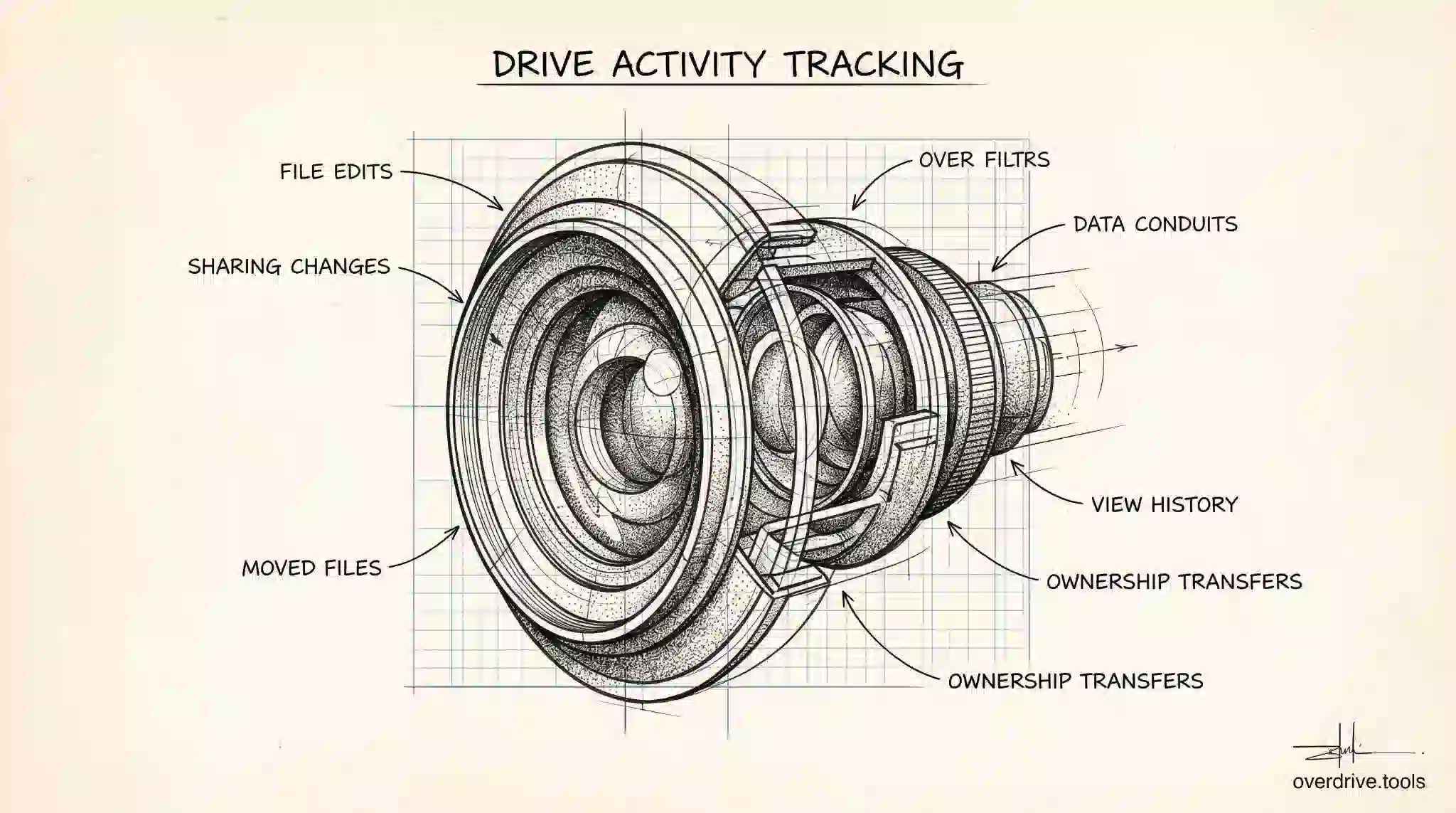
Google Drive Activity Log: Track File Changes
Google Drive logs who edits, moves, and shares your files. Here's how to read that activity log — and what you can and can't see on a personal account.
Read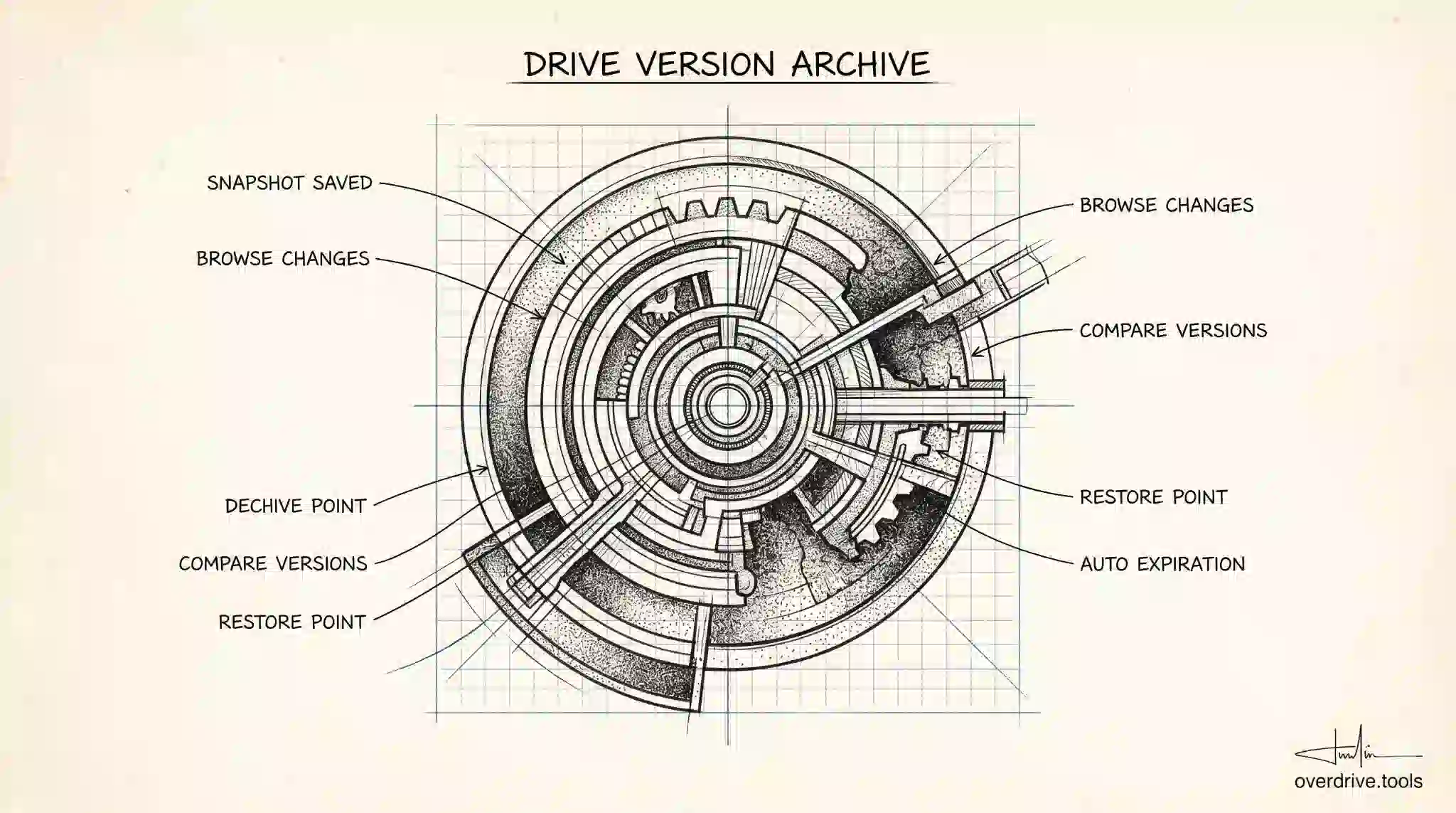
Google Drive Version History: How It Works
Google Drive saves previous versions of your files automatically. Here's how long they're kept, where to find them, and what to do before they're gone.
Read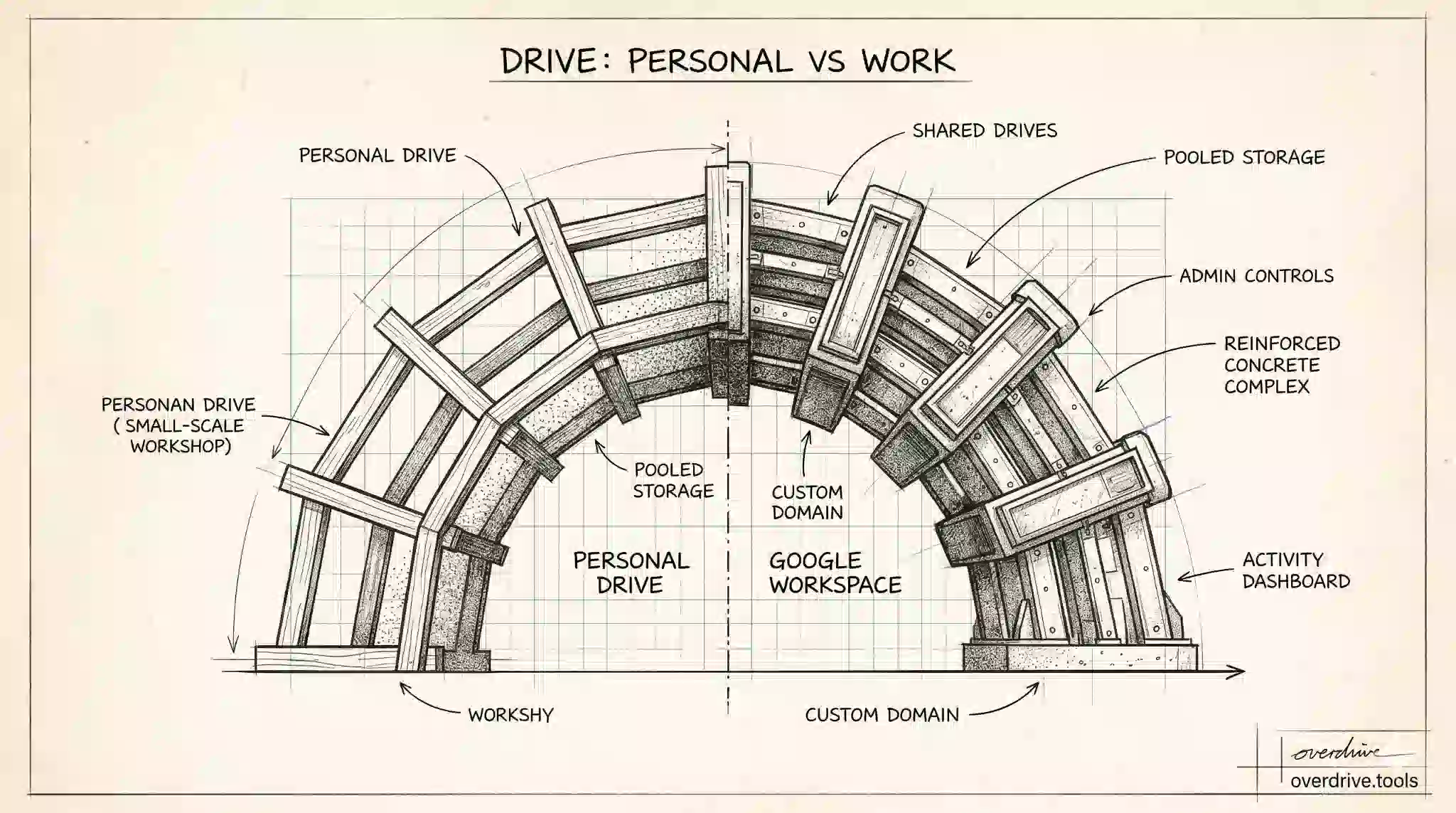
Google Drive for Work vs Personal: Differences
Google Drive personal accounts and Google Workspace look similar but work very differently. Here's what changes — and when upgrading actually matters.
Read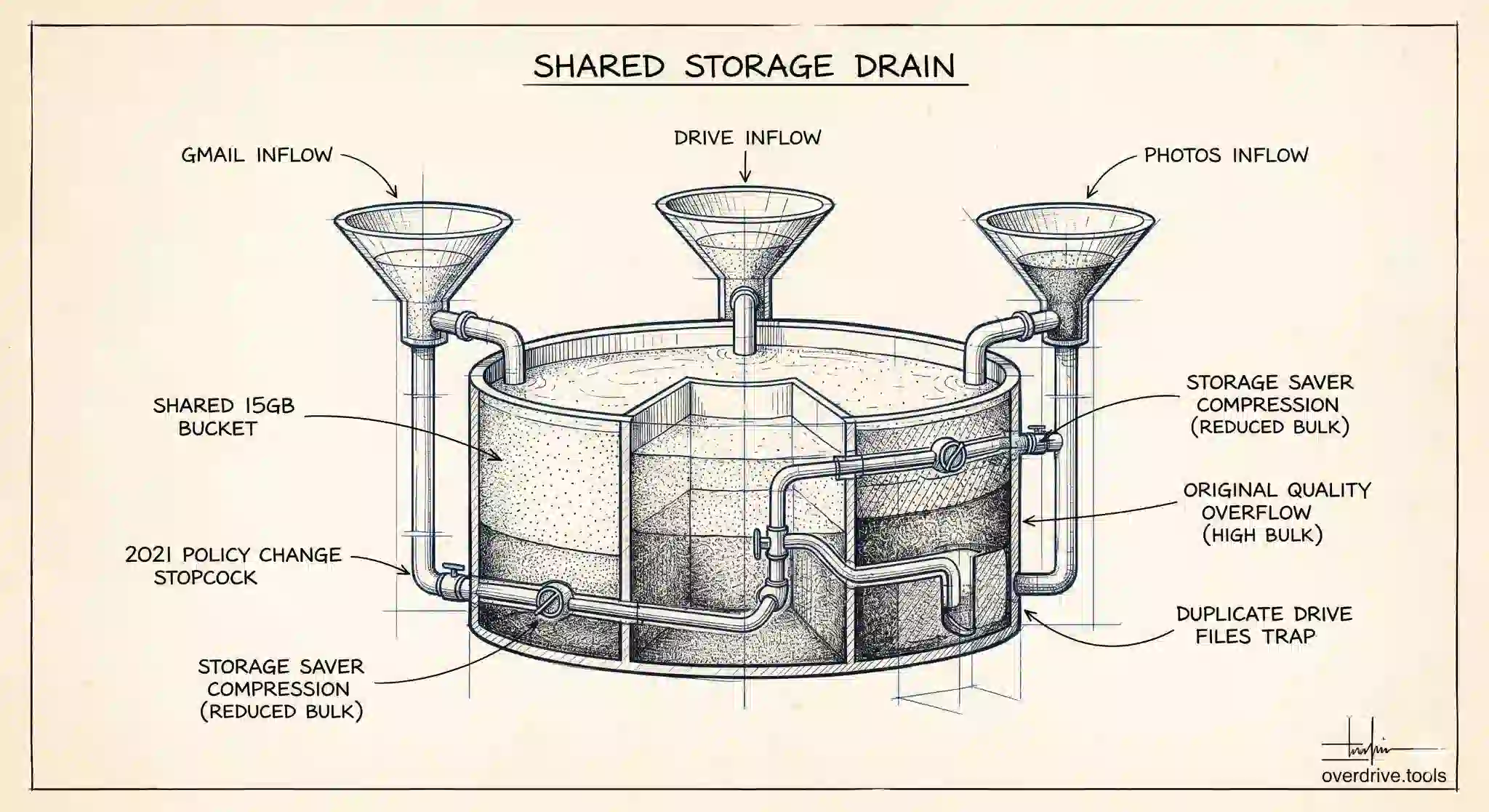
Google Photos Storage: What Shares With Drive
Google Photos, Drive, and Gmail share one pool: 5 GB free by default, up to 15 GB with a phone number. Here's exactly what counts in Photos.
Read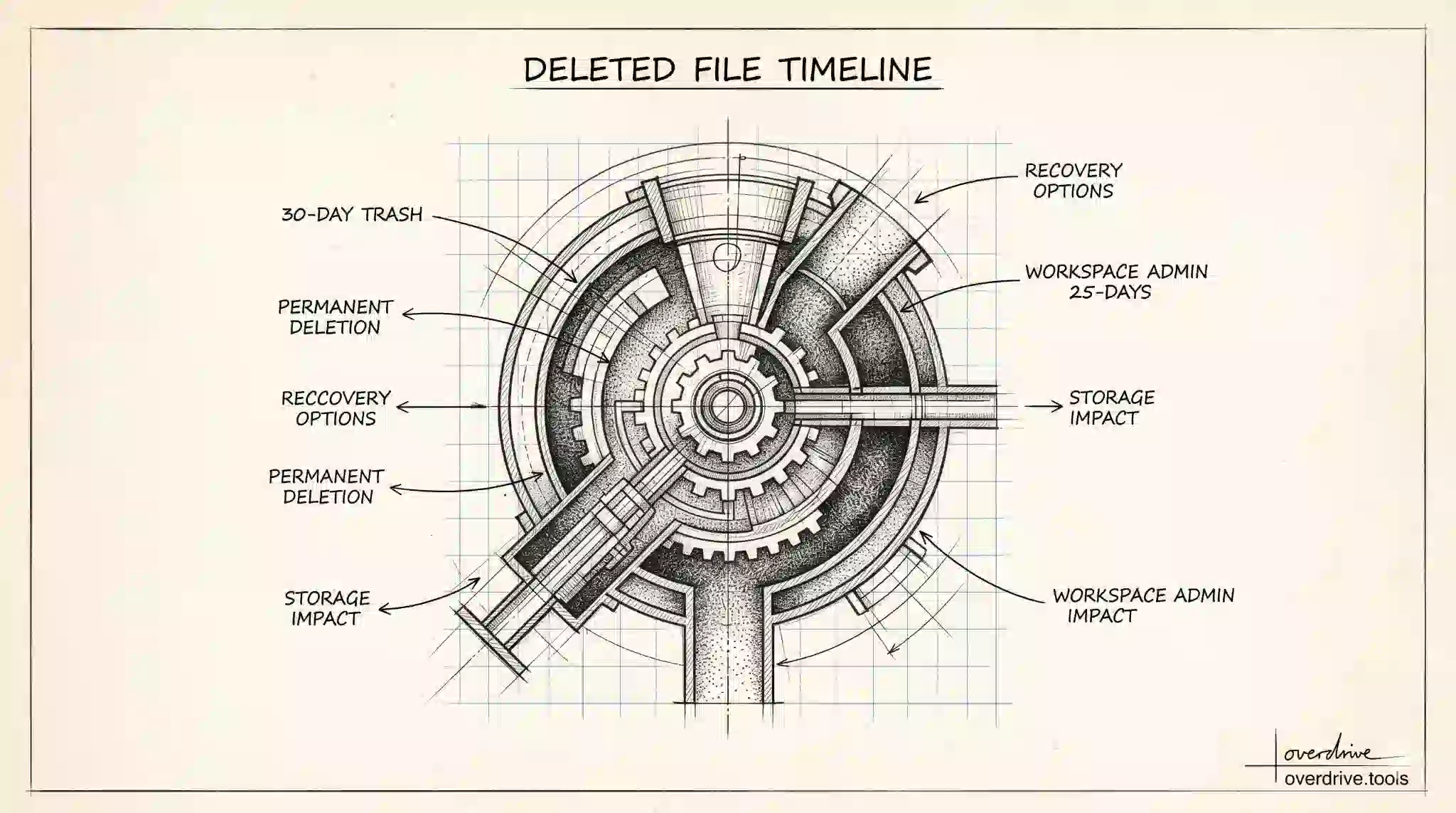
How Long Does Google Drive Keep Deleted Files?
Deleted files stay in Google Drive Trash for 30 days, then disappear permanently. Here's the full timeline — and your options for recovery.
Read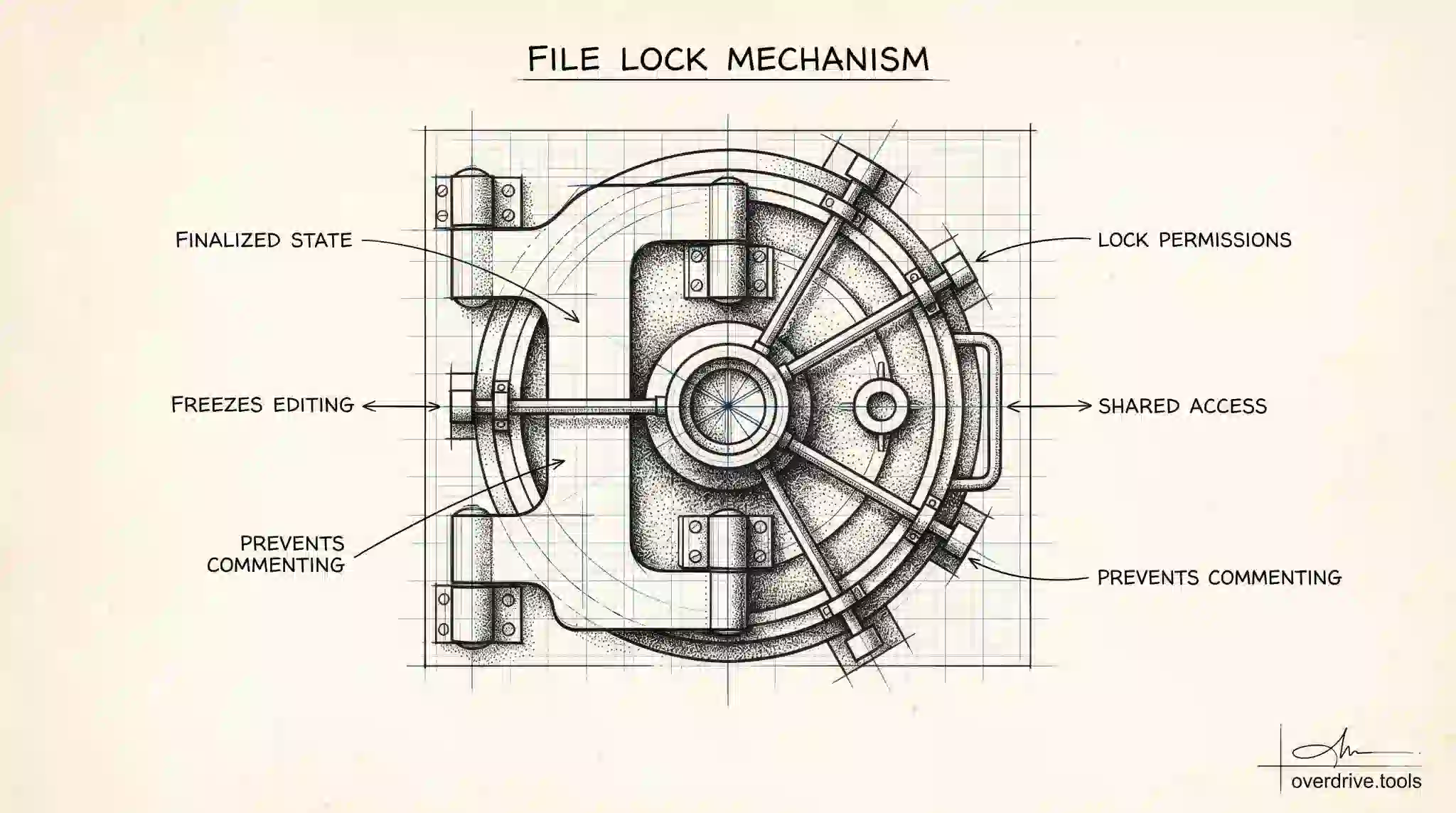
How to Lock a File in Google Drive
Locking a Google Drive file prevents anyone from editing or commenting on it, even with edit access. Here's how to use it and when it makes sense.
Read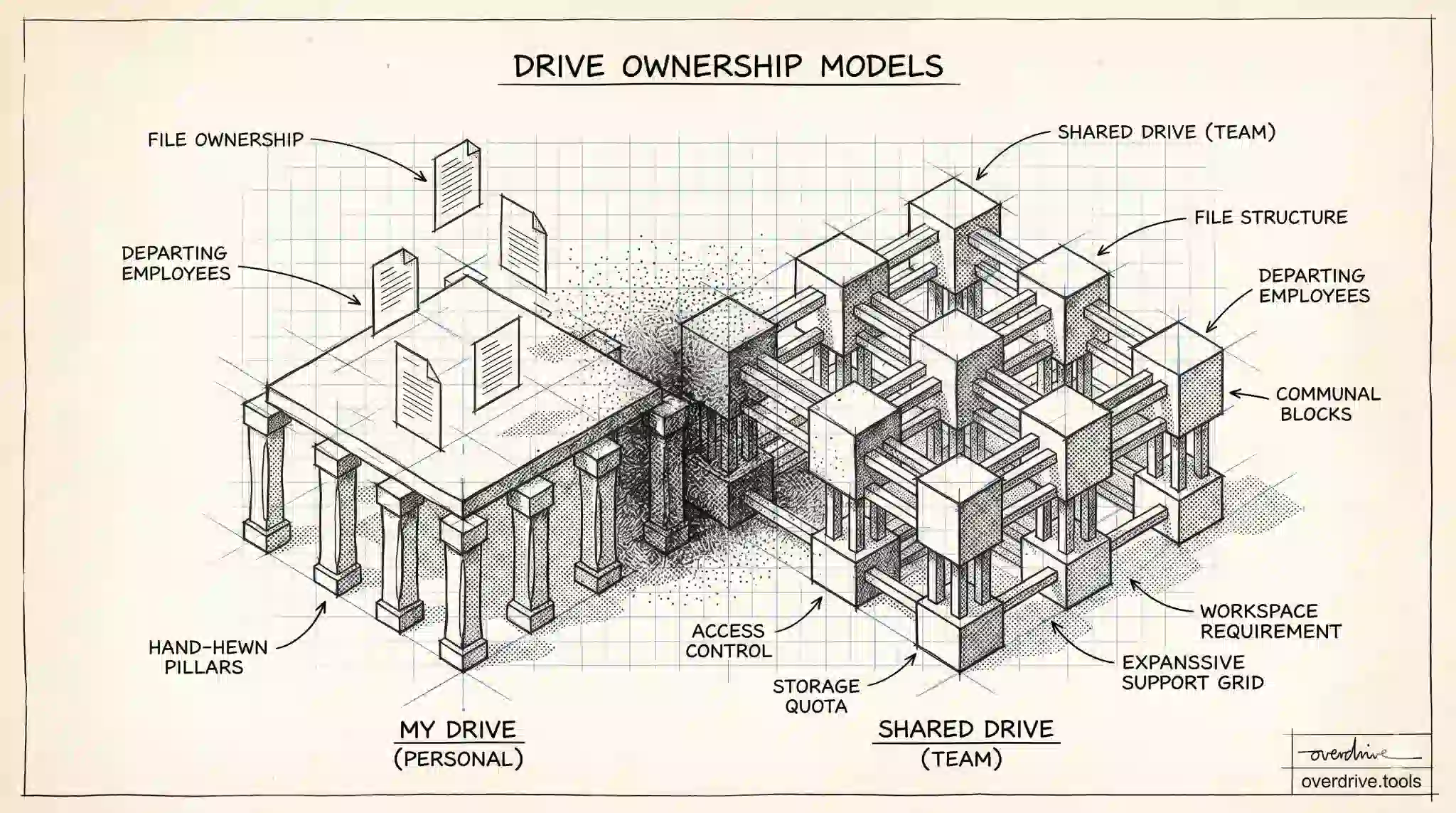
Shared Drive vs My Drive: Key Differences
Shared Drive files are owned by the team, not the individual. Here's how Shared Drives differ from My Drive — and when you should be using each.
Read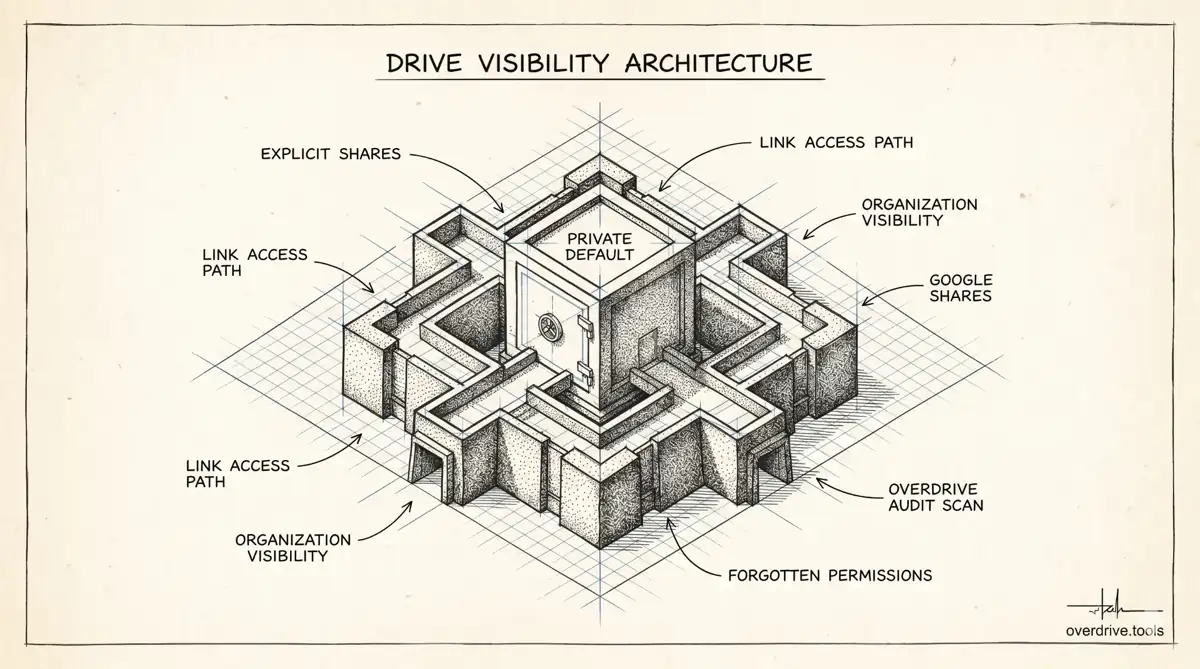
Can People See My Google Drive?
By default, your Google Drive is private. But certain sharing settings can expose files without you realizing. Here's what's actually visible — and to whom.
Read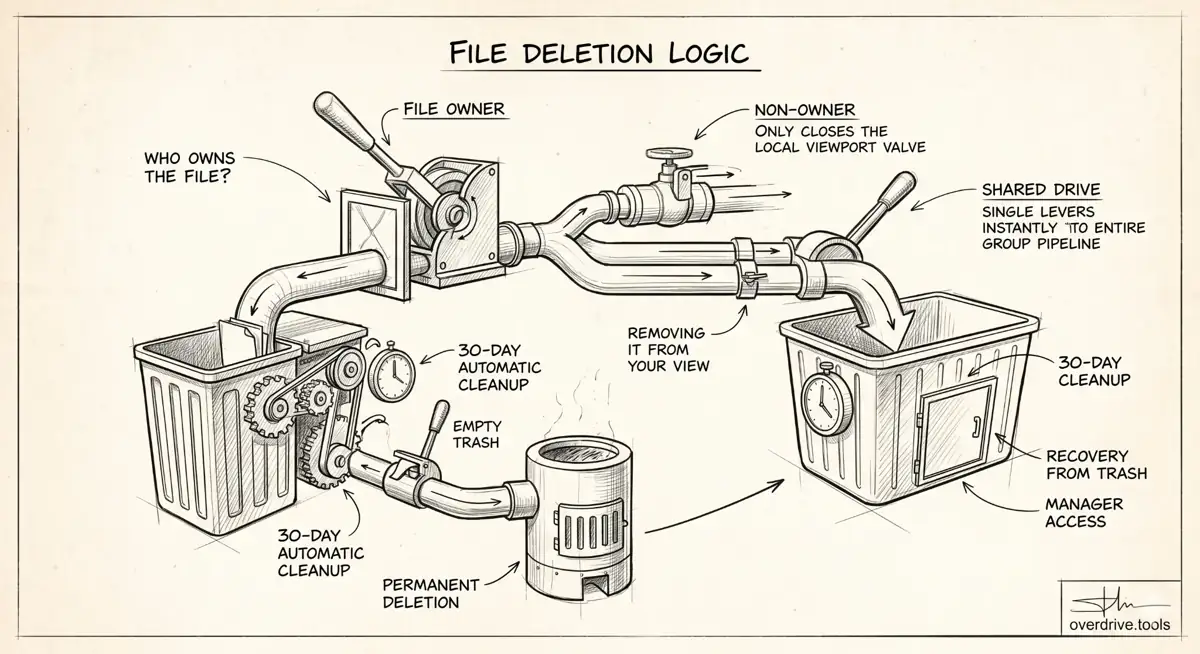
What Happens When You Delete a Shared Google Drive File?
Whether deleting a shared Google Drive file affects others depends entirely on who owns it. Here's exactly what happens in each scenario.
Read
Does Google Photos Use Google Drive Storage?
Yes. Google Photos, Drive, and Gmail share one storage pool: 5 GB free by default, up to 15 GB with a linked phone number. Here's how it works.
Read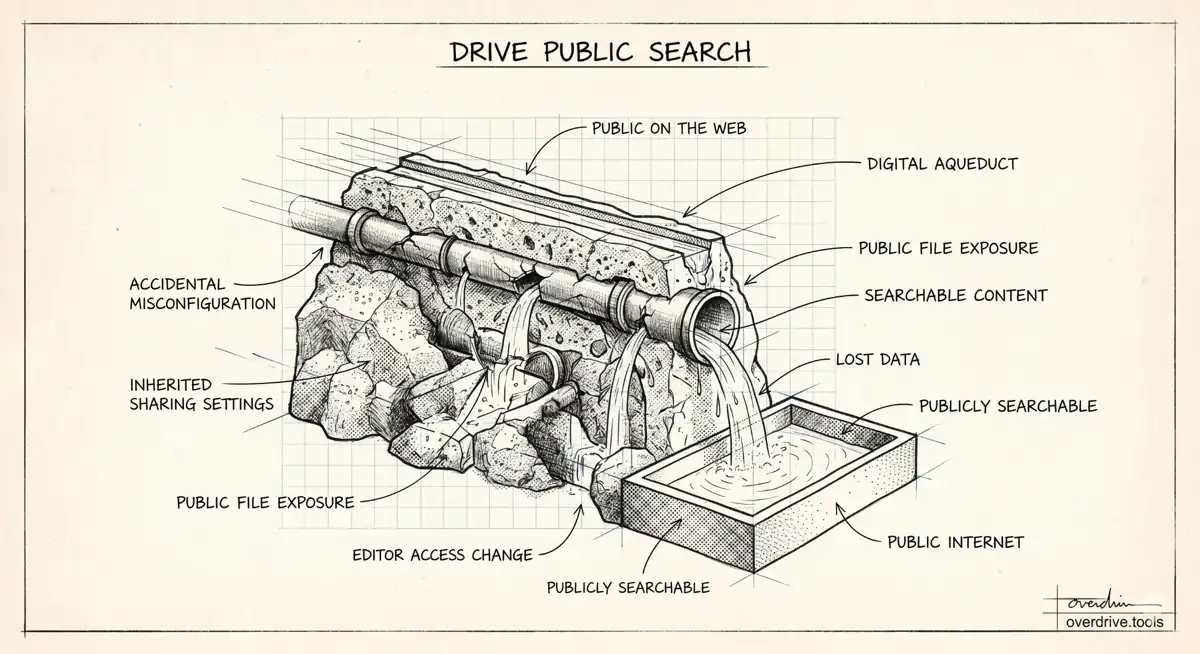
Are Your Google Drive Files Publicly Searchable?
Most Google Drive files are private by default. But misconfigured sharing settings can make your files findable by anyone online. Here's what to know.
Read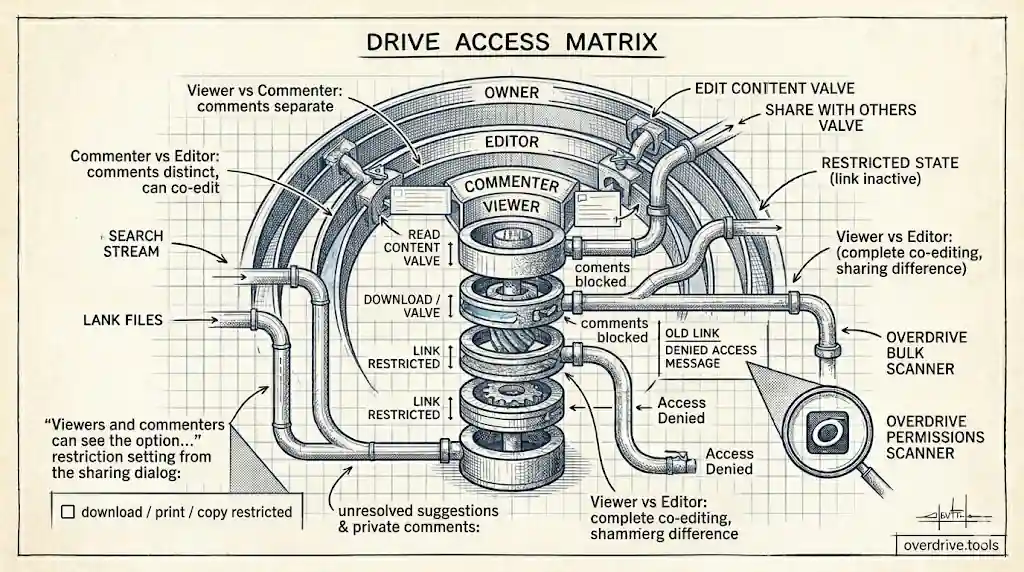
What Can a Viewer Do in Google Drive?
Viewers can see — and download — your Google Drive files by default. Here's exactly what viewer access allows, what it doesn't, and how to restrict it.
Read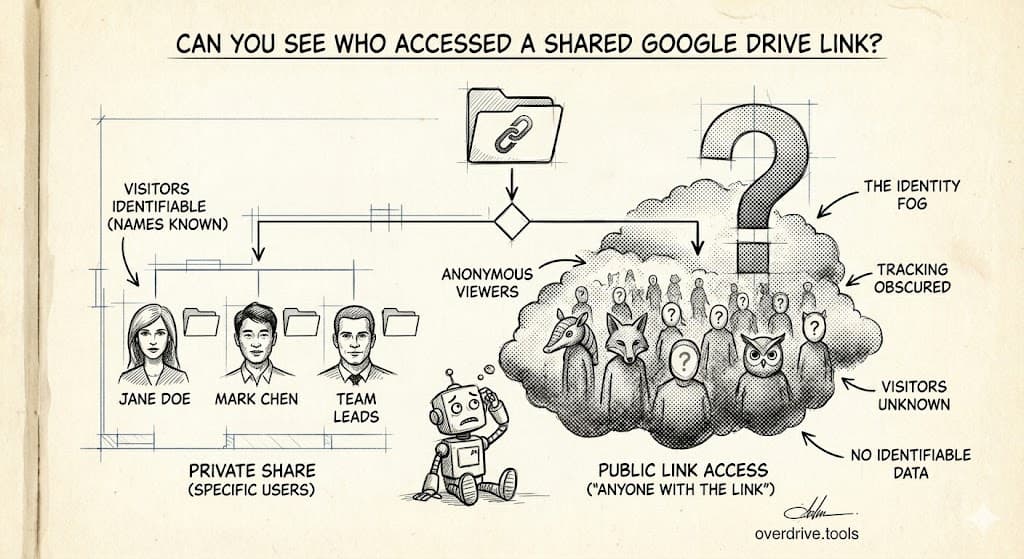
Can You See Who Accessed Your Google Drive Link?
The short answer is: partially. Google Drive shows some viewer activity — but with important limits. Here's exactly what you can and can't see.
Read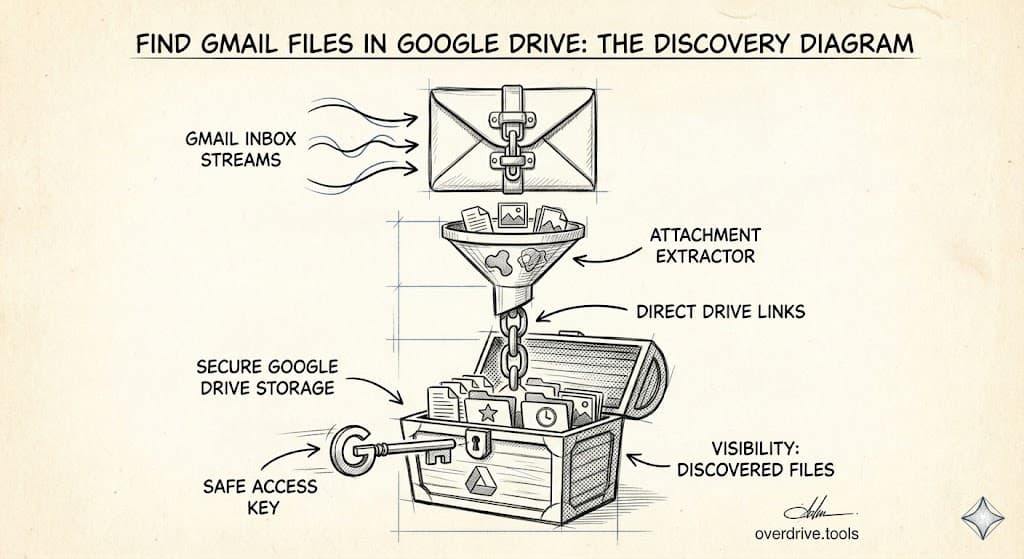
How to Find Google Drive Files You've Shared (Using Gmail)
Every Drive link you ever sent lives in your Gmail. Here's how to use Gmail's search operators to surface your entire sharing history — and what to do with it.
Read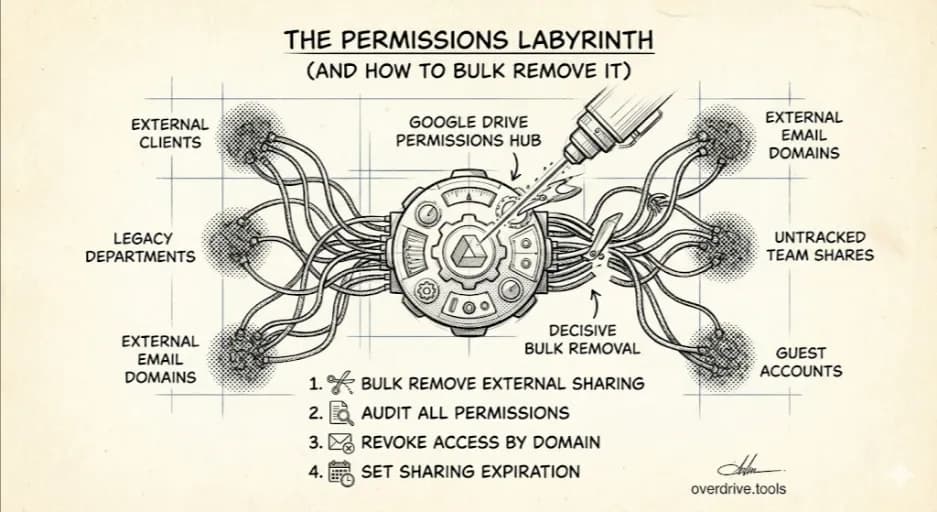
How to Bulk Remove Sharing Permissions in Google Drive
Google Drive has no 'remove all' button. Here's how to remove sharing permissions from many files at once — and the fastest way to do it.
Read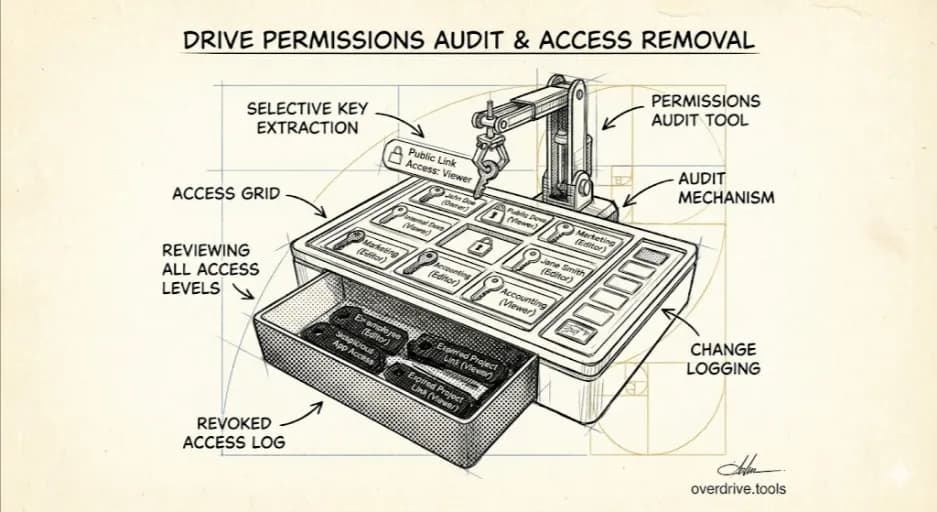
Google Drive Permissions: How to Review and Remove Access
Not sure who can see your Google Drive files? Here's how to check every permission across your Drive and remove access you no longer want.
Read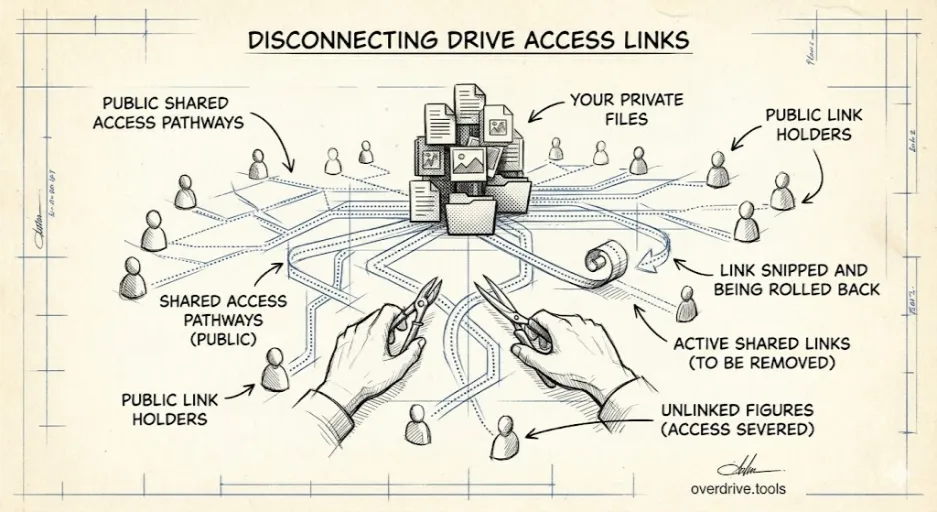
How to Remove 'Anyone With the Link' in Google Drive
'Anyone with the link' is the most common way to accidentally overshare in Google Drive. Here's how to find every file with this setting and turn it off.
Read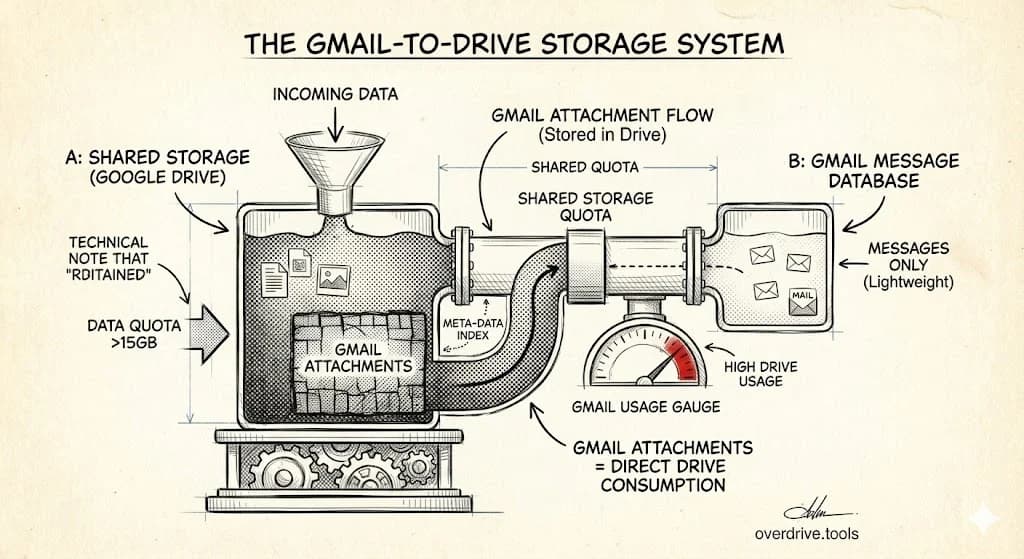
How Gmail Is Using Your Google Drive Storage
Gmail, Google Drive, and Google Photos share one pool: 5 GB free by default, up to 15 GB with a phone number. Here's how Gmail eats into that limit.
Read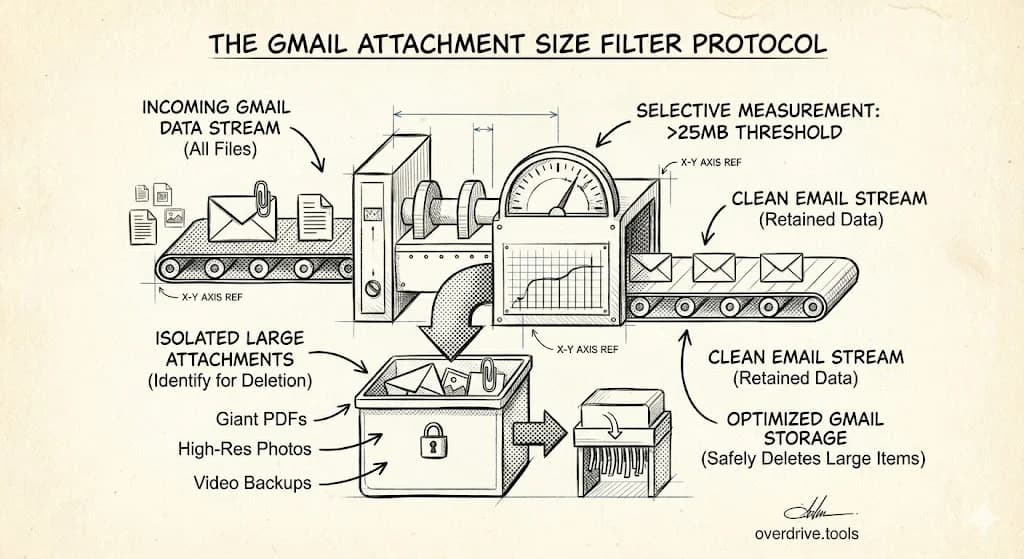
How to Find and Delete Large Gmail Attachments
Gmail attachments silently consume your Google storage. Learn how to find emails with large attachments using search operators and delete them to free up space fast.
Read
Why Gmail Is Quietly Eating Your Google Storage
Gmail, Drive, and Photos share one pool: 5 GB free by default, up to 15 GB with a phone number. Here's how Gmail quietly takes more than you'd expect.
Read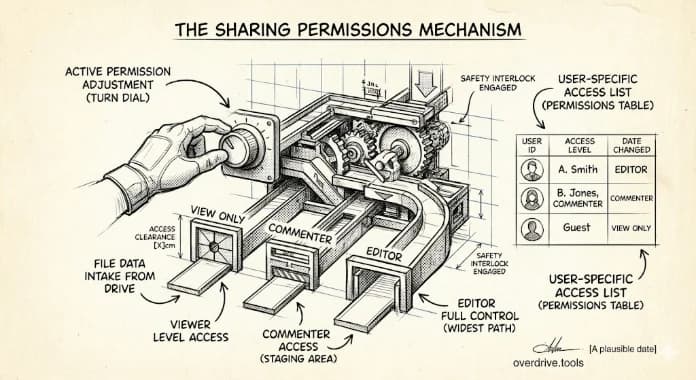
How to Change Google Drive Sharing Permissions
Learn how to change someone's permission level in Google Drive—upgrade a Viewer to Editor, downgrade an Editor to Commenter, or modify access for multiple files at once.
Read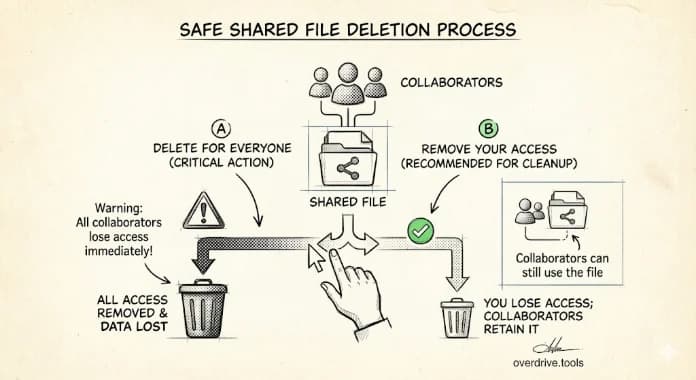
What Happens When You Delete a Shared File in Google Drive?
Find out what happens to shared files when you delete them—whether you own the file or it was shared with you. Plus how to safely remove files without affecting collaborators.
Read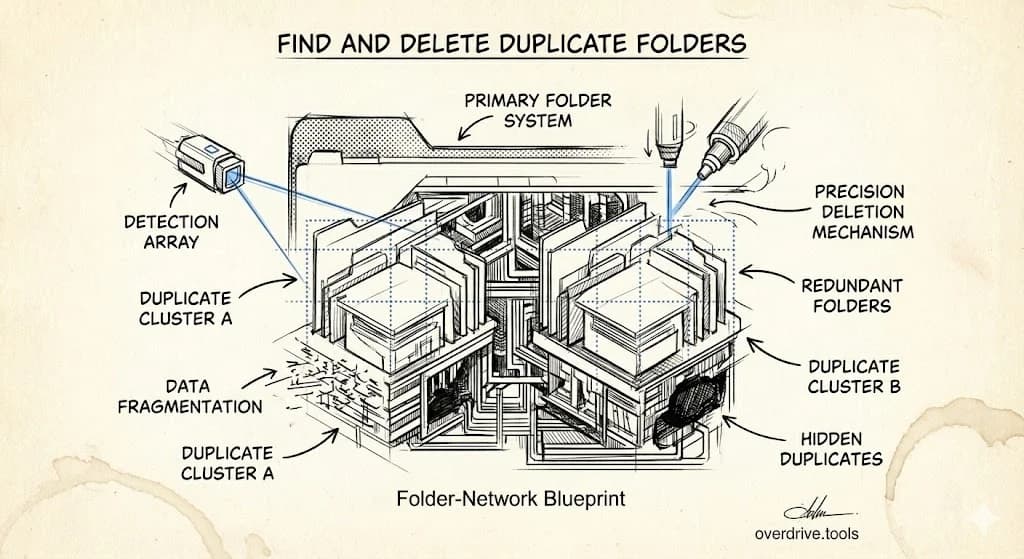
How to Find and Delete Duplicate Folders in Google Drive
Learn how to find duplicate folders in Google Drive—folders with identical names, similar contents, or redundant structures—and clean them up without losing important files.
Read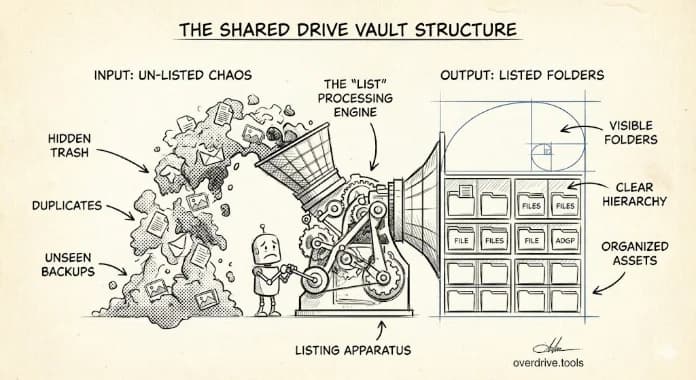
How to List All Folders in Google Shared Drives
Learn how to view and export a complete list of folders across all your Google Shared Drives. Simple methods that don't require any technical knowledge.
Read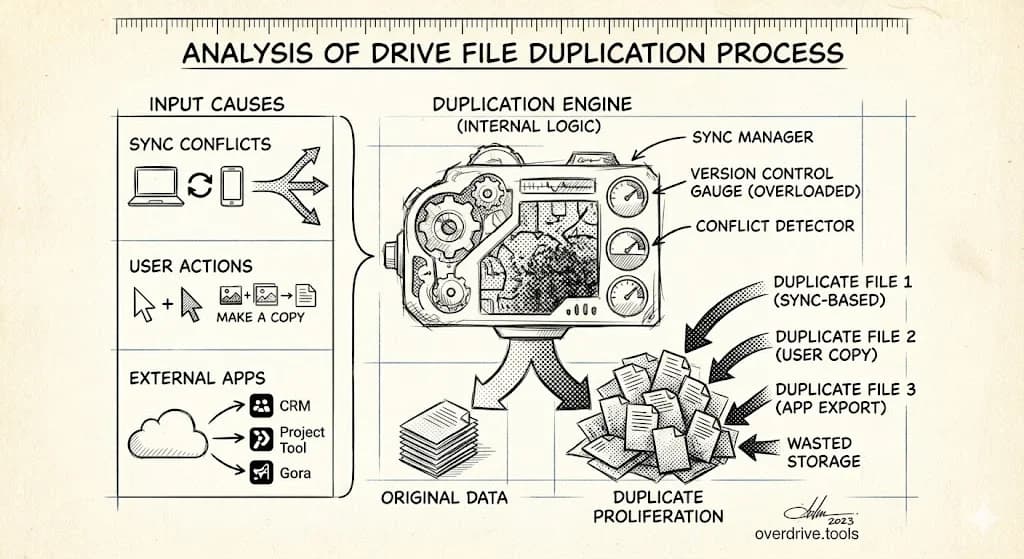
Why Google Drive Creates Duplicate Files (And How to Stop It)
Understand why duplicate files appear in Google Drive—sync conflicts, copy operations, email attachments, and more—plus how to prevent them from accumulating.
Read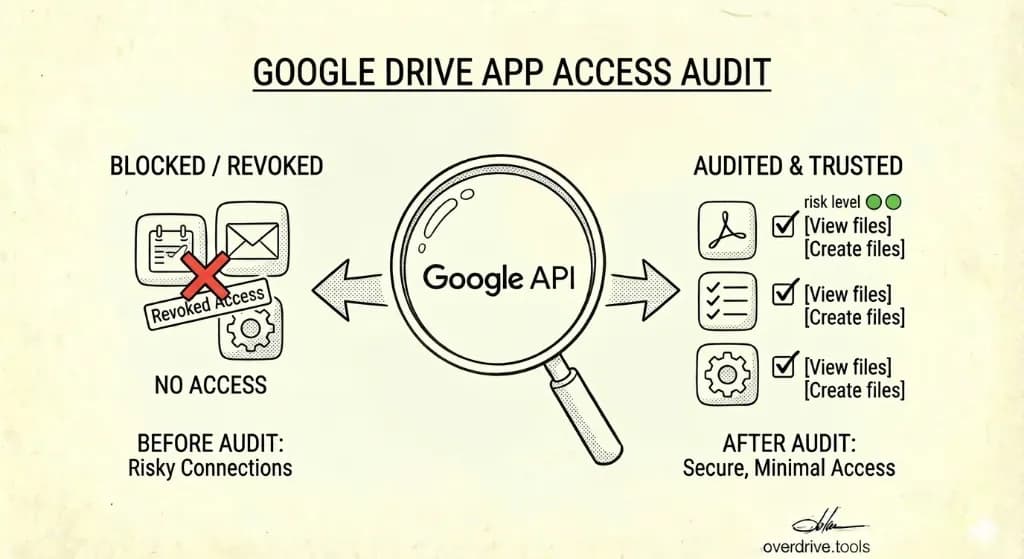
How to Audit Third-Party Apps Connected to Your Google Drive
A step-by-step look at how to find which apps have access to your Google Drive, what permissions they hold, and how to revoke the ones you no longer use or trust.
Read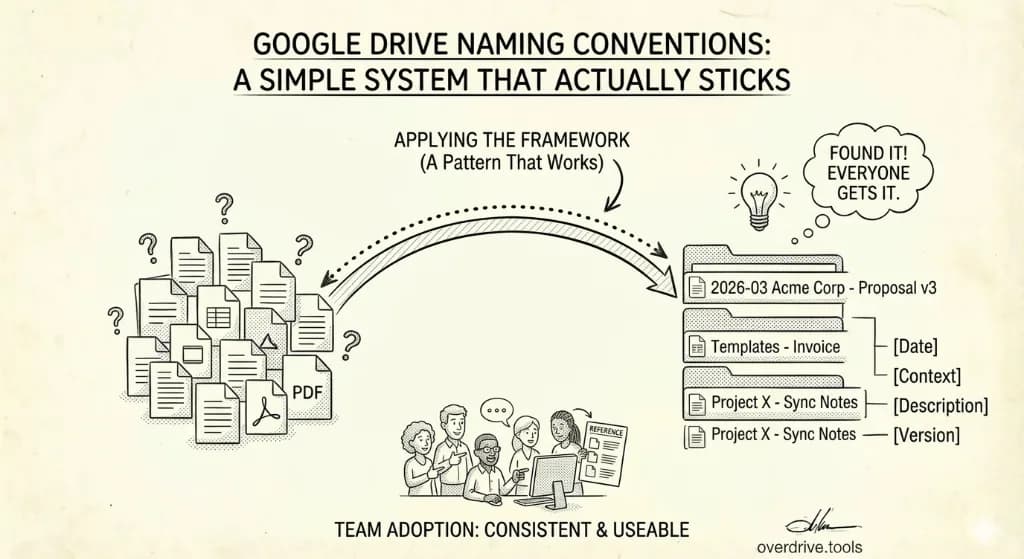
Google Drive Naming Conventions: A Simple System That Actually Sticks
A simple, repeatable file naming framework that makes files findable by anyone on the team—not just the person who saved them.
Read
How to Find and Download Your Largest Google Drive Files (Without Paying for More Storage)
Identify the files eating your Google Drive storage, back them up locally, and reclaim gigabytes the right way—without upgrading your plan.
Read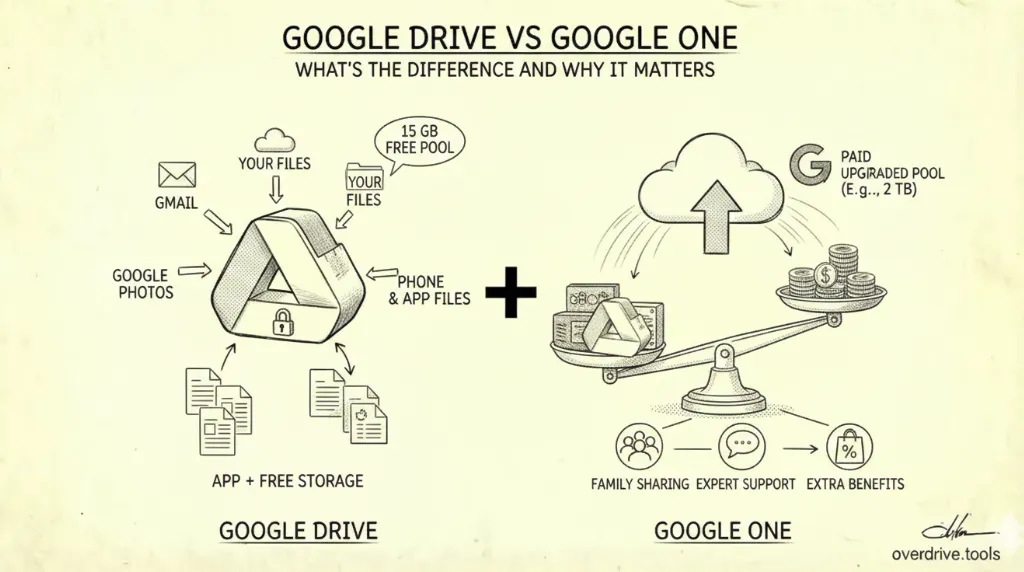
Google Drive vs Google One: What's the Difference and Why It Matters
Google Drive and Google One sound like the same thing but they're not. Here's exactly how they relate to each other—and why the confusion costs people money.
Read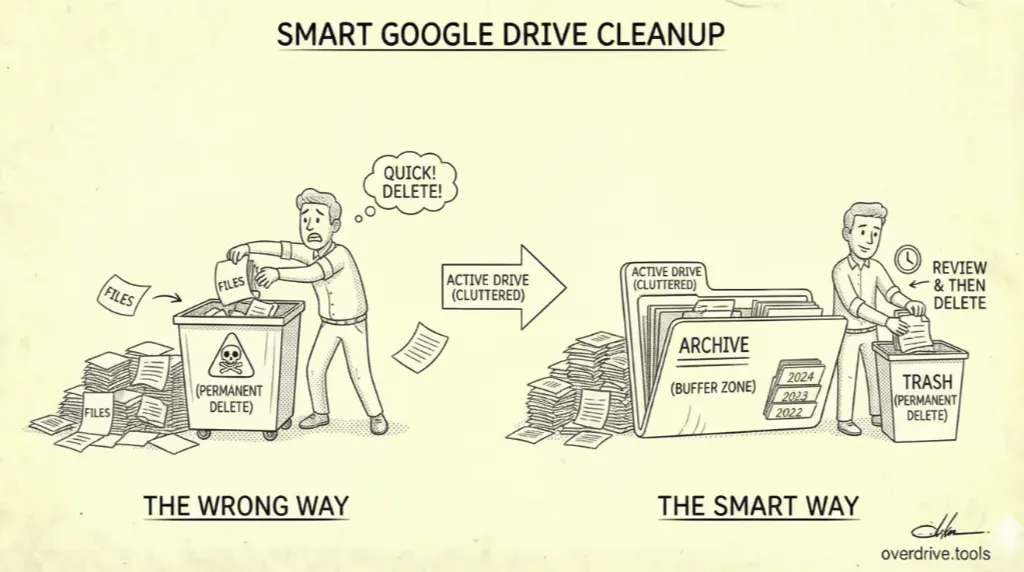
Smart Google Drive Cleanup: Archive First, Delete Second
Most people clean up Google Drive by deleting things they might need later. Here's the workflow that protects you from that mistake—and keeps your Drive fast, organized, and actually under control.
Read
How to Download Large Google Drive Files Before You Delete Them
A practical guide to backing up large files from Google Drive to an external drive before deleting them—so you can free up space without losing anything important.
Read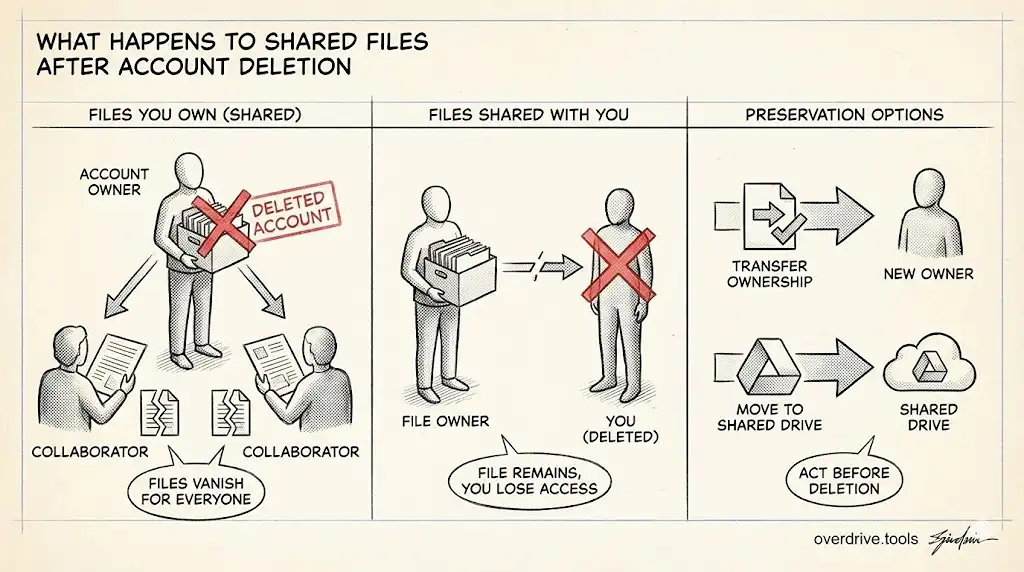
Deleting Your Google Account? Here's What Happens to Your Shared Files
If you delete your Google account, files you've shared don't just disappear for others — but what happens depends on where they're stored. Here's what to know first.
Read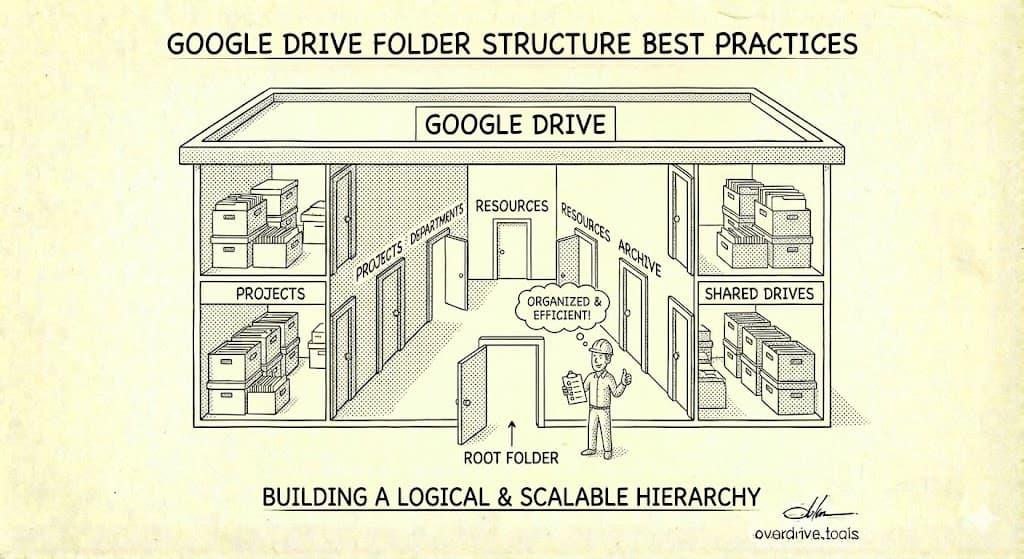
Google Drive Folder Structure: A Simple System That Actually Works (2026)
Most people over-complicate their Drive structure. Here's a proven folder system that keeps files easy to find without constant reorganizing.
Read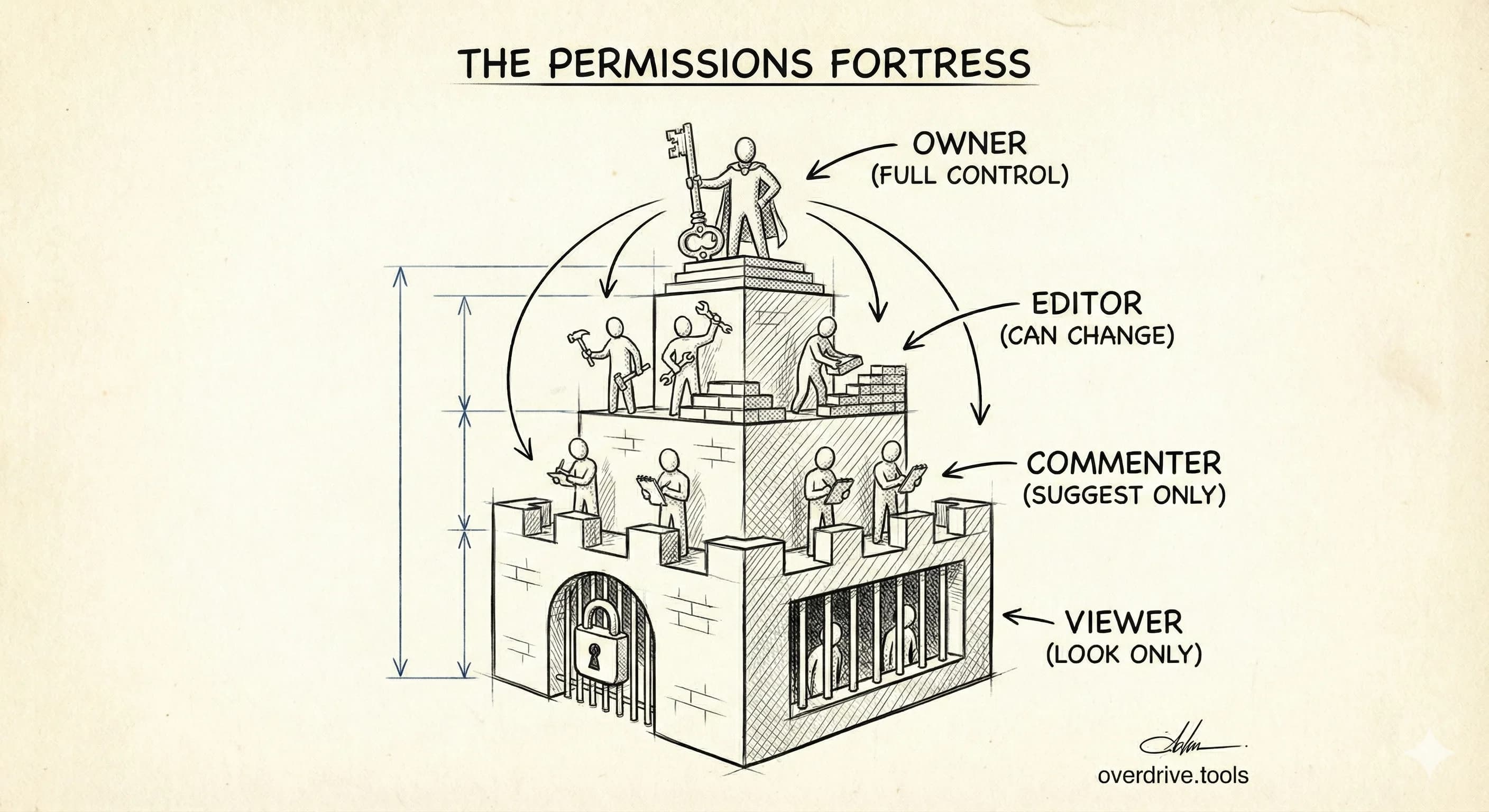
Google Drive Permission Levels: What Viewer, Commenter, Editor, and Owner Can Actually Do
Confused by Google Drive's permission settings? Here's exactly what each role can and can't do — and which one to use when sharing files.
Read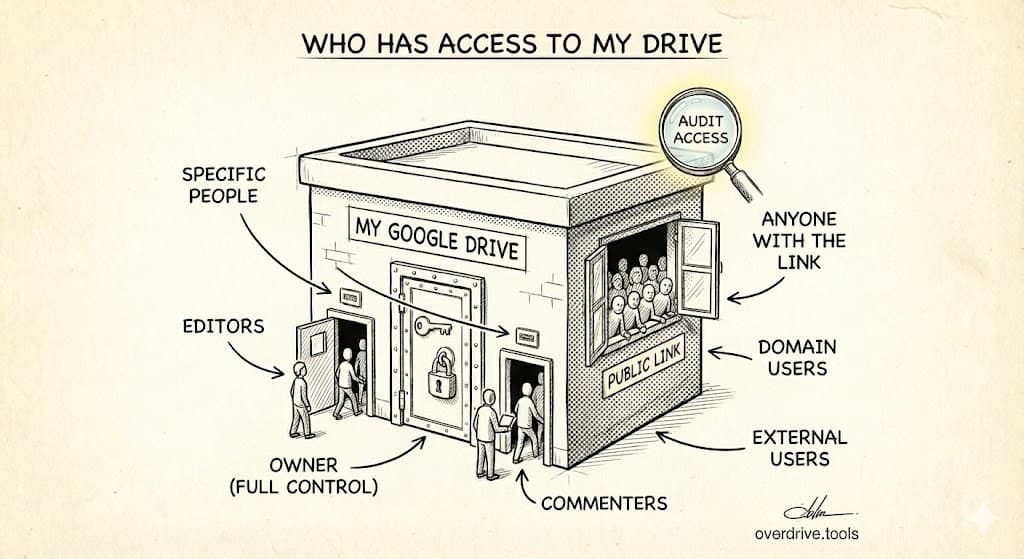
Who Can See Your Google Drive? How to Check (and Revoke Access)
Google Drive doesn't always make it obvious who has access to your files. Here's how to see every person with access — and remove them in seconds.
Read
Google Drive vs. SharePoint: Which Is Better for Small Teams?
Honest, practical comparison of both platforms to help small teams decide which one actually fits their workflow.
Read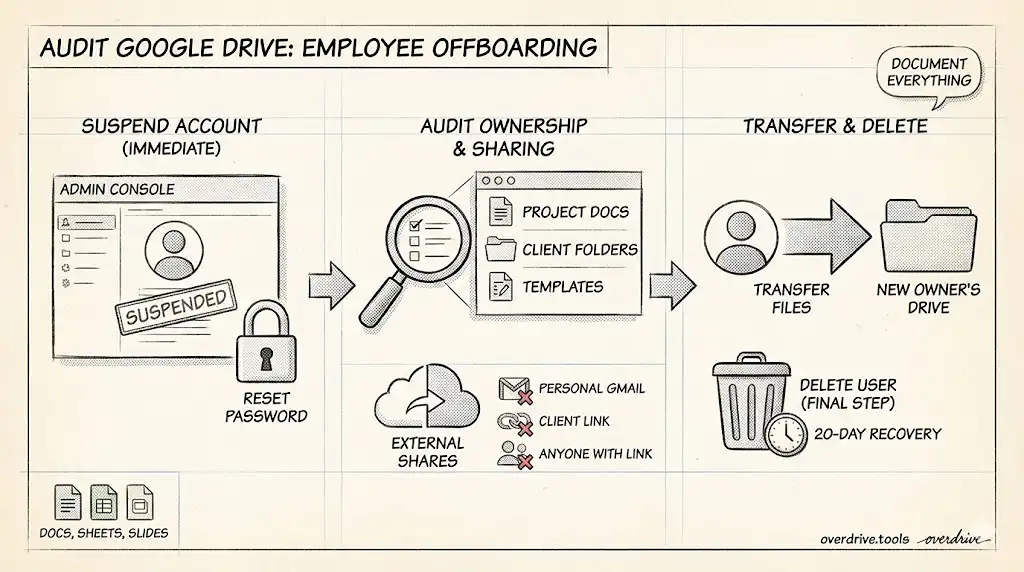
How to Audit Google Drive When an Employee Leaves Your Company
A complete checklist for Google Workspace admins to secure, transfer, and preserve Google Drive files before deleting a departing employee's account.
Read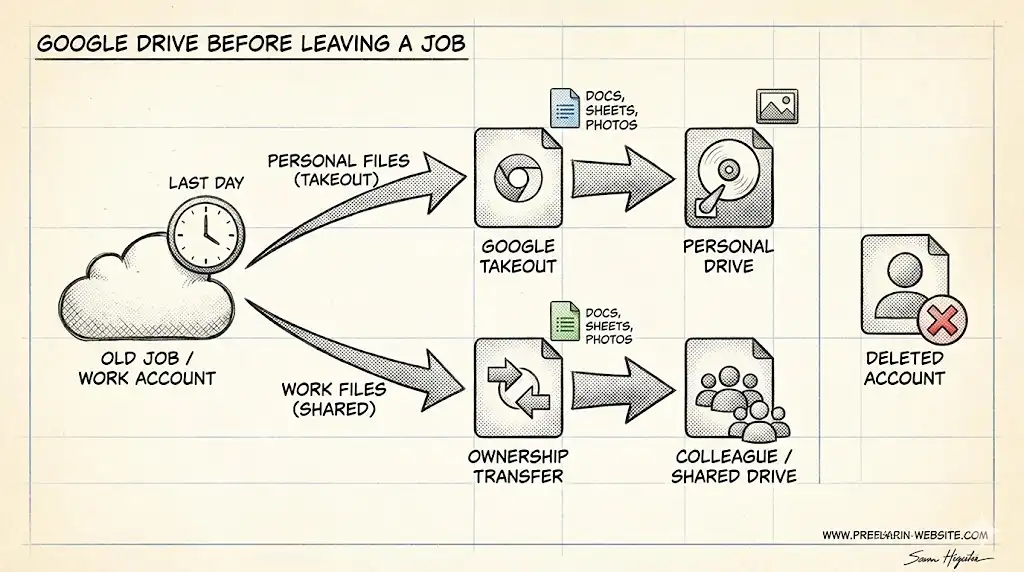
How to Handle Your Google Drive Before Leaving a Job
What to save, what to transfer, and what happens to your files when you leave a company that uses Google Workspace.
Read
Google Drive vs Dropbox vs OneDrive: Which Should You Actually Use?
An honest comparison of the three biggest cloud storage services. No fluff—just practical guidance on which one fits your actual workflow.
Read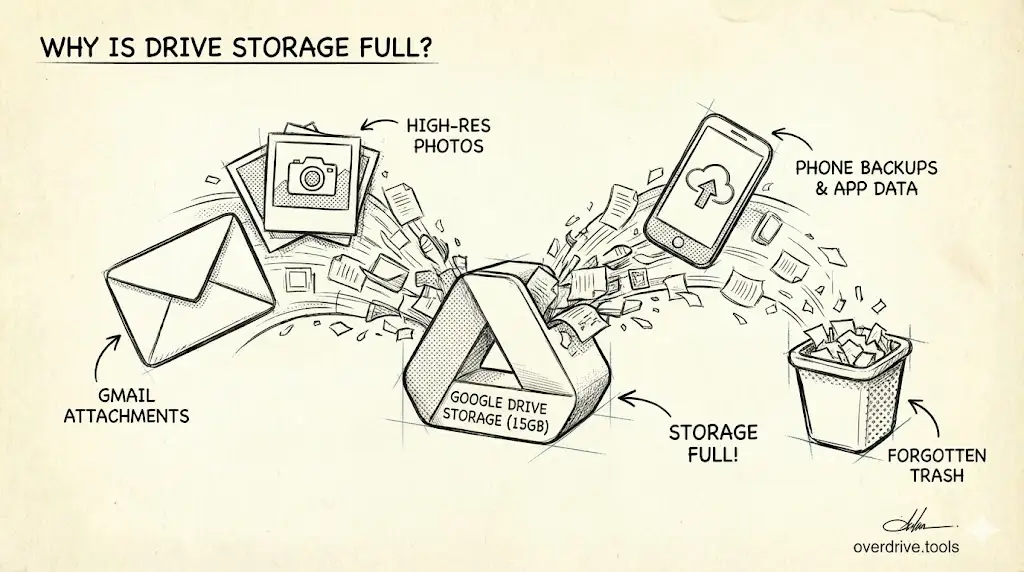
Google Drive Storage Full? Here's Why (and How to Fix It)
Your Google Drive is full, but you're not sure why. Learn what's actually consuming your storage—large files, duplicates, hidden app data—and how to reclaim space efficiently.
Read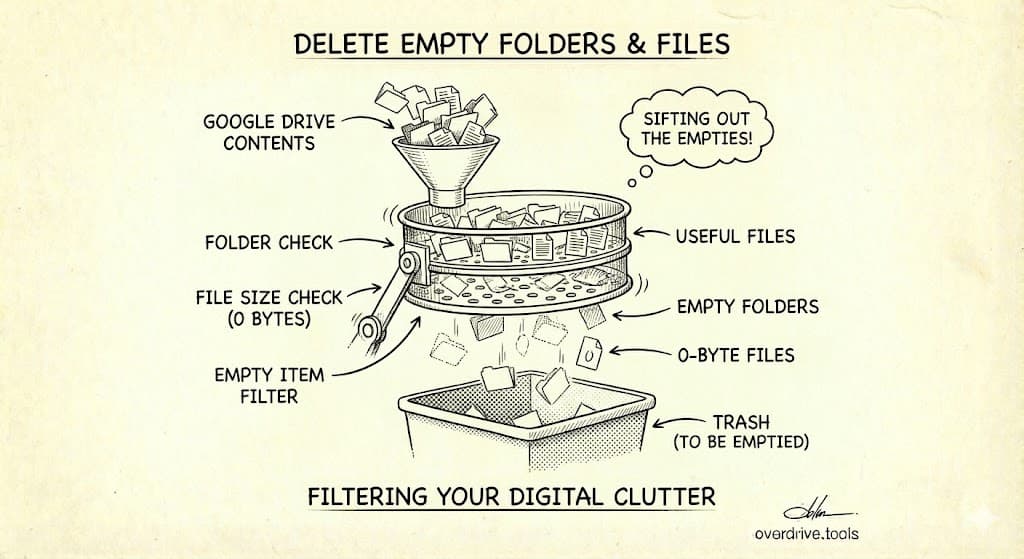
How to Find and Delete Empty Folders and Files in Google Drive
Empty folders and zero-byte files clutter your Google Drive. Here's how to find them, decide what to delete, and clean up the structural mess—manually and with automation.
Read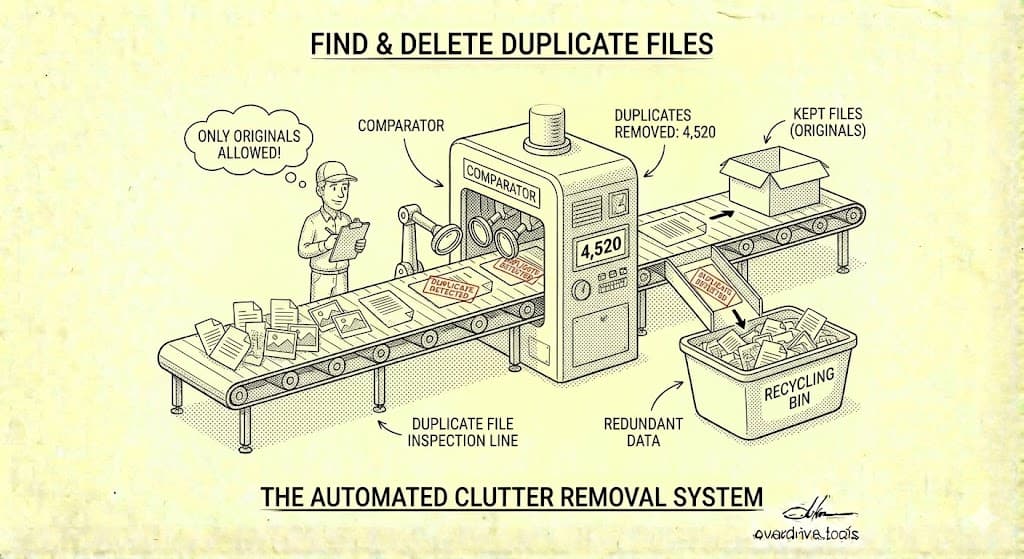
How to Find and Delete Duplicate Files in Google Drive
Google Drive doesn't have built-in duplicate detection. Here's how to find duplicate files manually, with search tricks, and with tools that identify identical files automatically.
Read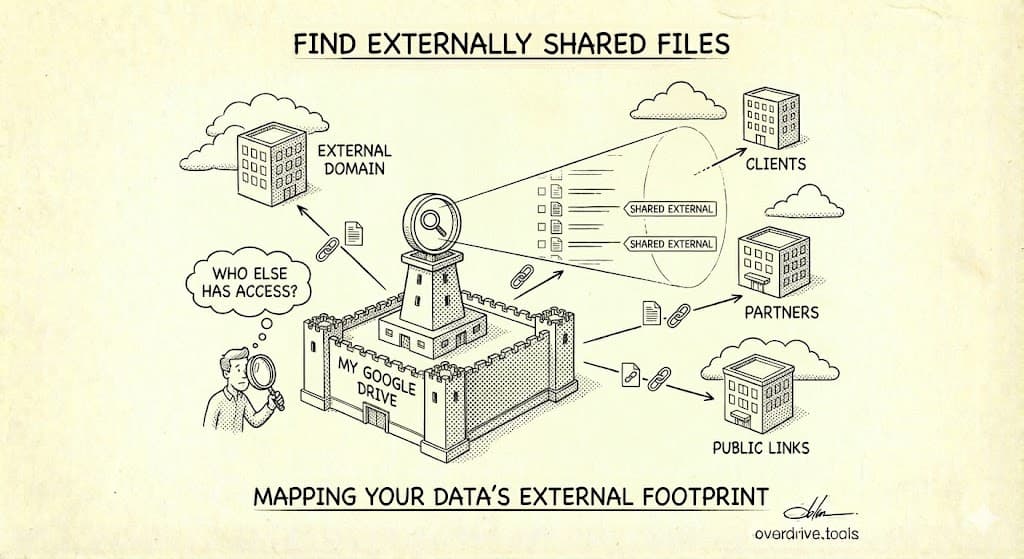
How to Find All Externally Shared Files in Google Drive
Find every file you've shared outside your organization. Locate public files, 'anyone with the link' shares, and files accessible to external users in your Google Drive.
Read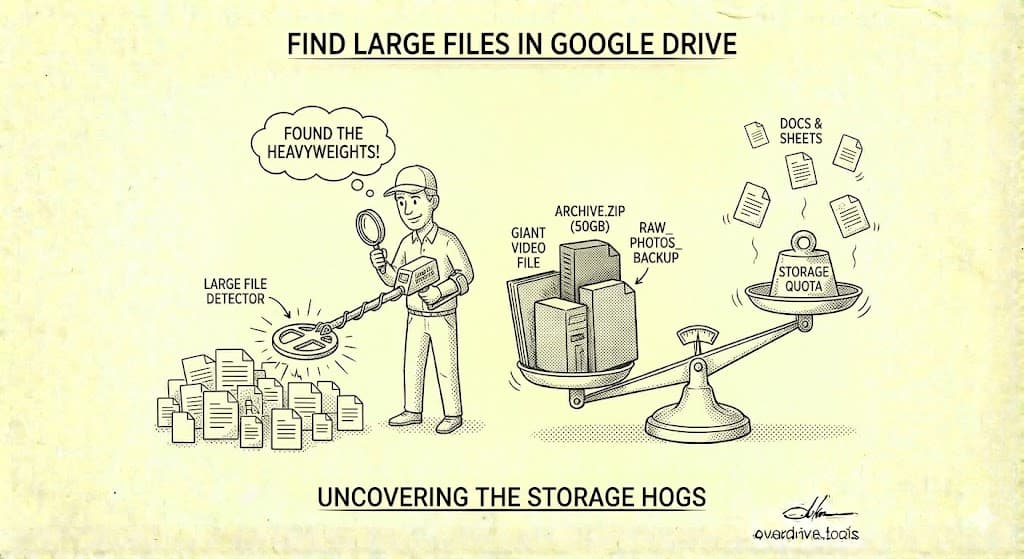
How to Find Large Files in Google Drive (4 Methods)
Find what's eating your Google Drive storage. Four ways to locate large files—scanning your entire Drive, Storage Manager, Google One view, and folder sorting—plus what to do with big files.
Read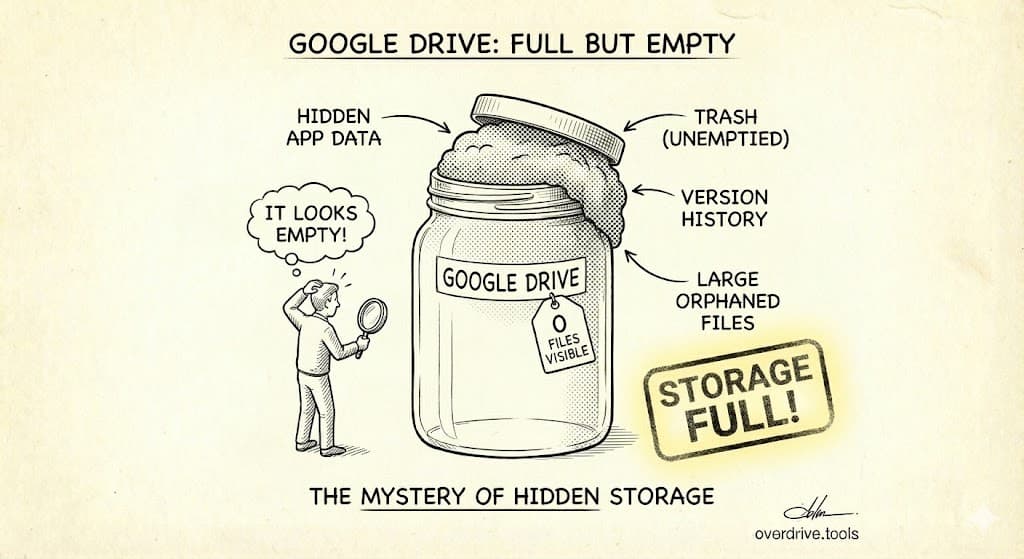
Why Is My Google Drive Full But Empty? (Solved)
Google Drive showing full but you can't find the files? Here's where your storage is actually going and how to reclaim it—Trash, Gmail, Photos, hidden app data, and more.
Read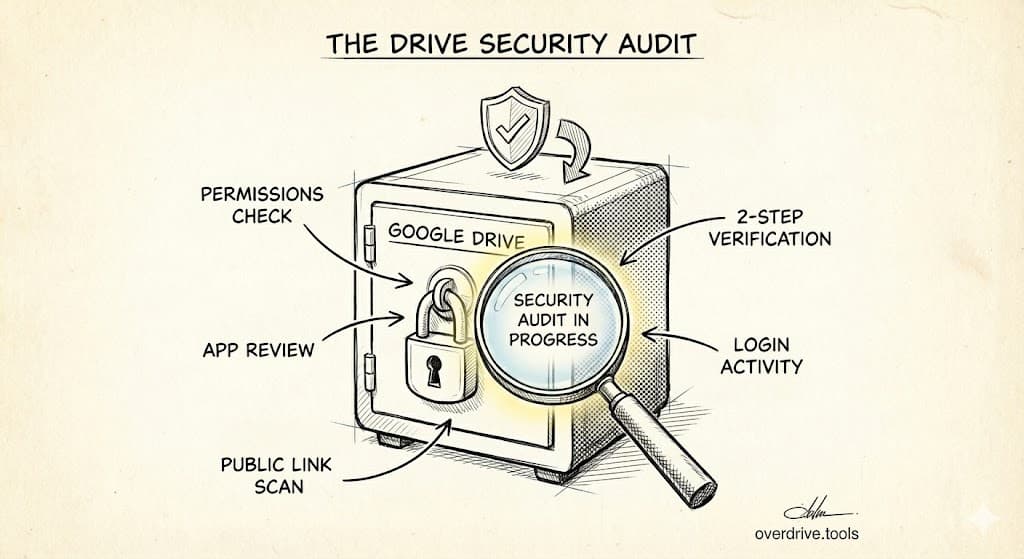
The Complete Google Drive Security Audit Checklist (2026)
Audit your Google Drive security in 30 minutes. Find public files, remove unauthorized users, and fix permission issues with this step-by-step checklist.
Read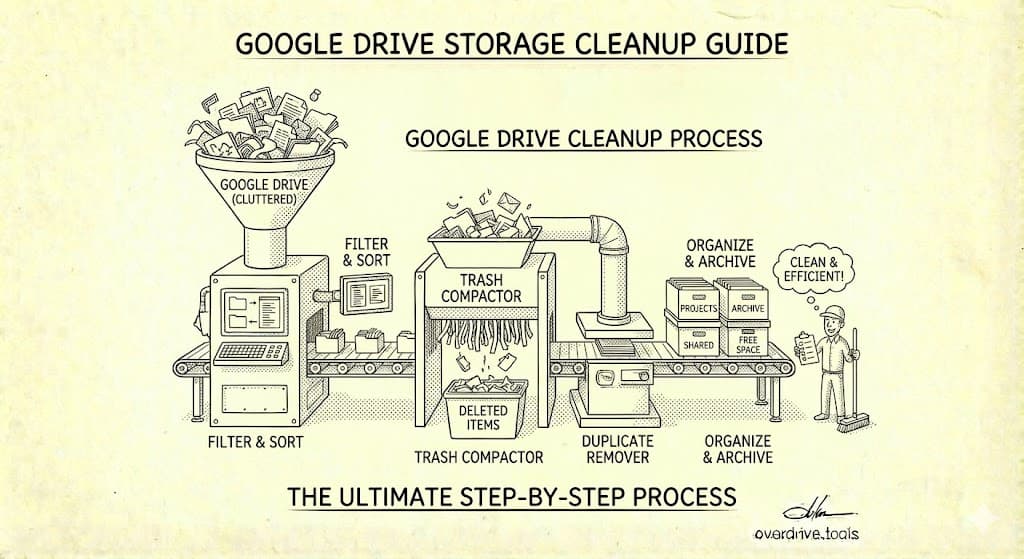
The Ultimate Google Drive Storage Cleanup Guide (2026)
Free up Google Drive storage fast. Find what's using your space, delete duplicates, clean up Gmail attachments, and reclaim gigabytes with this complete cleanup guide.
Read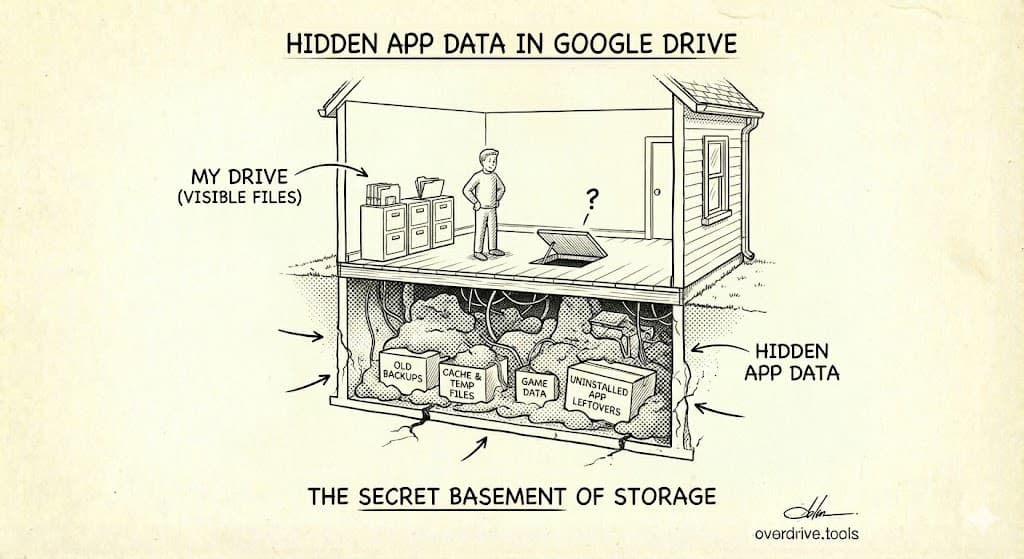
Hidden App Data Is Eating Your Google Drive Storage
Third-party apps can store gigabytes of invisible data in your Google Drive. Here's how to find hidden app data, see which apps are using storage, and delete what you don't need.
Read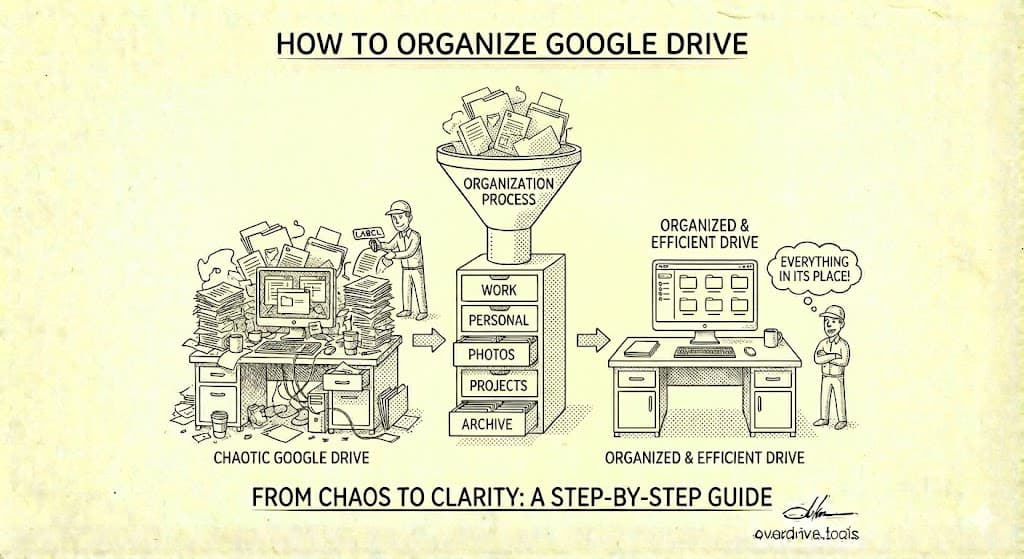
How to Finally Organize Your Google Drive (2026 Guide)
Stop losing files in Google Drive chaos. This guide covers folder structures, naming conventions, and systems that keep your Drive organized permanently—not just temporarily.
Read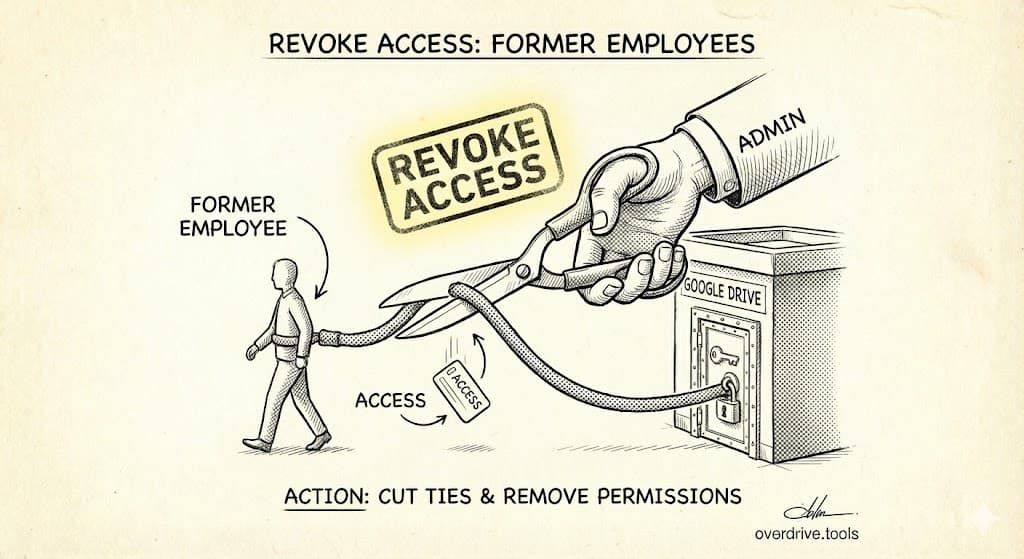
How to Revoke Google Drive Access When Employees Leave
Step-by-step guide to removing Google Drive access when employees or contractors leave. Includes offboarding checklist, bulk removal methods, and ownership transfer.
Read