Google Workspace Client-Side Encryption Explained
Client-side encryption puts your organization in control of the keys to its Drive files. Here's what it protects, what it costs you, and who needs it.
Overdrive Team//7 min read
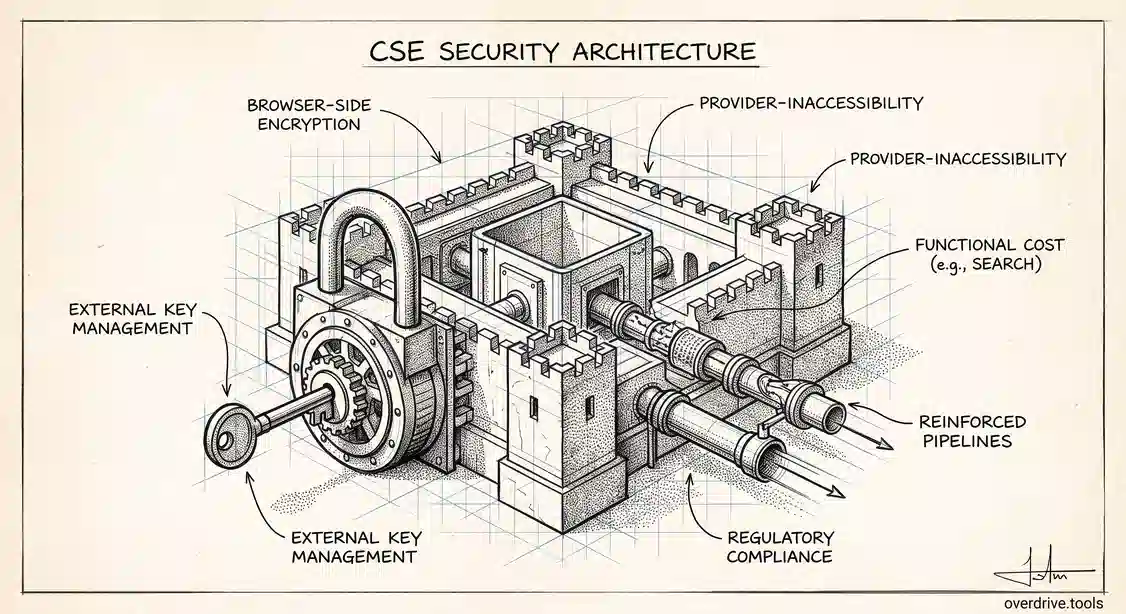
Google already encrypts your Drive files, both while they travel and while they sit on disk. Client-side encryption, usually shortened to CSE, changes something different: who holds the keys. With CSE, files are encrypted in the browser before they ever reach Google, using a key your organization controls through an external key service. Google stores the ciphertext and cannot read the contents.
That distinction sounds academic until you're answering a due-diligence questionnaire or working under a regulator who asks whether your cloud provider can technically access your data. For most organizations CSE is unnecessary. For a specific set of them it's the only acceptable answer, and it comes with real operational costs that are worth understanding before you commit.
What CSE actually changes
Standard Workspace encryption is provider-managed. Google encrypts data at rest and in transit, holds the keys, and can therefore decrypt content when its systems need to, which is what makes search, previews, and server-side processing possible.
Client-side encryption moves the key outside Google's control. Your organization connects an external key management service and an identity provider, and the encryption and decryption happen in the user's browser. Google receives and stores data it cannot decrypt. If a legal request arrives at Google for your content, what Google can produce is unreadable without your key.
The practical consequence is that you become responsible for key management in a way you weren't before. Lose access to your key service, and you lose access to the files, permanently. That's not a flaw; it's the point of the design, and it's the main reason CSE is a deliberate choice rather than a default.
What you give up
CSE is a genuine security upgrade with genuine functional cost. Everything Google does server-side by reading your content stops working for encrypted files.
Search is the big one. Google can't index content it can't read, so full-text search inside client-side encrypted files does not work the way users expect. Previews and thumbnails are limited or unavailable. Some editing and collaboration features behave differently, and mobile and offline access can be more constrained. Third-party integrations that expect to read file content generally break.
DLP is the one that surprises security teams. Content-based data loss prevention rules work by inspecting what's inside a file, and they cannot inspect what they cannot decrypt. So a document protected by CSE is simultaneously your most protected file and the one your content-scanning rules are blindest to. That's an acceptable trade when the goal is provider-inaccessibility, but it needs to be a conscious one.
Which editions and what you need in place
CSE is an upper-tier capability, available on Enterprise Plus, on Education Standard and Education Plus, and on Enterprise Essentials Plus. If you're on Business editions, it isn't available.
Beyond the licence, CSE has real prerequisites. You need an external key management service from a supported provider, and you need an identity provider configured to authorize users against those keys. Both need to be resilient, because their availability becomes a dependency for opening your own files. Then you enable CSE in the Admin console and decide which organizational units can use it, and whether encryption is optional or enforced for particular groups.
The set-up is not a switch you flip on a Friday afternoon. Treat it as a project with a key-management workstream, not a Drive setting.
Who actually needs it
The honest answer is: fewer organizations than are curious about it.
CSE earns its cost when you have a specific requirement that provider-managed encryption cannot satisfy. That usually looks like a regulatory or contractual obligation that your cloud provider must not be able to access the plaintext, common in defense, some healthcare and financial contexts, and organizations handling classified or export-controlled material. It also applies where sovereignty requirements mean a specific class of data must remain under your key control regardless of where it's stored, or where a major customer contractually requires it.
If your driver is instead a general sense that more encryption is better, CSE will cost you search, previews, and DLP coverage in exchange for protection against a threat model you may not actually face. Google's standard encryption already covers the great majority of real-world risks, and for most organizations the far larger exposure is not that Google can read files but that hundreds of files are shared with people who shouldn't have them.
A sensible middle path is to scope CSE narrowly. Apply it to the specific class of material that genuinely requires it, and leave the rest of the domain on standard encryption where search and DLP keep working. Most successful deployments look like this rather than a blanket rollout.
What CSE does not protect against
This is where CSE is most often misunderstood, because it addresses one threat model precisely and leaves others entirely untouched.
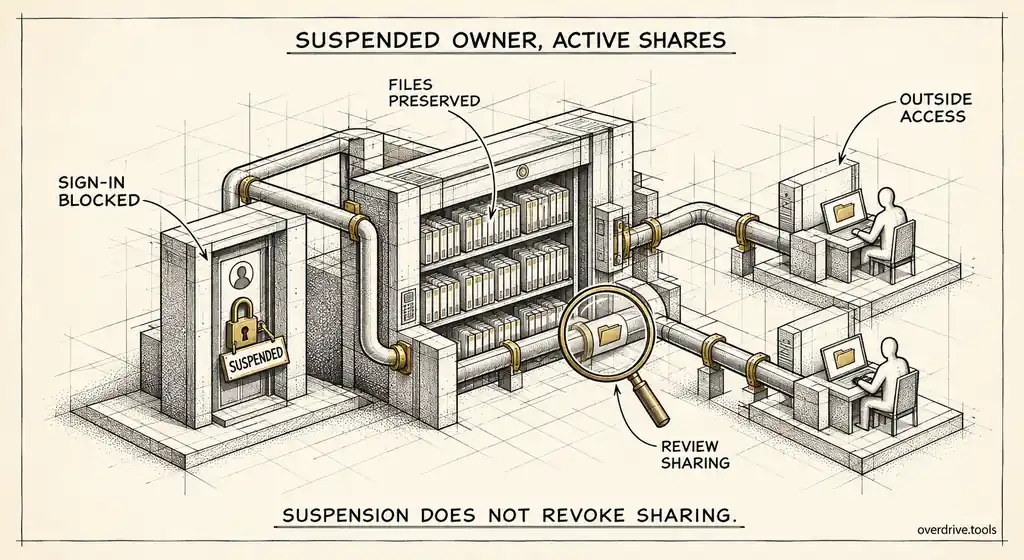
CSE protects against the provider reading your content. It does not protect against oversharing. An encrypted file shared with "anyone with the link" is decryptable by anyone your key service authorizes to open it, and the sharing settings work exactly as they always did. It doesn't prevent an authorized user downloading a file and emailing it onward. It doesn't stop a departing employee taking material they legitimately had access to. And it doesn't clean up any of the sharing that already exists across your domain.
So the risk CSE addresses is narrow and infrastructural, while the risk most organizations actually experience is human and access-shaped. Both are real, but they're different problems, and buying the first does nothing for the second.
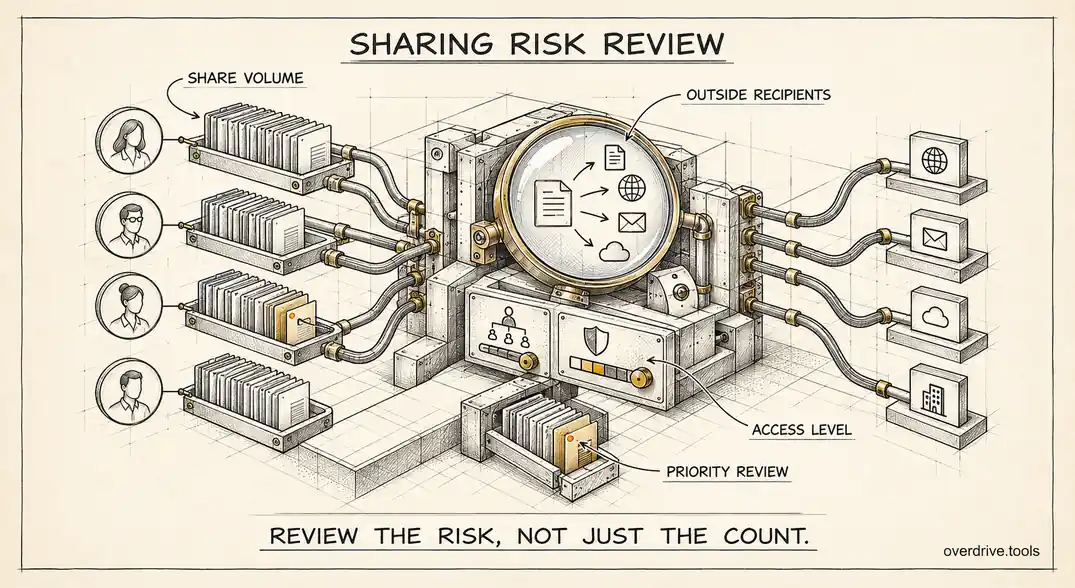
Closing the access side means knowing what's currently exposed, which Google gives admins little help with. Overdrive for Google Workspace connects with read-only access and turns Google's sharing signals into a present-tense inventory of exposure across your Drive: which files are public or shared outside the organization, how long they've been that way, and who owns them. That runs alongside CSE rather than competing with it, since encryption governs who can read data at the infrastructure layer while this answers who can currently reach it. It reads metadata only, never file contents, which is the appropriate posture generally and a hard requirement for organizations considering CSE in the first place.
Rolling it out without stranding data
If you've decided CSE is required, a few operational points separate smooth deployments from painful ones.
Pilot with a small group on non-critical material first. The functional trade-offs read as abstract on a comparison page and become concrete the moment a user tries to search for an encrypted document and finds nothing. You want that discovery happening with five volunteers, not the whole finance department mid-quarter.
Plan key availability like you would plan database availability. Your key service becoming unreachable means your files become unreadable for the duration. Understand the provider's uptime commitments, know the failover story, and make sure more than one person in your organization understands how the key infrastructure works.
Decide the scope boundary explicitly and document it. Which organizational units, which shared drives, which categories of document. An ambiguous boundary produces the worst outcome, where some sensitive material is encrypted and some isn't, and nobody can say which without checking each file.
Train the affected users before enabling, not after. The behaviour changes they'll notice, particularly around search and previews, are far easier to accept as a known trade-off explained in advance than as a product that appears to have broken. Most CSE complaints are really surprise complaints.
And keep a decision record. When someone asks in two years why search doesn't work on the legal shared drive, the answer should be a documented compliance requirement rather than institutional memory.
Deciding
Two questions settle it for most admins.
Do you have a written requirement, from a regulator or a customer contract, that your provider must not be able to access plaintext? If yes, CSE is likely the mechanism that satisfies it, and the functional trade-offs are simply the cost of compliance. If no, be honest about whether you're solving a real threat or an intuition.
And can you operate a key management service reliably? If your organization would struggle to guarantee the availability of an external key service, CSE introduces a new way to lose access to your own data. That risk is manageable with the right operational maturity and dangerous without it.
The short version
Client-side encryption encrypts Drive files in the browser using keys your organization controls through an external service, so Google stores data it cannot read. It's available on Enterprise Plus, Education Standard and Plus, and Enterprise Essentials Plus, and requires a key management service and identity provider before you can enable it. The cost is functional: search, previews, some collaboration features, and content-based DLP stop working on encrypted files. It's the right answer when a regulator or contract requires that your provider cannot access plaintext, and usually overkill otherwise. Scope it narrowly to the material that needs it, and remember it protects against provider access rather than oversharing, which is a separate problem requiring a view of who can currently reach your files.
Related Articles
- Google Vault and Drive: What Admins Need to Know
- How to Set Up DLP Rules for Google Drive
- Google Drive and GDPR: What Personal Data Lives in Your Shared Files