Google Vault and Drive: What Admins Need to Know
Google Vault handles retention, holds, and eDiscovery for Drive, but it's not a backup. Here's what Vault does for Drive data, and what it doesn't.
Overdrive Team//7 min read
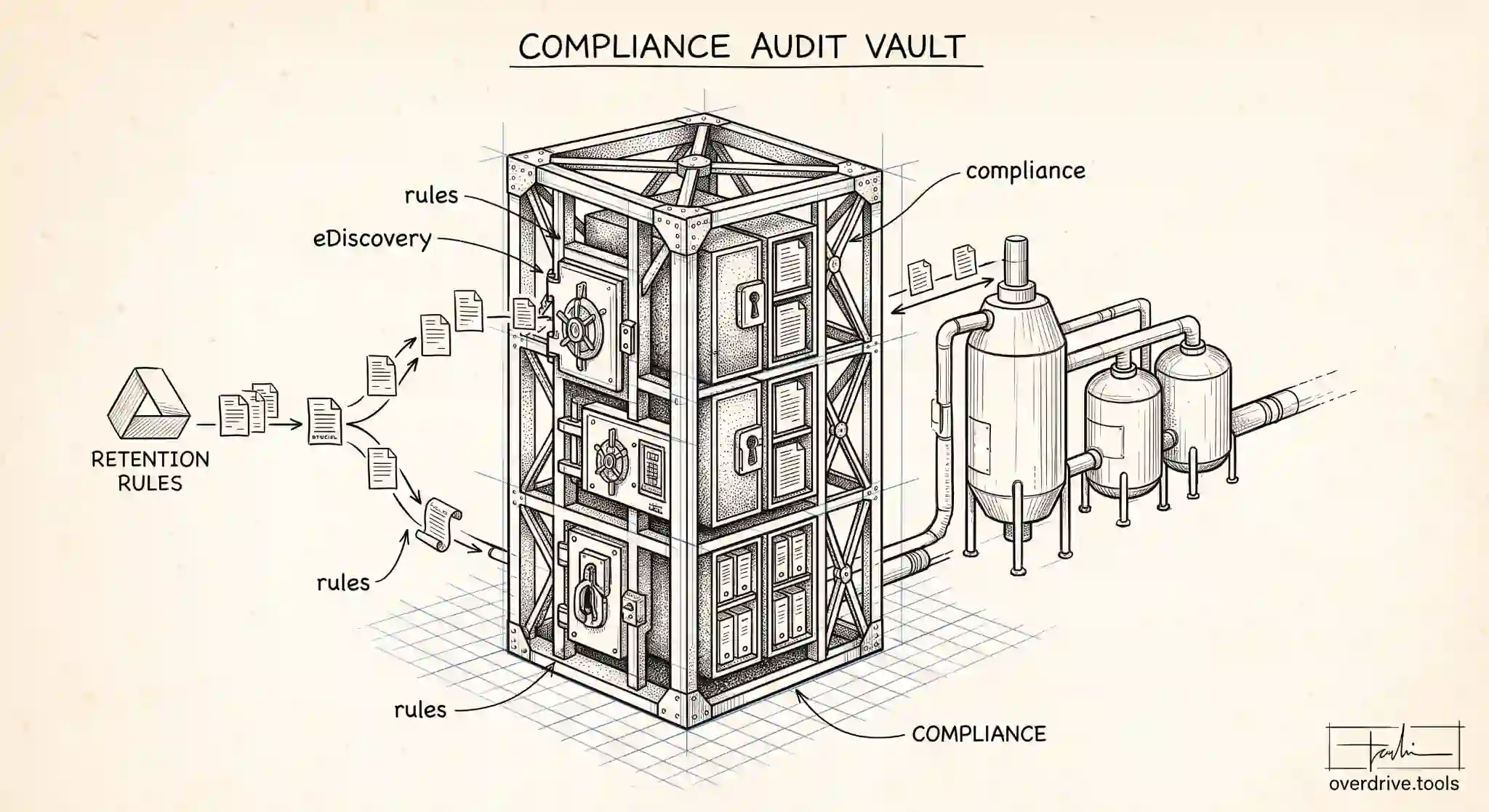
Google Vault is Workspace's tool for retention, legal holds, and eDiscovery, and it covers Drive files alongside Gmail and other data. It lets an organization keep data for as long as compliance requires, preserve specific data when litigation is anticipated, and search and export data when needed for an investigation or legal matter. For any organization with regulatory or legal obligations, Vault is how those obligations get met inside Workspace.
What Vault is not, despite a common misconception, is a backup system. It serves compliance and legal purposes, and treating it as your data protection strategy leaves real gaps. Here's what Vault actually does for Drive, which editions include it, and where its role ends and other tools begin.
What Vault does for Drive data
Vault's role centers on three connected capabilities. The first is retention. Vault lets admins set retention rules that determine how long Drive data is kept, and these rules can keep data beyond when a user deletes it, or ensure data is purged after a defined period. This is the backbone of compliance, since many regulations require records be retained for specific durations, and others require they not be kept longer than allowed.
The second is holds. When litigation or an investigation is anticipated, a legal hold preserves relevant data so it can't be lost, even if a user tries to delete it or a retention rule would otherwise purge it. Holds override deletion, which is exactly what legal preservation requires, and they can be scoped to specific users or matters.
The third is search and export, the eDiscovery function. Vault lets authorized admins search across Drive and other Workspace data by user, date, terms, and other criteria, then export what's relevant for legal review. This is what makes Workspace data usable in a legal or compliance context rather than merely stored.
Together these make Vault the compliance and legal backbone for Drive: keep what must be kept, preserve what must be preserved, and produce what must be produced.
Which editions include Vault
Vault is included with a broad range of Workspace editions at no extra cost, which is a pleasant contrast to some other advanced features. It comes with the Business editions, Business Starter, Business Standard, and Business Plus, and with the Enterprise editions including Enterprise Starter, Enterprise Standard, and Enterprise Plus, as well as Frontline plans.
If an organization is on an edition that doesn't include Vault, add-on Vault licenses can generally be purchased, and some special cases, such as Workspace for Nonprofits, have their own arrangements. For most business and enterprise customers, though, Vault is already available, so the question is usually how to use it well rather than whether you have it.
The critical distinction: Vault is not a backup
This is the point that trips up the most admins, so it's worth being blunt. Vault is a compliance and eDiscovery tool, not a backup solution, and the difference is not academic.
Retention rules govern how long data is kept for compliance, but they aren't designed to restore an individual user's files after accidental deletion or a mistake the way a backup would. Vault preserves and produces data for legal and regulatory purposes; it isn't built to be the thing you turn to when someone empties their Drive trash and needs their working files back tomorrow. The workflows, the intent, and the guarantees are different.
Relying on Vault as your backup leaves a real gap in data protection, because the scenarios a backup exists for, fast restoration of lost or corrupted files, human error, recovering a specific version, aren't what Vault is designed to serve. Organizations that assume "we have Vault, so we're backed up" often discover the mismatch at the worst possible time. Vault answers "can we retain and produce this for compliance," not "can we quickly get this back."
Where Vault fits alongside other Drive practices
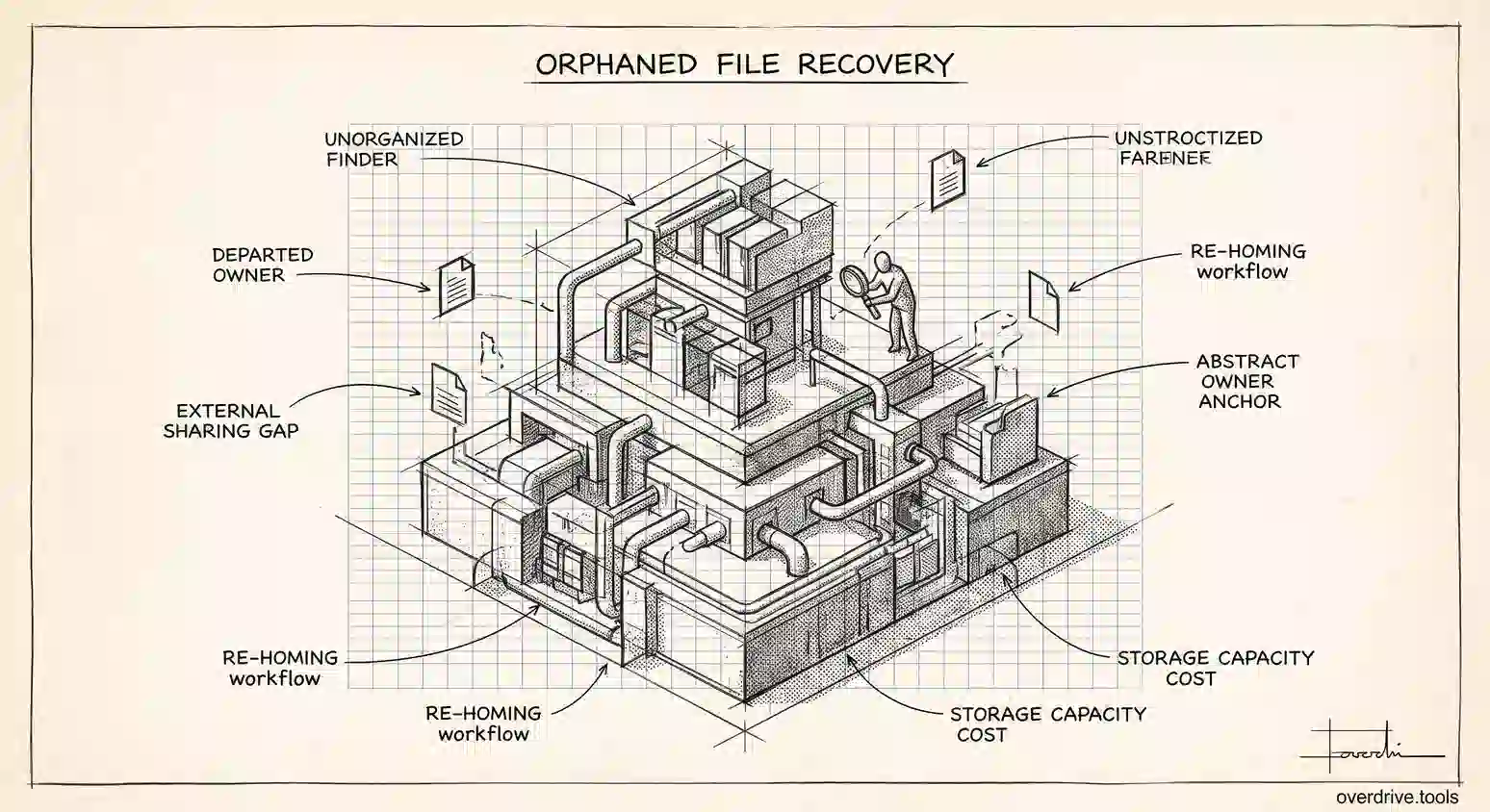
Because Vault occupies the compliance and legal corner, a complete Drive data strategy pairs it with other practices for the jobs Vault doesn't do. Actual backup, whether through export tools or a dedicated backup service, covers restoration and data protection. Good offboarding covers transferring and preserving a departing user's files. And ongoing visibility into how Drive data is shared and where it lives covers the security exposure that retention and holds don't address at all.
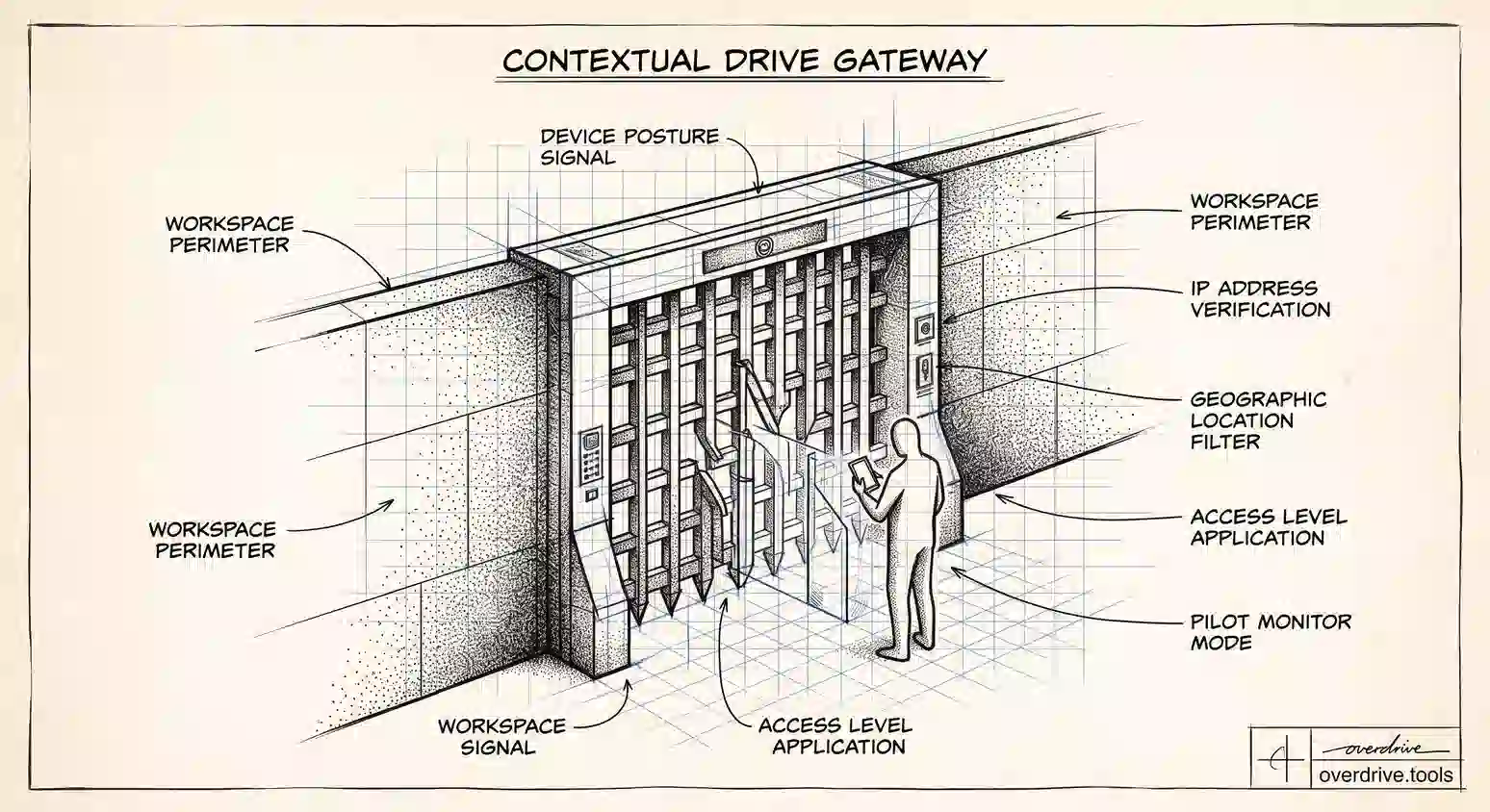
That visibility piece is easy to overlook when compliance tooling is in place, yet Vault says nothing about who can currently access a file or how broadly it's shared. Overdrive for Google Workspace connects with read-only access and turns Google's sharing signals into a present-tense inventory of what's exposed across your Drive, which files are public or shared externally and who owns them, so an admin has visibility into access and exposure that sits entirely outside Vault's retention-and-legal scope. It reads metadata only, never file contents. Vault handles what you must keep and produce; a visibility layer handles who can currently see it; and a real backup handles getting it back.
Seeing these as distinct jobs is what prevents the dangerous assumption that any one tool covers all of them.
Setting sensible retention for Drive
Retention is where most organizations start with Vault, and getting it right means translating obligations into rules. Begin from what you're actually required to keep and for how long, since retention should be driven by real legal, regulatory, or business requirements rather than a vague instinct to keep everything forever. Over-retention carries its own risk, because data you keep is data you may have to produce or protect, so retaining longer than necessary is not automatically safer.
Vault lets you set a default retention rule covering Drive broadly and then add custom rules for specific organizational units or matters that need different handling. A common pattern is a sensible organization-wide default with tighter or longer rules layered on for regulated teams. Whatever you set, understand that retention rules interact with user deletion: a rule can keep data beyond when a user deletes it, or ensure data is purged after a defined period, which is powerful and worth testing so the behavior matches your intent before you rely on it.
How holds and eDiscovery work in practice
When litigation or an investigation is anticipated, a legal hold preserves relevant data so it can't be lost, overriding both user deletion and retention rules that would otherwise purge it. In practice, an admin places a hold scoped to the relevant users and matter, and from that point the covered data is preserved regardless of what users do, which is exactly what legal preservation requires. Holds are precise instruments, so scope them to what the matter actually needs rather than holding everything indefinitely.
The eDiscovery side is search and export. Authorized admins can search across Drive and other Workspace data by user, date, and terms, then export what's relevant for legal review. The important operational point is that these are privileged capabilities with serious implications, so access to Vault's search and export should be tightly limited and its use governed by clear policy. Used well, holds and eDiscovery are what make Workspace data defensible in a legal context; used loosely, they become a privacy and governance risk of their own.
Because of that, the organizations that use Vault well tend to treat it as a governed capability rather than a set-and-forget feature. Retention rules are documented and reviewed against current obligations, holds are placed and released deliberately as matters open and close, and access to search and export is restricted to a small, accountable group. Handled this way, Vault quietly does exactly the job it's meant to: keeping what compliance requires, preserving what the law demands, and producing what a matter needs, without becoming either a liability or a false substitute for the backup and visibility tools that cover the jobs it was never designed to do. Treated as one governed piece of a larger data strategy, Vault is dependable precisely because it isn't asked to be everything.
The short version
Google Vault handles retention, legal holds, and eDiscovery for Drive data, letting organizations keep what compliance requires, preserve data for litigation, and search and export it for legal review. It's included with Business and Enterprise editions at no extra cost, with add-on licenses available otherwise. The essential thing to understand is that Vault is not a backup: it serves compliance and legal needs, not fast restoration of lost files, so it belongs alongside a real backup for data protection, solid offboarding for departures, and ongoing visibility into sharing and access for security, each covering a job the others don't.
Related Articles
- What Google Workspace's Audit Log Shows About Drive Activity (and What It Doesn't)
- How to Actually Back Up Your Google Drive (Takeout, Sync, and What Neither Covers)
- What Happens to Shared Files When an Employee Leaves Your Workspace