How MSPs Audit Drive Sharing Across Client Domains
MSPs and IT consultants get asked about Drive exposure across many client domains. Here's a repeatable way to audit each client and report on it.
Overdrive Team//7 min read
If you manage Google Workspace for several client organizations, Drive sharing is one of the questions you'll get asked most and can answer least comfortably. Each client's Admin console shows settings and logs, but none of them answers "how exposed are we right now?" in a form you can put in front of a client. Doing it manually, client by client, doesn't scale past a few domains.
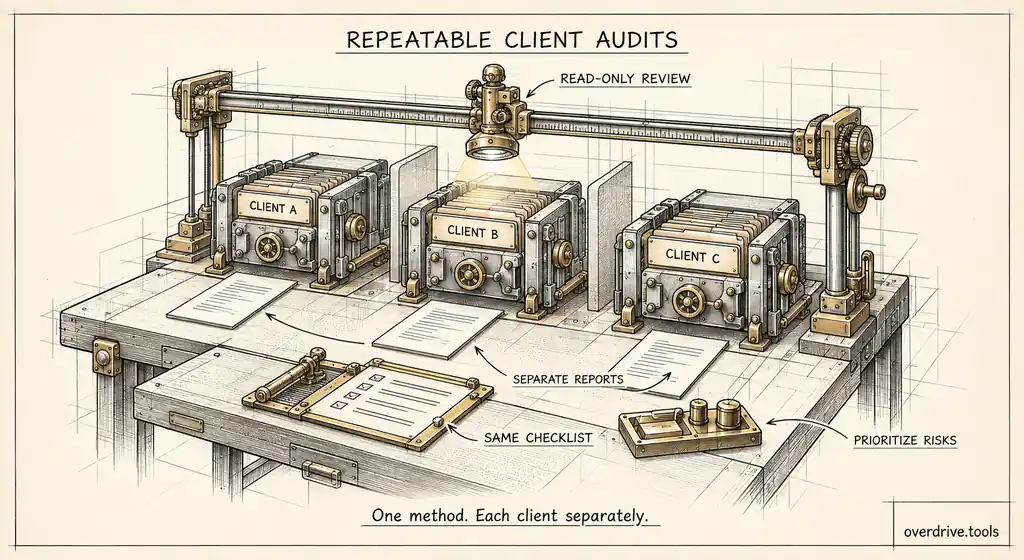
The answer is a repeatable audit: the same method, the same measurements, and the same report format for every client, run on a schedule. Here's how managed service providers, virtual CISOs, and Workspace consultants can build one, and how to turn it into something clients value rather than a chore you absorb.
Why Drive sharing is a good service to offer
Most small and mid-sized companies on Google Workspace have no one looking at Drive sharing. They have an IT provider who set up the domain, a few admins with other jobs, and years of files shared by people who have since left.
That makes Drive exposure a natural service for an MSP. It's a real risk clients understand once they see it, it produces concrete findings rather than abstract advice, and it recurs, because sharing keeps happening. It also connects to things clients already worry about: offboarding departing staff, answering security questionnaires from their own customers, and preparing for audits like SOC 2.
And it creates trust. A quarterly report showing that a client's public links fell from 400 to 30 is tangible evidence of the value you provide.
What to audit for each client
Keep the measurements identical across clients so results are comparable and your process is repeatable.
Public exposure. Files open to anyone with the link, and especially files published or indexed on the web.
Personal account sharing. Files shared with Gmail, Outlook.com, Yahoo, and similar consumer addresses.
External domains. Which outside organizations have access, how many files each can reach, and which are unrecognized.
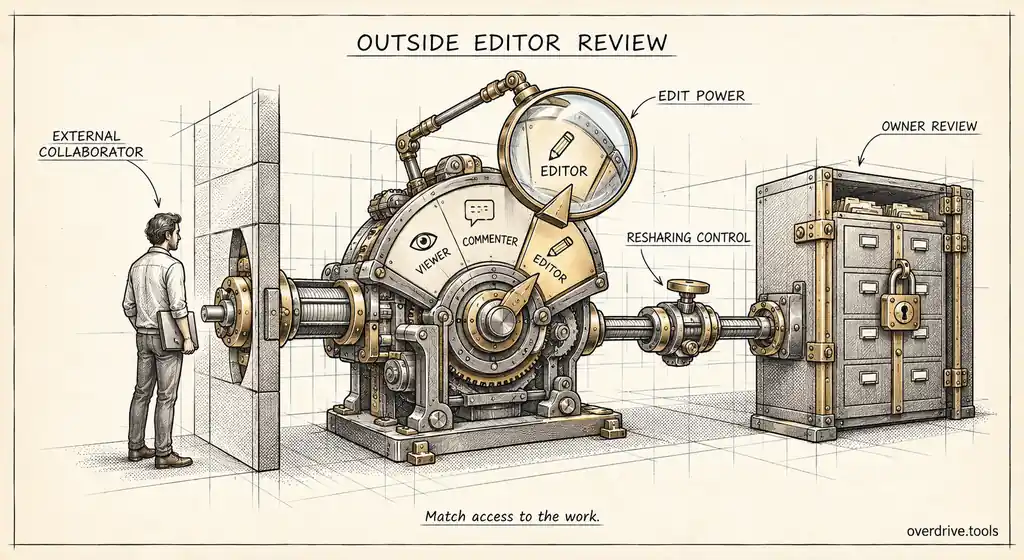
Outside editors. External people with edit or higher access.
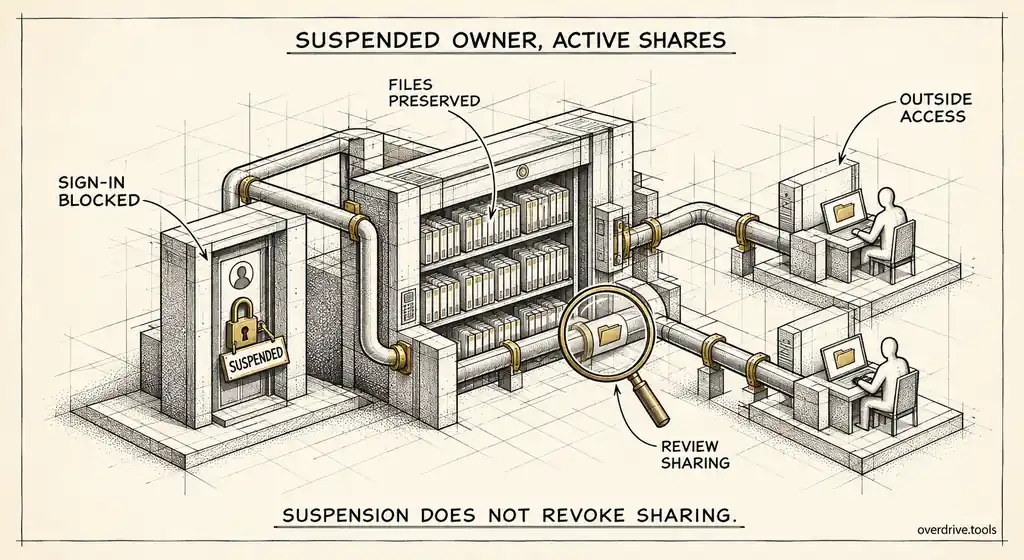
Departed-user exposure. Files owned by suspended or former users that are still shared externally.
Connected apps. Third-party apps with broad access to Drive or Gmail across many users.
Account security. Users without 2-Step Verification, prioritizing admins and heavy external sharers.
Group findings by severity in every report, so clients see what's critical before what's merely numerous.
Running the audit across many domains
Here are your options.
Option 1: Use a read-only exposure audit per client
Overdrive for Google Workspace connects to each client's Workspace with read-only access and produces the same severity-ranked findings for every domain: public links, personal-account shares, outside domains and people, suspended-owner exposure, risky apps, and users without 2-Step Verification, with a printable summary report and CSV export. It reads metadata only, never file contents, and doesn't change permissions, which makes it much easier to get a client's approval than a tool that asks for write access on day one. You can also invite additional admins to a workspace, so both your team and the client's internal contact can see the same results.
Option 2: Build a manual audit playbook
Using each client's Admin console, export Drive log events for the six-month window, review sharing settings, check the 2-Step Verification enrollment report, and review connected apps. Combine the results in a standard spreadsheet template. It works and costs nothing in software, but it takes hours per client, covers only recent sharing activity, and is hard to keep consistent across a team of technicians.
Getting access the right way
How you connect to a client's environment matters as much as what you find.
Ask for the least access that does the job. A sharing audit needs to read metadata and logs, not change files or settings. Read-only access is easier for clients to approve, safer if anything goes wrong, and a selling point in itself when you explain it.
Be explicit about what you'll see. Clients often assume an audit means someone reading their documents. Explaining that the review uses sharing metadata and file names, not content, removes a common objection.
Document the connection. Record which client admin approved access, when, and what it covers, and remove it if the engagement ends. You're asking clients to trust you with visibility into their data, and your own access should meet the standard you recommend to them.
Turning findings into a client report
Clients don't want raw findings. They want to know whether they're in good shape and what you're doing about it.
A one-page format works well for most:
| Section | Content |
|---|---|
| Headline | Critical and high findings, and the change since last quarter |
| Exposure snapshot | Counts by category and severity |
| Top risks | Five to ten specific findings in plain language |
| Actions taken | What you've fixed or recommended |
| Decisions needed | Policy changes or approvals you need from the client |
Keep the format identical across clients and quarters. It makes your reporting efficient, and it makes progress visible, which is what renews contracts.
Remediation as a service
The audit identifies problems, and fixing them is where much of the value lies. Some fixes need the client's input, such as which external partners are still active, while others you can handle directly with appropriate access, such as restricting public links on obviously stale files.
A practical split is to handle settings-level changes yourself, such as turning on the external sharing warning, enforcing 2-Step Verification, or restricting link sharing for sensitive teams, and to route file-level decisions to the file owners with a specific list. Owners know which shares matter. Your job is to make sure they see the list and act on it.
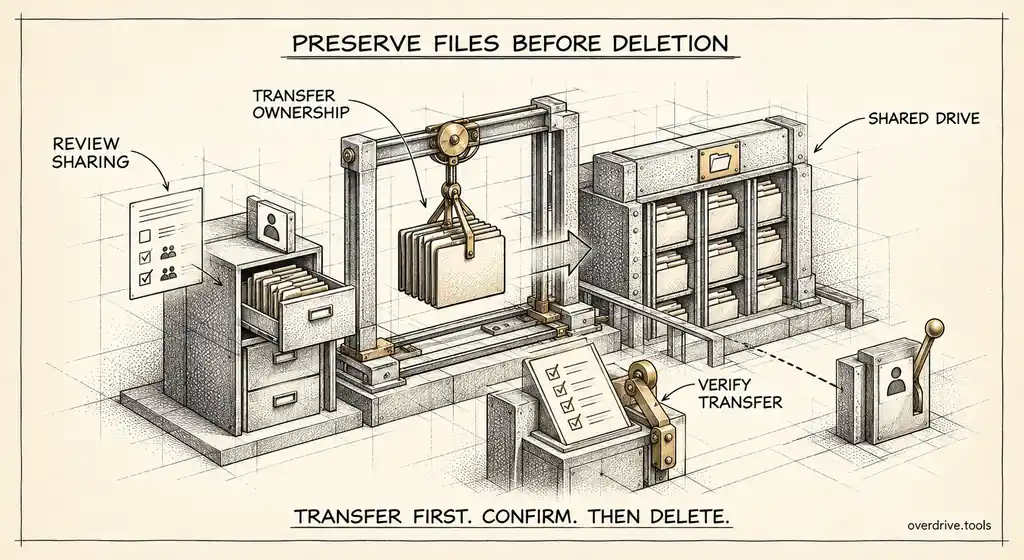
Offboarding is the single biggest source of new findings for most clients. Offering a pre-departure sharing check for every employee who leaves, run before the account is suspended, prevents a large share of future exposure and is easy to package as part of an ongoing agreement.
Running the first audit with a new client
The first audit sets expectations for everything after it, so it's worth handling deliberately.
Agree the scope in writing before you connect: which domain, what you'll review, that access is read-only, and who at the client receives findings. Then run the audit and expect the first results to look alarming. Almost every organization that has never reviewed Drive sharing has hundreds of public links and a long tail of outside domains. Prepare the client for that before the report lands, so the numbers read as a starting point rather than an accusation.
Present the first report in person or on a call. Walk through the headline, explain how severity works, and focus on the five or ten findings that genuinely matter. Leave with an agreed list of quick wins, such as turning on the external sharing warning, restricting public links for finance, and cleaning up the top personal-account shares. Fixing a few visible problems in the first two weeks earns the trust you'll need for slower, harder changes later.
Standardizing across your team
If several technicians run audits, consistency becomes its own challenge. Write a short playbook covering the measurements, the severity model, the report template, and the order of remediation steps. Review a sample of each technician's reports against it periodically. Clients compare notes more than you'd expect, and two clients of the same MSP receiving very different reports undermines confidence in both.
Handling findings that involve people
Some findings are sensitive in a way that goes beyond settings. A departed employee who shared company files with their personal account, or a current employee whose external sharing spiked just before resigning, raises questions the client needs to handle internally.
Report these factually and privately to the client contact, without speculation about intent. Your role is to surface the exposure and remove it if asked, not to investigate the person. Agreeing how such findings will be reported at the start of the engagement avoids awkward moments later.
Pricing and packaging
Drive exposure audits fit naturally into a few service shapes: a one-time baseline audit to start a relationship, a quarterly review with a report, or ongoing monitoring with offboarding checks included. The one-time audit is a strong door-opener with new clients, because the findings almost always justify further work. The recurring review is what builds steady revenue.
The short version
MSPs and Workspace consultants can turn Drive sharing into a repeatable service by auditing every client with the same measurements: public links, personal-account shares, external domains, outside editors, departed-user exposure, broad third-party apps, and 2-Step Verification gaps, all grouped by severity. Use a read-only per-client audit or a standard manual playbook built on each client's Admin console. Request the least access possible and explain that metadata, not content, is reviewed. Deliver a consistent one-page report each quarter, handle settings changes yourself, route file decisions to owners, and add a pre-departure sharing check to every offboarding.
Related Articles
- The Google Workspace Drive Security Audit: A Recurring Checklist for Admins
- Auditing Third-Party App Access in Google Workspace
- How to Find Every Publicly Shared File in Your Google Workspace