Google Drive and GDPR: What Personal Data Lives in Your Shared Files
Using Google Drive doesn't automatically make you GDPR compliant. Here's what actually counts as personal data in your files, and where the responsibility sits.
Overdrive Team//6 min read
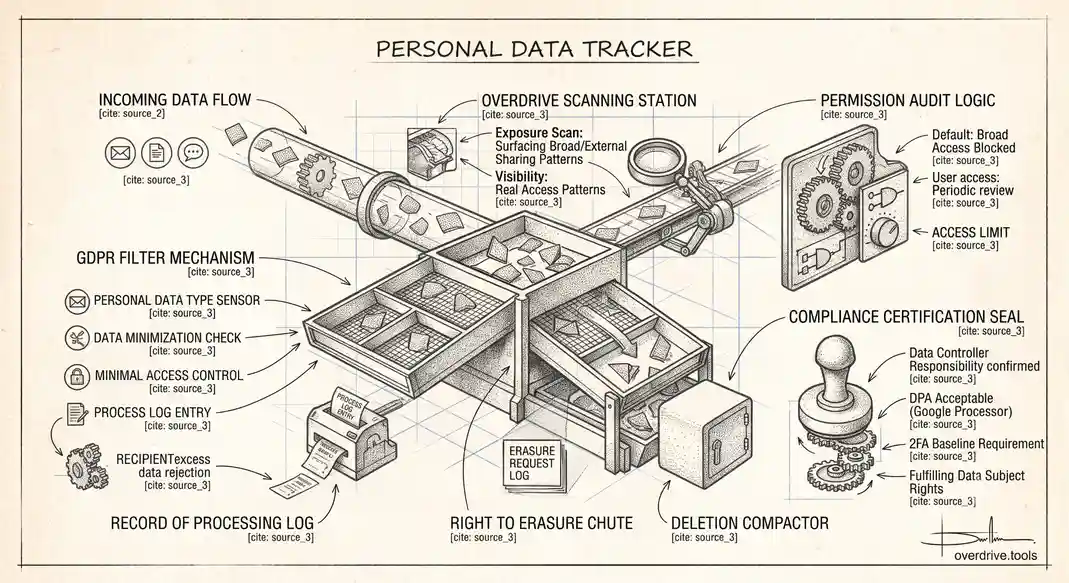
Google Drive can be used in a way that's GDPR compliant, but it isn't compliant by default just because Google is a large, reputable provider with its own data protection commitments. GDPR splits responsibility between the data controller, your organization, deciding why and how personal data gets processed, and the data processor, Google, handling the underlying infrastructure. Google's obligations as a processor are covered by its Data Processing Amendment, which your organization needs to have accepted. Everything about how that data actually gets used, shared, and protected day to day is still your responsibility, not Google's.
What Actually Counts as Personal Data in a Google Drive
The instinct is to think of GDPR risk as living in an HR spreadsheet or a customer database, something obviously sensitive and centrally managed. In practice, personal data spreads through ordinary files far more casually than that. A meeting notes doc with someone's home address for a delivery. A recorded call transcript. An old spreadsheet a former employee built years ago that still has full client contact details. A shared folder from a partner organization that included more personal information than you actually needed for the project you were collaborating on.
That last case matters more than people expect: if an external partner shares a file with you that contains excessive personal data, the responsibility for handling that data minimally and appropriately becomes yours the moment it lands in your Drive, even though you didn't create it and didn't ask for that level of detail. GDPR doesn't care whose fault the oversharing was; it cares what your organization does with the data once it has it.
The Core Requirements That Apply to Drive Specifically
Data minimization and access control
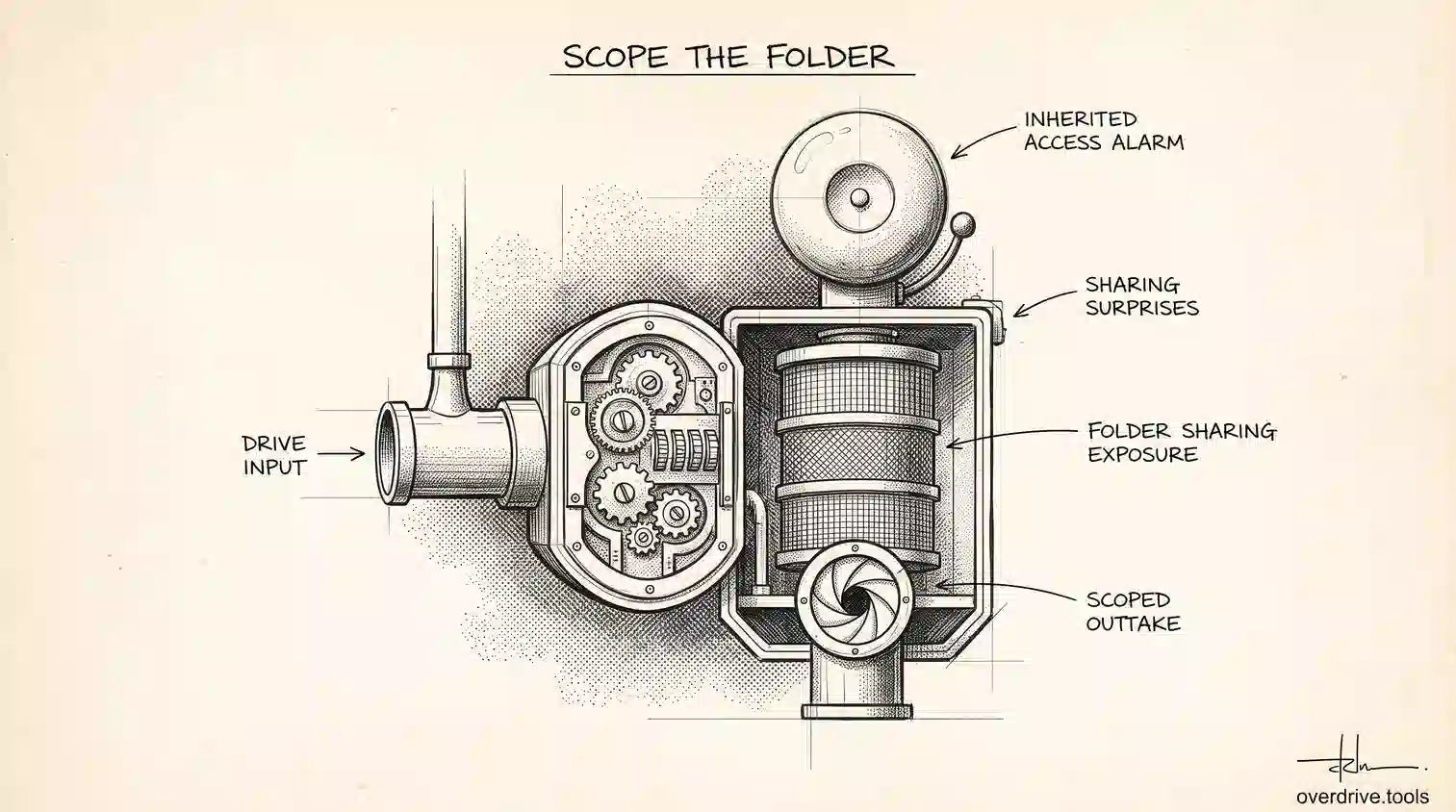
Staff should only have access to the personal data they actually need for their role, not broad visibility into every shared drive or folder by default. This is a permissions problem as much as a policy one: if your sharing settings default to broad access because it's more convenient to set up that way, you're working against data minimization from the start.
Regular permission review
Sharing permissions need to be reviewed periodically, not set once during onboarding and forgotten. An employee who moves teams often keeps access to their old team's files indefinitely unless someone actively revokes it, which quietly expands the pool of people with access to personal data well beyond who currently needs it.
Two-factor authentication and account security
Since personal data protection ultimately depends on account security, enabling 2FA across the organization isn't a separate IT initiative from GDPR compliance, it's a baseline requirement for it. A compromised account with broad file access is a personal data breach waiting to happen.
Fulfilling data subject rights
If someone requests to know what personal data your organization holds about them, or asks for it to be deleted, you need an actual way to search for and act on that request across your Drive. Without some system for locating where a given person's data lives across shared folders, spreadsheets, and old project files, this becomes a manual, incomplete search rather than a real answer.
Records of processing
Maintaining records of what personal data is processed, where, and why is a formal GDPR requirement, and it's much easier to maintain honestly if you actually know what's in your Drive rather than reconstructing it from memory when a request or audit comes in.
Where Most Organizations Actually Fall Short
It's rarely the big, obvious database that creates GDPR risk in a Google Drive context. It's the accumulation of smaller files: old exports, forgotten shared folders from long-closed projects, spreadsheets built for a one-time task that quietly kept collecting personal data afterward, and permission settings that were never revisited after the original reason for granting access ended. None of these individually look like a serious violation. Collectively, across an organization that's been using Drive for years, they add up to exactly the kind of unmanaged personal data sprawl that GDPR is designed to catch.
Getting Practical Visibility
Option 1: Seeing where personal data risk actually concentrates
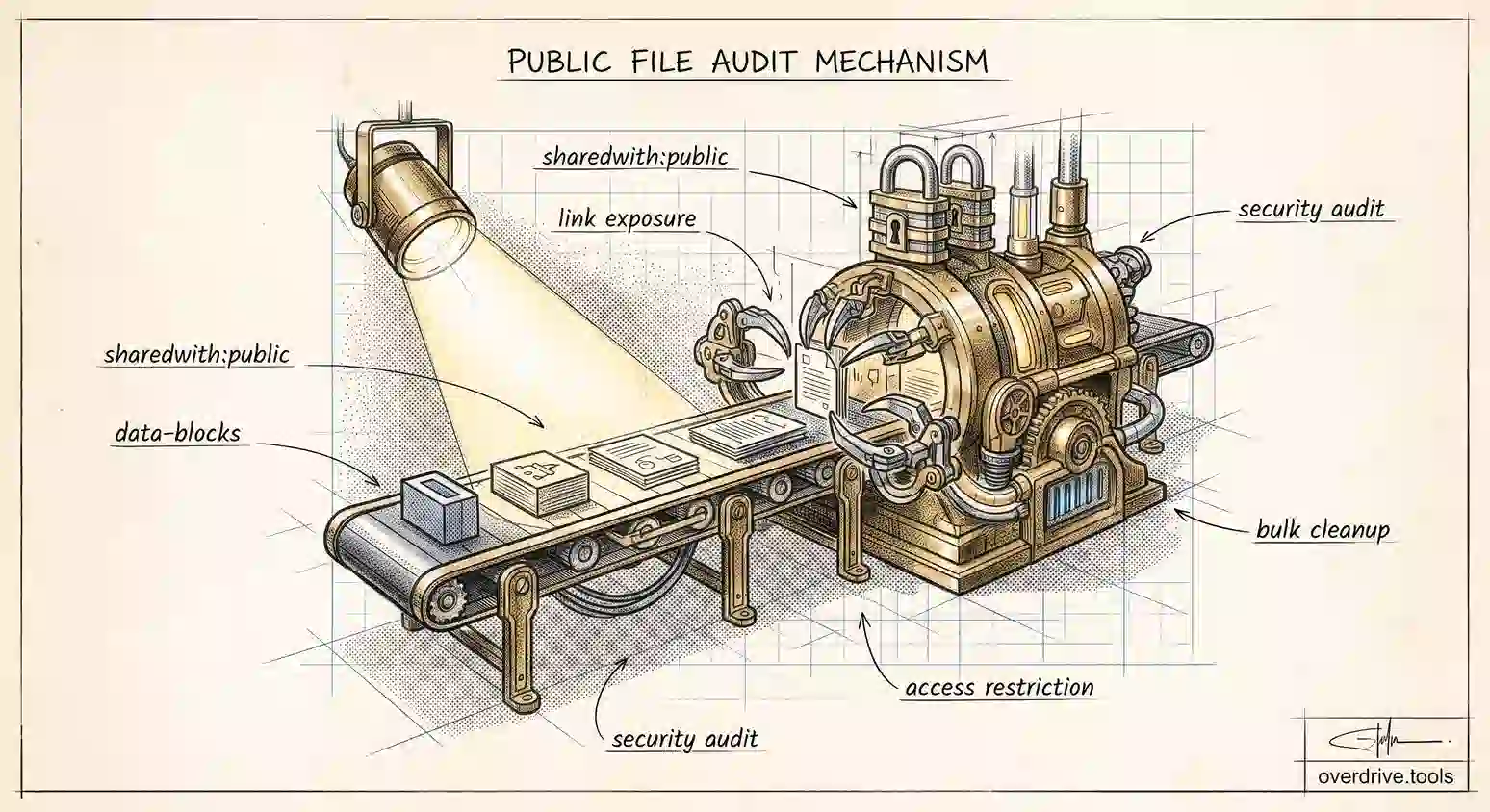
Since GDPR risk in Drive tends to live in old files and forgotten permissions rather than one obvious location, having visibility into your Drive's actual sharing and access patterns matters more than any single policy document. Overdrive scans your Drive and surfaces exactly the kind of exposure that creates GDPR risk: files shared more broadly than they should be, external access nobody's tracking, and permission patterns worth reviewing before they become the subject of a request or a complaint.
Option 2: Manual review
Without a scanning tool, the manual path is a periodic, deliberate review: check sharing settings on your most sensitive shared drives first, confirm your domain's external sharing policy matches your actual risk tolerance, and audit any folder that predates your current data handling practices. It's slower and easier to miss things, but consistent effort still beats no review at all.
The Bottom Line
Google Drive gives you the infrastructure to be GDPR compliant. Whether you actually are depends entirely on how deliberately your organization manages access, minimizes what gets collected and retained, and keeps track of where personal data actually ends up over time. None of that happens automatically just because the files live in Google's cloud instead of a local server.
What's Actually at Stake If This Goes Wrong
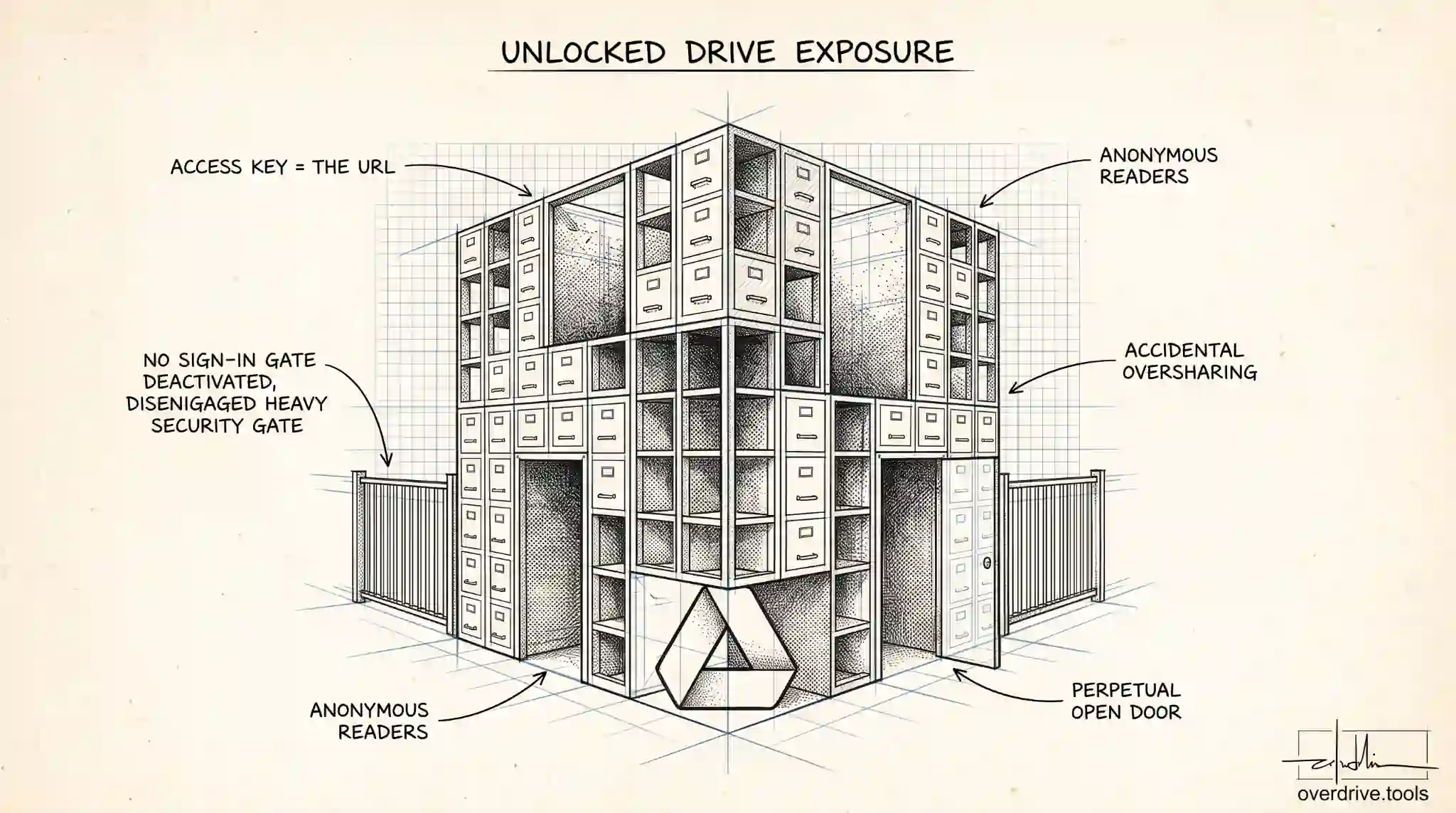
GDPR enforcement isn't hypothetical for organizations of any size. The regulation sets a maximum penalty of up to 20 million euros or 4 percent of global annual turnover, whichever is higher, for the most serious infringements, though in practice most enforcement action against smaller organizations focuses on corrective orders and remediation deadlines before fines of that scale ever come into play. The more immediate, common cost isn't a headline fine, it's a breach notification obligation: if personal data stored in your Drive is exposed (a file made public by mistake, broader external sharing than intended, an account compromise), organizations generally have a strict window, 72 hours under GDPR, to notify the relevant supervisory authority once the breach is discovered. Discovering an exposure quickly matters as much as preventing it in the first place, since a slow discovery timeline compounds the compliance problem on top of the original exposure.
The Right to Erasure in Practice
When someone exercises their right to have their personal data deleted, GDPR requires more than deleting the one document you immediately think of. Personal data about a given individual often exists in multiple places across a Drive: a contract, meeting notes that mention them, an old email thread's attachment, a spreadsheet row in a broader dataset. Fulfilling an erasure request properly means finding all of these, not just the most obvious one, which is exactly why organizations without any systematic way of locating a specific person's data across their Drive tend to under-deliver on these requests without realizing it.
Frequently Asked Questions
Does GDPR apply if my organization isn't based in the EU?
Yes, if you process personal data belonging to individuals in the EU, regardless of where your organization itself is located. This catches many companies by surprise, particularly ones serving international clients or employing remote staff based in EU member states.
Is Google Workspace's Data Processing Amendment enough on its own?
It's a necessary foundation, since it establishes Google's contractual obligations as your processor, but it doesn't cover your organization's own practices around access control, data minimization, and request fulfillment. Accepting the DPA is a starting point, not a complete compliance program by itself.
Do personal Gmail accounts have the same GDPR exposure as Workspace accounts?
The legal obligations attach to the organization processing the data, not the account type, but personal accounts generally lack the administrative controls, audit visibility, and centralized management that make demonstrating compliance practically achievable at any real scale.
How do I know if a file actually contains personal data under GDPR's definition?
GDPR's definition is broad: anything that could identify a living individual, directly or indirectly, counts, which includes names, email addresses, and even indirect identifiers like an employee ID number combined with other contextual details. When in doubt, treat a file as containing personal data if it references a specific real person's details, rather than assuming only obviously sensitive categories qualify.
This article covers general practice and isn't legal advice; organizations with specific compliance obligations should confirm their approach with legal counsel familiar with their jurisdiction and industry.
Related Articles
- Google Drive Permissions: How to Review and Remove Access
- How to Find All Externally Shared Files in Google Drive
- Managing External Sharing in Google Workspace: An Admin's Guide