How to Organize Google Drive for a Small Business
A small team's Drive gets messy because nobody owns the structure. Here's a system that survives new hires, departures, and a few years of growth.
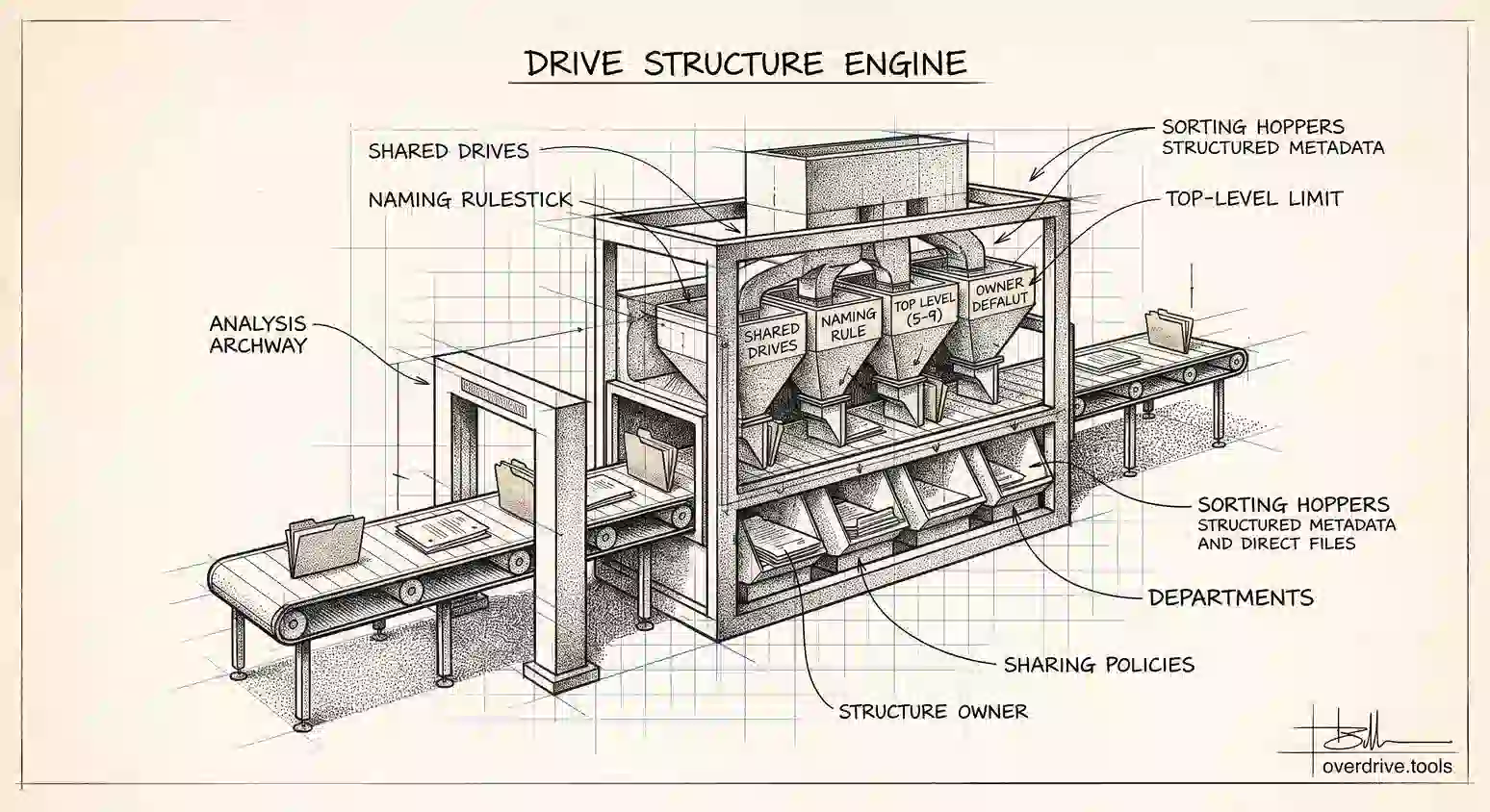
Organizing a personal Drive is a filing problem. Organizing a small business's Drive is a people problem, and that's why the usual advice doesn't hold. You can build a beautiful folder structure on a Friday and watch three colleagues quietly ignore it by Wednesday, because nothing about the structure told them where their work belonged or stopped them saving it to their own My Drive instead.
The systems that survive in small teams share a few properties: a single obvious home for team files, a top level short enough to scan, naming that doesn't require interpretation, and one person who owns the whole thing. Here's how to build that, in the order that actually works.
Start by deciding where team files live
Before any folder gets created, settle the question that causes most small-business Drive chaos: is company work stored in individuals' Drives or in a shared location?
If your team is on Google Workspace, use shared drives. Files in a shared drive are owned by the organization rather than by a person, which means that when someone leaves, their departure takes nothing with it. On a free or personal account setup, the nearest equivalent is a single account that owns the shared folders, with everyone else invited into them. That's more fragile, but it at least gives you one known owner rather than files scattered across five people.
This decision matters more than any folder naming scheme. A perfect structure sitting inside one employee's personal Drive is a structure with an expiry date.
Keep the top level short
The top level of your team's Drive should be small enough to read at a glance and stable enough that it doesn't change every quarter. Somewhere between five and nine top-level folders is the range that works for most small businesses.
Choose one organizing axis and commit to it. Most small companies are best served by function, with folders like Clients, Finance, Operations, Marketing, Sales, and Admin. Agencies and consultancies often do better organizing by client at the top level instead, because that's how the work actually divides. Product companies frequently want product or initiative.
The mistake to avoid is mixing axes at the top, ending up with Clients, Marketing, 2026, Acme Corp, and Invoices all sitting side by side. That's what produces the moment where someone genuinely doesn't know whether a client invoice goes in Clients, Finance, or the client's own folder, and it's why files end up in personal Drives instead.
Under the top level, make the second level consistent. If every client folder contains the same subfolders, anyone can navigate a client they've never worked with. Predictability is what makes structure usable, and consistency at level two is where it comes from.
Keep it shallow. Three levels is plenty for most small businesses, and anything past four becomes a place files disappear into.
Name things so they sort themselves
Naming conventions feel bureaucratic until you've watched a team search for a contract that three people named three different ways.
Two rules cover most of the value. Lead dates with the year in a sortable form, so 2026-09 Proposal sorts chronologically while September 2026 Proposal does not. And put the words people will actually scan for at the front, since both the eye and Drive search catch the beginning of a name first.
Beyond that, the specific convention matters far less than having one and writing it down. A single line in your team handbook saying how client folders and dated documents are named prevents more mess than an elaborate taxonomy nobody reads.
Set the sharing rules early
Small businesses tend to treat sharing as an afterthought, then discover a year later that half their client work is set to "anyone with the link" because that was the fastest way to send something.
Two habits fix most of it. Share folders rather than individual files, so access follows people into the work rather than being granted file by file. And share with named people rather than links wherever practical, because named access is visible and removable while link access is neither.
Then separate by sensitivity at the folder or drive level. Payroll, contracts, and anything HR-related should live somewhere with tighter membership than the general team area, rather than sitting in a subfolder and relying on nobody browsing there.
Give it an owner
This is the step that determines whether any of the above lasts.
Someone needs to own the structure: to decide where a new category goes, to notice when files are accumulating in the wrong place, and to onboard new hires into the system rather than letting them invent their own. In a small business this is rarely a formal role, and it doesn't need to be, but it does need to be a named person rather than everyone.
Onboarding is the highest-leverage moment. A new hire who is shown where things go on their first week files correctly for years. One who isn't develops their own habits immediately, and those habits are extremely hard to change later.
Cleaning up an existing mess
Most small businesses aren't starting fresh, they're reorganizing something that grew on its own. That's a different job, and doing it in the wrong order wastes weeks.
Don't start by building the new structure and moving everything into it. Start by finding out what you actually have, because a Drive that grew organically for a few years contains duplicates, superseded versions, abandoned projects, and files shared with people who left. Migrating all of that into a clean structure just relocates the mess.
Google shows you folders one at a time, which makes taking stock genuinely difficult at team scale. Overdrive scans your Drive and visualizes the whole structure at once, surfacing duplicate folders, large old files, empty folders, and what's shared externally, so you can see the real shape of what you're reorganizing before you move a single thing. Knowing what's redundant before you start is what turns a reorganization from a month of work into an afternoon.
Then work in this order: archive or delete what's dead, build the new top level, move material in by category rather than all at once, and tell people as each area moves. Moving files changes where colleagues find them, so a reorganization done silently generates a week of confusion.
A starting structure you can copy
If you'd rather adapt something than design from scratch, this shape works for most small businesses under about thirty people.
At the top level: Clients (or Projects), Finance, Sales and Marketing, Operations, People, and Company. Six folders, each obviously distinct, each with a clear owner in the business.
Inside Clients, one folder per client, and inside each of those the same four subfolders every time: Contracts, Deliverables, Working Files, and Invoices. Identical across every client, so nobody has to learn a new layout per account.
Finance holds dated subfolders by year, with the year leading so they sort. People holds HR material and sits in a separate shared drive or a folder with tighter membership, because payroll and personnel files shouldn't be visible to everyone. Company holds the things everyone needs occasionally: templates, brand assets, policies, and the handbook where your naming rule lives.
Adapt the names to your business, but keep the properties: a short top level, an identical second level inside repeated categories, and sensitive material separated by access rather than buried by depth.
Keeping it from drifting back
Structure decays for predictable reasons, and each has a cheap counter.
New categories get invented ad hoc, so make it clear who decides where something new goes. People save to My Drive out of habit, so make the shared location the default and say so explicitly. Nobody deletes anything, so put a short cleanup on the calendar quarterly. And nobody knows the naming rule, so write it down somewhere findable rather than relying on it being obvious.
None of these take much time. What they need is for someone to be responsible, which brings it back to the ownership point.
The short version
Organizing a small business Drive starts with deciding that team files live in shared drives rather than individual accounts, because that's what survives departures. Build a short top level of five to nine folders on a single organizing axis, keep the second level consistent across siblings, and stay three levels deep at most. Write down one naming rule, lead dates with the year, and share folders with named people rather than links. Give the structure a named owner and onboard new hires into it. If you're cleaning up an existing mess, audit what you have before you move anything, because migrating duplicates and dead files into a clean structure just gives you a tidier mess.
Related Articles
- Google Drive Folder Structure: A Simple System That Actually Works
- Google Drive Naming Conventions: A Simple System That Actually Sticks
- Shared Drive vs My Drive: Key Differences