Is Google One Worth It?
Google One is worth it if you're out of free storage and use Google daily, but not always. Here's how to decide, and when to clean up instead.
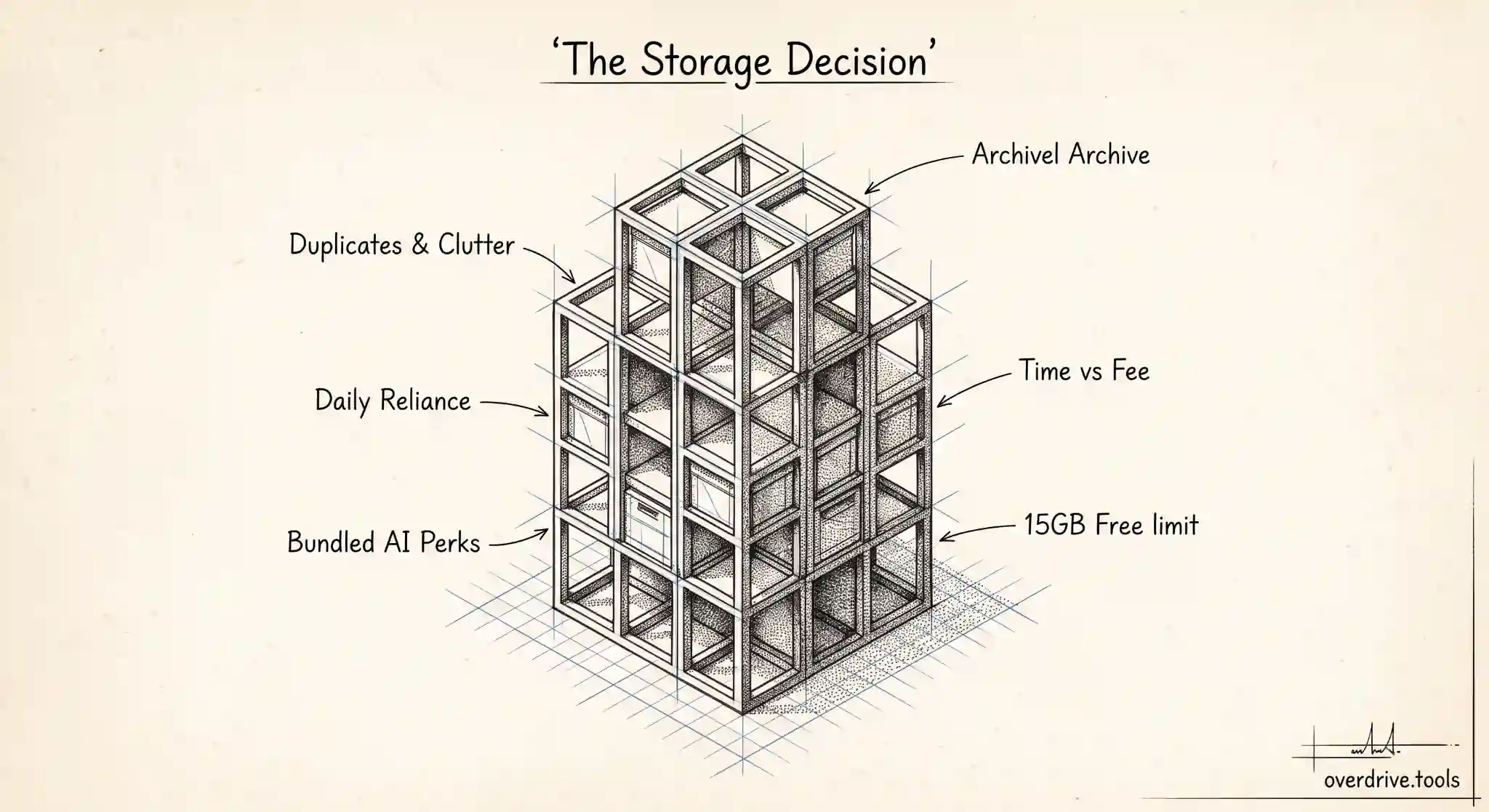
Google One is worth it if you've genuinely run out of free storage, you rely on Google Drive, Gmail, and Photos every day, and you'd rather pay a small monthly fee than spend time cleaning up. It's not worth it if your storage is full of duplicates, old files, and clutter you could clear in an afternoon, because in that case you'd be paying every month to store things you don't need.
That's the honest short answer. The longer answer depends on what's actually filling your account, how much you use Google's services, and whether the extra features that now come bundled with the higher tiers matter to you. Here's how to think it through before you commit to a recurring bill.
What Google One actually is
Google One is the paid upgrade to your Google storage. Your free Google account comes with 5 GB by default since May 2026, or up to 15 GB once you verify a phone number on the account, shared across Drive, Gmail, and Photos. When that runs out, Google One is how you buy more, and a subscription raises the shared limit for all three services at once. And before paying anything: if your account is still on the 5 GB default, adding a phone number is a free tripling of your storage, so do that first.
It's worth being clear on one point that confuses a lot of people: Google Drive and Google One are not separate storage buckets. Google One simply increases the size of the single pool that Drive, Gmail, and Photos already share. You're not buying a new place to put files, you're making the existing place bigger.
Beyond raw storage, Google One subscriptions also bundle extra perks, and in 2026 Google reorganized its plans so that its AI tools are folded directly into the storage tiers. The entry plan is still straightforward extra storage, while the higher tiers now pair much larger storage allowances with AI features and other benefits. Because Google adjusts these plans, names, and prices fairly often, always check the current lineup on Google's own page before subscribing rather than trusting a number you saw somewhere.
Roughly what it costs
As a rough guide, the entry Google One plan bumps you from the free allowance to 100 GB for a low monthly fee, in the region of a couple of dollars a month, with a discount if you pay annually. From there, plans step up to 200 GB, 2 TB, and larger, with the bigger tiers now bundling AI tools and other extras rather than being storage alone.
For most individuals who just need breathing room, the 100 GB plan is the one that matters. It's cheap, it clears the "storage full" warnings, and it's usually more than enough unless you store a lot of video or large files. The larger, pricier tiers make sense mainly if you have a genuinely big library or you want the AI and premium features they now include.
When Google One is worth it
There are a few situations where paying is clearly the right call.
You use Google's services heavily and your storage is full of things you actually want. If your Drive holds work you rely on, your Gmail is your primary inbox, and your Photos library is your real photo archive, then even the full 15 GB is simply too small, and paying a couple of dollars a month to keep everything running smoothly is an easy trade.
You value your time more than the fee. Cleaning up storage takes effort. If you'd rather not spend a weekend sorting files and would happily pay to skip it, Google One is a reasonable convenience purchase.
You want the bundled extras. If the AI features or other perks now attached to the higher tiers are things you'd use anyway, the storage can start to look like a bonus rather than the main event.
You're already close to the limit and growing. If your usage climbs every month, you'll hit the ceiling sooner or later, and paying ahead of that avoids the disruption of a suddenly full account that stops backing up your photos or receiving email attachments.
When it isn't worth it
The case against paying is just as real, and it usually comes down to what's filling your storage.
If your account is full of clutter, you may be about to pay monthly to store junk. Duplicate files, forgotten downloads, giant email attachments, and years of blurry photos can quietly consume most of a free account. Buying more space doesn't fix that, it just raises the ceiling so the same clutter has room to keep growing. Six months later you're full again, now paying for the privilege.
If you barely use Google's services, the upgrade is hard to justify. Someone who keeps most files elsewhere and uses Gmail lightly can often stay inside the free allowance indefinitely with a bit of tidying.
And if you only need a one-time rescue because a single big project or a batch of large files pushed you over, cleaning up is a better fix than a permanent subscription for a temporary spike.
Clean up first, then decide
The smartest move before subscribing is to find out what's actually using your storage. Very often people discover that a large share of their "full" account is duplicates, old large files, and trash that never got emptied. Clear that, and you may drop back under your free allowance and not need to pay at all, or you may confirm that your real, wanted data genuinely exceeds the free tier, in which case Google One is money well spent.
Here's how to approach it.
Option 1: See what's eating your space, then delete what you don't need. Google spreads your storage across Drive, Gmail, and Photos with no single clear view of the biggest offenders. A tool like Overdrive can scan and visualize your Drive by file type, size, and age, and surface duplicates and large old files, so you can reclaim gigabytes quickly and see whether you even need to upgrade. Clean first, decide second.
Option 2: Clear the obvious space hogs manually. Empty your Drive and Photos trash, delete large Gmail attachments, and remove big files you've already backed up elsewhere. These three alone often free several gigabytes.
Option 3: Upgrade if your real data still exceeds 15 GB. If, after a genuine cleanup, your wanted files still push past the free limit, that's your signal. Start with the 100 GB plan, which covers most people, and only move higher if you actually run out again.
Google One versus buying storage elsewhere
Google One isn't the only way to get more storage, and it's worth a quick comparison before you commit. The big advantage of Google One is integration. It expands the exact pool your Drive, Gmail, and Photos already use, so everything keeps working in one place with nothing to reconfigure. For someone whose digital life already runs on Google, that seamlessness is the main reason to choose it over anything else.
The case for looking elsewhere is usually about a specific need. If you mainly want somewhere to park large files or backups you rarely touch, a different cloud service or an external hard drive can be cheaper per gigabyte for cold storage. If you collaborate heavily in another ecosystem, storage bundled with that ecosystem might make more sense. And if your problem is really one big category, like a massive photo library, a service specialized for that category can sometimes serve you better than general storage.
For most people, though, splitting storage across several services creates more hassle than it saves. You end up remembering what lives where, managing multiple logins, and losing the tidy single-pool simplicity that makes Google One convenient in the first place. The practical rule is this: if the storage you need is for the Google services you already use every day, Google One is almost always the least painful option, and its entry plan is cheap enough that the convenience wins. If you're storing something that doesn't really belong in Drive, Gmail, or Photos, that's the moment to consider whether a different home makes more sense. The worst outcome is paying every month for storage you never really needed, so the comparison always comes back to the same first step: know what you actually have, and what it's worth keeping, before you decide where any of it should live.
The verdict
Google One is worth it when you use Google every day and your storage is full of things you truly want to keep, and the entry plan is cheap enough that the convenience easily justifies it. It's not worth it when your account is full of clutter you could clear, because then you're paying to store what you should be deleting. Run a cleanup first. Once you know your real storage needs, the decision usually makes itself.
Related Articles
- Google Drive vs Google One: What's the Difference?
- How Much Free Storage Does Google Drive Give You, and What Counts Against It?
- What to Delete First When Your Google Drive Is Full