Workspace Files Shared With Personal Gmail Accounts
Company Drive files shared with personal Gmail accounts sit outside every control you have. Here's how admins find them, judge the risk, and close the gap.
Overdrive Team//7 min read
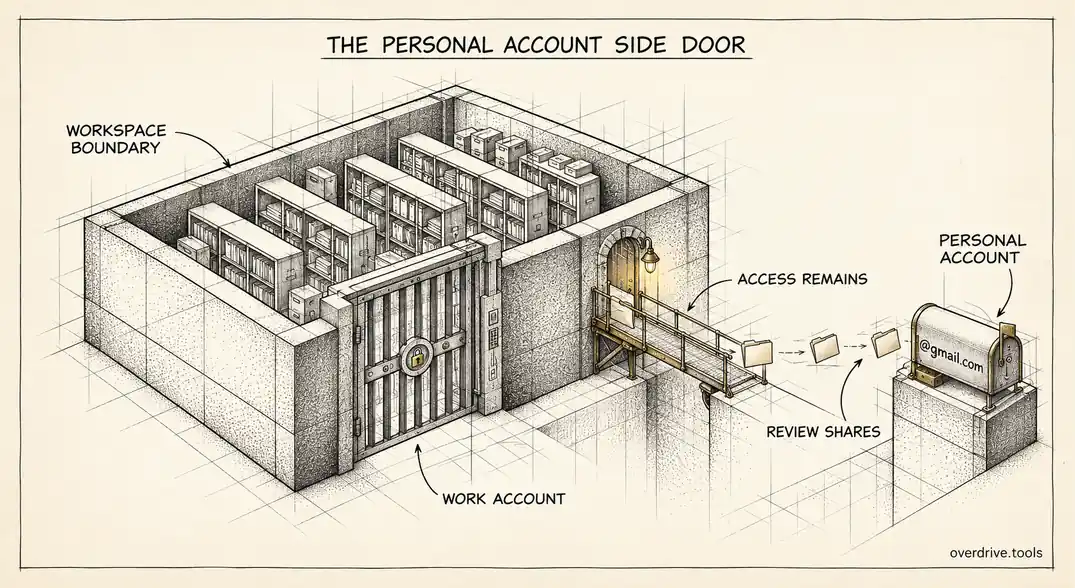
Of all the ways company files leave a Google Workspace domain, sharing with a personal Gmail account is the one admins should look at first. A file shared with a partner's corporate address is at least sitting inside another organization's controls. A file shared with somebody's @gmail.com address sits in an account you can't see, can't audit, and can't offboard.
Most of these shares aren't malicious. They're an employee sending a draft to their own personal account to finish at home, a contractor who never got a company address, or a client contact who uses Gmail for business. But intent doesn't change where the file ends up, and personal-account shares tend to outlive the reason they were created by years.
Why personal accounts are a different category of risk
When you share a file with someone at another company, there's a second administrator on the other end. That organization can suspend the account when the person leaves, enforce two-step verification, and apply its own data controls. Your exposure is real, but it's bounded by somebody else's security program.
A personal Gmail account has none of that. Nobody suspends it when the person changes jobs. Nobody enforces strong sign-in. Nobody can tell you who else uses the device it's signed into. The account belongs to an individual indefinitely, and so does their access to your file.
That's why consumer email domains deserve their own line in any external-sharing review rather than being lumped in with external access generally. A share with a vendor's corporate domain and a share with a personal Gmail address are both "external," but they don't carry the same risk, and treating them the same buries the more dangerous one in noise.
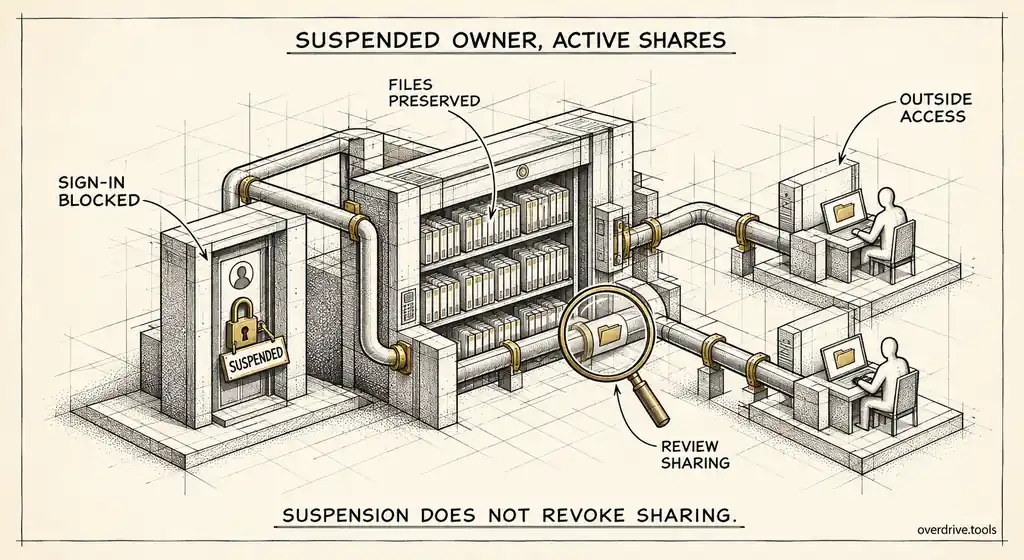
The most uncomfortable version is the self-share. An employee shares company files with their own personal address for convenience, and when they leave, their Workspace account is suspended while their personal copy of access carries on untouched. Offboarding closes the front door and leaves the side door open.
What Google gives you to find them
Google Workspace doesn't offer a single screen listing every file shared with a personal account. What you have are pieces.
The Drive audit log, under Reporting, then Audit and investigation, then Drive log events, records sharing changes, including when a user grants access to someone. You can filter by event type and review the recipients, which lets you spot consumer domains like gmail.com, yahoo.com, outlook.com, and icloud.com. Google keeps Drive log events for six months, so anything shared before that window won't appear, and older shares are often the ones nobody remembers.
You can also look at the problem from the policy side. The sharing settings under Apps, then Google Workspace, then Drive and Docs show whether users can share outside the organization at all, and whether that sharing is limited to allowlisted domains. If sharing is open to any external address, assume personal accounts are in the mix.
What neither gives you is a present-tense inventory: which files are shared with personal accounts right now, who owns them, and which ones matter. The log tells you what happened in the last six months. The settings tell you what's allowed. The current state sits between the two.
Finding them across the whole domain
Here are your options, from fastest to most manual.
Option 1: Use a sharing audit built for Workspace
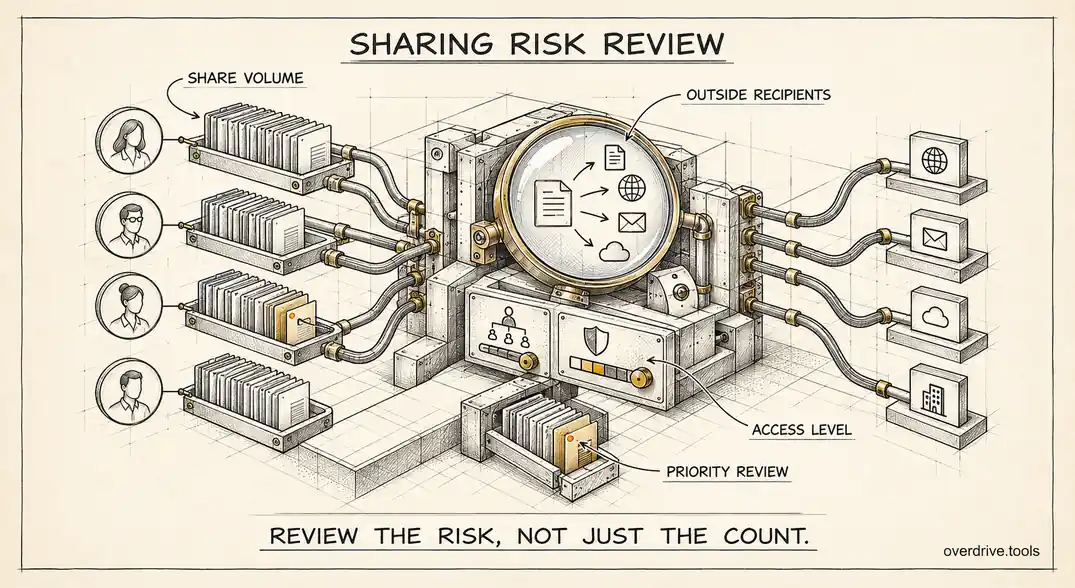
Overdrive for Google Workspace connects with read-only access and flags files shared with personal email accounts as their own finding type, separate from shares with business domains, and ranks them by severity. A personal-account share on a file with a name like "payroll" or "contract" is raised higher automatically, and so is one where the outside person has edit rights. It reads metadata only, never file contents, and doesn't change any permissions, so you can see the scale of the problem before deciding what to do about it.
Option 2: Work through the Drive audit log
Filter Drive log events to sharing-related events over the full six-month window and export the results. In a spreadsheet, isolate the recipient addresses on consumer domains, then group by file owner. This works, but it's slow, it only covers recent activity, and it shows you sharing events rather than whether the access still exists today.
Option 3: Ask owners directly
For a small team, asking every user to search their own Drive for files they've shared outside the company and review each one is a legitimate approach. It relies entirely on people doing it thoroughly, which in practice means it catches the files people remember and misses the ones they don't.
Judging what you find
A raw list of personal-account shares will contain plenty that's fine. The goal is separating the harmless from the dangerous quickly.
| Situation | Typical risk | Usual action |
|---|---|---|
| Employee shared with their own personal account | High | Remove, and address it in policy |
| Former employee still on files via personal address | High | Remove immediately |
| Contractor without a company address | Medium | Move them to a proper account or a shared drive with expiry |
| Client contact who uses Gmail for business | Low to medium | Keep if current, review periodically |
| Personal account with edit access | Raise one level | Downgrade to viewer unless editing is genuinely needed |
Two signals deserve special attention. The first is ownership: files owned by people who have since left the company, but still shared to personal accounts, are the most likely to be forgotten entirely. The second is the filename. Without reading contents, the name alone often tells you whether a file is a lunch rota or a list of salaries.
Closing the gap going forward
Cleaning up the current state helps only if new personal-account shares stop accumulating. Three admin controls do most of the work.
Restrict external sharing to allowlisted domains. If your organization mostly works with a known set of partners, the allowlist option limits sharing to those domains and blocks consumer accounts entirely. This is the strongest control, and also the one most likely to break real workflows, so roll it out by organizational unit rather than domain-wide on day one.
Turn on the warning for external sharing. Google lets you show users a confirmation prompt when they share outside the organization. It doesn't stop anyone, but it interrupts the reflexive share to a personal account and makes people think for a second.
Give contractors proper accounts. A large share of personal-account sharing exists because outside collaborators never received an alternative. A low-cost license, or visitor sharing for people without Google accounts, gives them access you can actually revoke.
If your organization uses trust rules, those replace the older sharing settings, and you'd express the same intent there instead: allow sharing with named partner domains and block everything else for the groups that handle sensitive work.
Talking to file owners
Most cleanup ends with a conversation, and how it starts matters. Owners respond far better to "these three files are shared with personal addresses, can you check whether they still need to be" than to a policy reminder sent to the whole company. Specific, short lists get acted on. General warnings get archived.
Frame it around the file, not the person. The employee who shared a draft to their own Gmail two years ago usually did it to work over a weekend, and pointing that out without blame makes them far more likely to tell you about the other ones they remember.
Making it part of offboarding
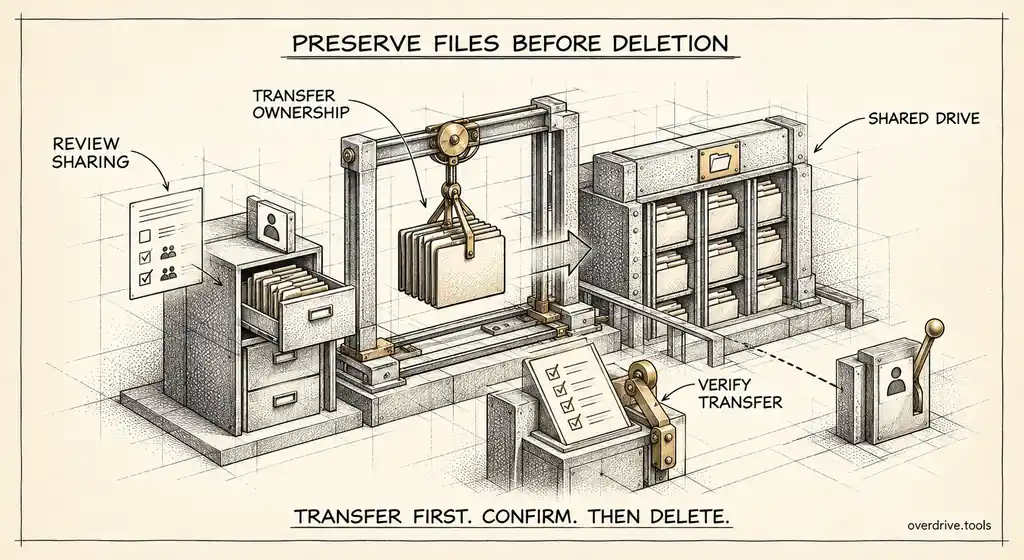
The single most valuable habit is checking personal-account shares when someone leaves. Before suspending a departing employee, review which of their files are shared with consumer addresses, and in particular whether any are shared with their own personal account. Removing that access before the person walks out is straightforward. Discovering it a year later, when the file has been forwarded twice, is not.
The same applies in reverse for contractors. When an engagement ends, the person's personal address should come off every file in the project, and that only happens reliably if someone has a list.
The short version
Files shared with personal Gmail accounts are the riskiest form of external sharing in Google Workspace, because nobody on the other end can secure, audit, or offboard the account. Google offers the Drive audit log, which covers six months of sharing events, and sharing settings that control what's allowed, but no current inventory of personal-account shares. Find them across the domain, prioritize self-shares, former employees, edit access, and sensitive filenames, then reduce new ones with allowlisted domains, an external-sharing warning, and proper accounts for contractors. Build the check into offboarding so the side door closes along with the front one.
Related Articles
- Managing External Sharing in Google Workspace: An Admin's Guide
- Google Workspace Sharing Settings by OU: Admin Guide
- What Happens to Shared Files When an Employee Leaves Your Workspace