Which Employees Share the Most Files Externally?
Drive exposure usually comes from a few people, not the whole company. Here's how Workspace admins find the top external sharers and what to do next.
Overdrive Team//7 min read
In most organizations, a small number of people account for most of the external sharing in Google Drive. It's rarely sinister. The account manager who works with twenty clients, the founder who shares board material with investors, and the operations lead who runs every vendor relationship all generate far more outside sharing than everyone else combined.
That concentration is useful. It means you don't need a company-wide campaign to reduce Drive exposure. You need a handful of well-aimed conversations with the people whose sharing makes up most of the risk, plus some attention to the patterns that suggest a problem rather than a busy job. Here's how to find those people and what to do once you have.
Why ranking people works better than ranking files
A list of every externally shared file in a company is usually too long to act on. Ranking the internal people behind that sharing collapses it into something manageable.
If three people own sixty percent of your externally shared files, a single meeting with each of them achieves more than a policy email to the whole company. They know why each share exists, which relationships are still active, and what can be removed. You don't.
Ranking also surfaces risk that file lists hide. An employee with a modest number of shares, all to personal email addresses and all on files with sensitive names, is more concerning than one with hundreds of shares to a long-standing client. The point isn't to find the biggest number. It's to find where risk is concentrated.
What makes someone a high-risk sharer
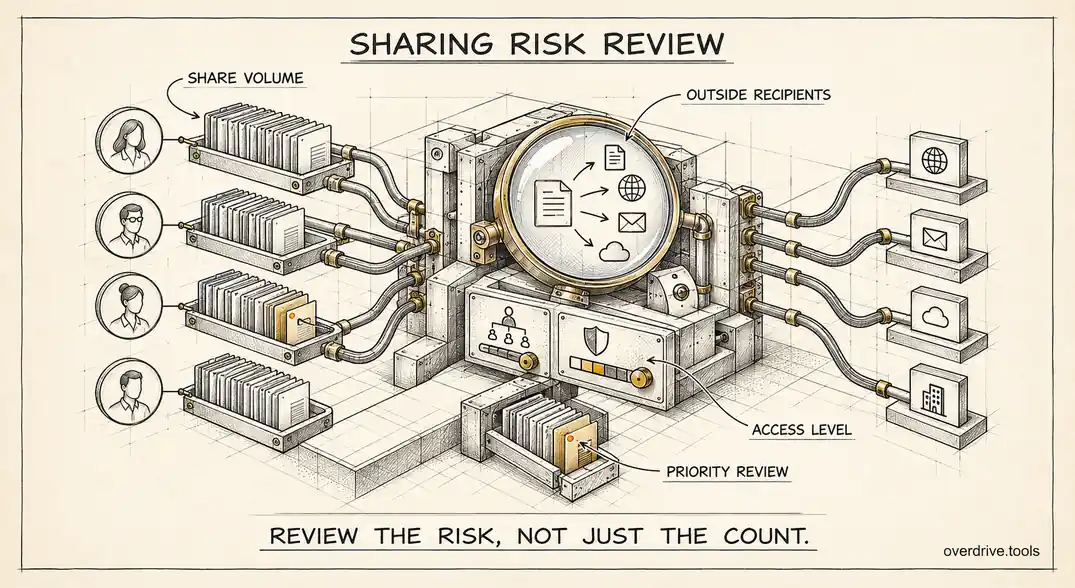
Volume is only one factor. A useful ranking weighs several things together.
How many files they share outside the company. The baseline measure.
Who they share with. Personal accounts and anyone-with-the-link sharing carry more risk than shares with known business partners.
What they share. Files with names suggesting contracts, payroll, financials, or credentials matter more than meeting notes.
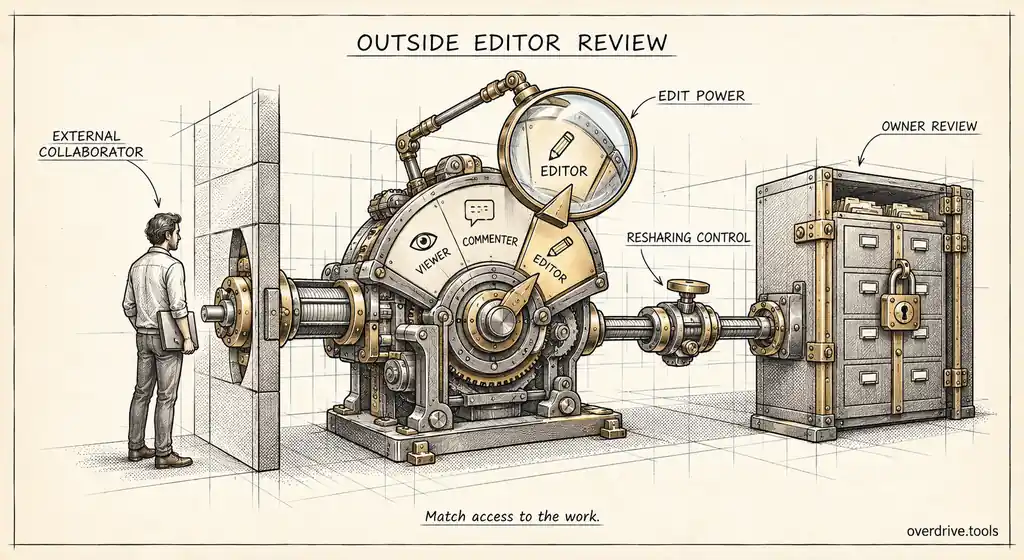
What access they grant. Outside editors can change and often reshare files, so edit access weighs more than view access.
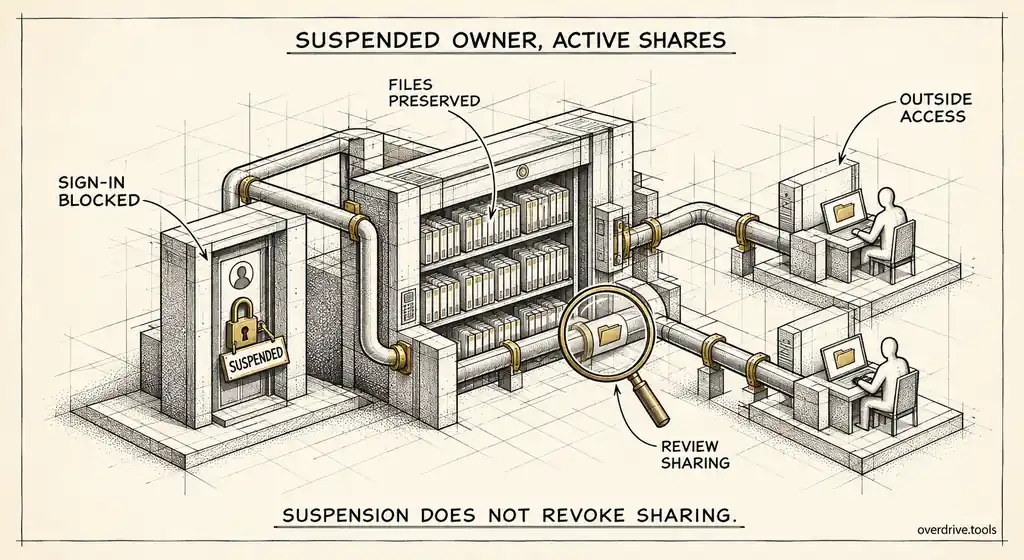
Their account status. Exposure belonging to suspended or departed users is the most neglected, because nobody is actively responsible for it.
Their own security. A heavy external sharer without 2-Step Verification is a bigger risk than one with it, because compromising their account reaches everything they've opened up to the outside.
Finding the top sharers
Here are your options.
Option 1: Use a risk-ranked view of internal users
Overdrive for Google Workspace connects with read-only access and ranks every user in your Workspace by a composite risk score built from their worst findings, the number of high-severity exposures they own, and account factors such as suspension, missing 2-Step Verification, or admin rights. Each user's row shows their department, risky file count, external share count, and connected apps, and you can filter to suspended or exposed users. It reads metadata only, never file contents.
Option 2: Group the Drive audit log by actor
Drive log events record who made each sharing change. Export sharing events for the six-month retention window and group them by the user who performed them, then by recipient type. This shows who has been sharing externally recently, though not the full current exposure, and long-standing shares won't appear.
Option 3: Start from known roles
If you can't pull data yet, the roles most likely to share heavily are predictable: sales and account management, founders and executives, finance, operations, and anyone managing agencies or contractors. It's a reasonable place to start conversations, but it will miss the unexpected cases.
Reading the ranking
Once you have a list, separate the expected from the surprising.
| Pattern | Likely meaning | Response |
|---|---|---|
| High volume to business partners | A client-facing role doing its job | Review stale shares, set expectations |
| Moderate volume to personal accounts | Convenience sharing, possibly to themselves | Conversation and cleanup |
| Many anyone-with-the-link files | Habitual link sharing | Training, possibly restrict link sharing for their team |
| Sensitive filenames shared outside | Real exposure regardless of volume | Review those files first |
| Suspended user near the top | Offboarding didn't handle sharing | Clean up and fix the process |
| Sudden spike in recent sharing | Change in role, or a departure in progress | Check promptly |
The last row deserves emphasis. A person whose external sharing jumps sharply in a short period, particularly to personal addresses, may simply have taken on a new project. It may also be someone preparing to leave with company data. A quiet check is worth doing either way.
Having the conversation
How you approach top sharers determines whether they help or get defensive. They are usually your most connected, most productive people, and their sharing exists because their jobs require it.
Lead with their list, not with policy. "Here are the 40 files you've shared outside the company that look stale or sensitive, can you go through them with me?" gets a far better response than "you're one of our biggest external sharers." People are generally happy to clean up once they can see specifically what's out there, and most have forgotten the majority of it.
Ask them to sort rather than defend. For each group of files: still needed, no longer needed, or not sure. You handle the removals for the second group. The third group goes back to them with a deadline.
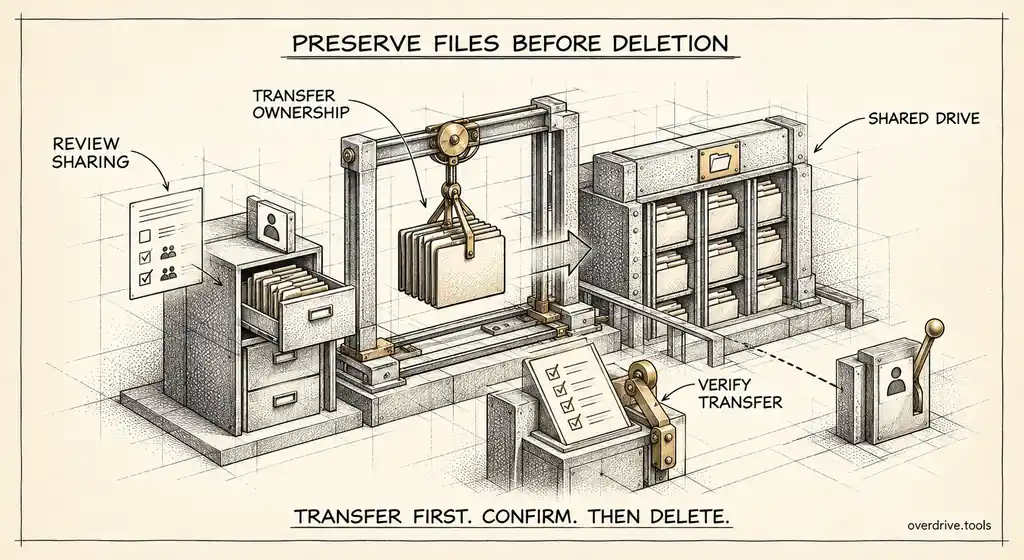
Then agree on how they'll share going forward. For a heavy client-facing role, that might mean one shared drive per client with clear membership, rather than hundreds of individually shared files. It's easier for them to manage and far easier for you to audit.
When the top sharer is a leader
It's common for a founder, CEO, or finance lead to sit near the top of the ranking. Leaders share with investors, advisors, lawyers, and board members constantly, often from their own My Drive, and nobody feels comfortable asking them to tidy up.
Treat it the same way as anyone else, with more preparation. Bring a short, specific list, focus on the highest-severity items, and frame it as protecting the material they care about most: board decks, financials, and fundraising documents. Leaders tend to respond well to "this investor deck from two rounds ago is still open to anyone with the link" because they immediately understand the consequence.
A structural fix often lands best here. A restricted shared drive for board and investor material, with access managed deliberately, removes the need for dozens of individual shares and gives the leader a single place to see who has access.
Fixing the patterns, not just the people
If the ranking shows that one team generates most of the risky sharing, the problem may be the team's workflow, not its people. A sales team that relies on anyone-with-the-link proposals needs a better way to share proposals, not a reprimand.
Look for the structural fix: a shared drive per client, a standard way to send documents to prospects, visitor sharing for collaborators without Google accounts, or restricting public links for that organizational unit once an alternative exists. Each one removes a source of exposure without depending on everyone remembering to be careful.
Privacy and fairness
Ranking employees by risk can feel uncomfortable, and it's worth handling with some care. The ranking is about files and sharing settings, not about judging people, and it should be used to target cleanup and support, not as a performance measure.
Keep the detailed list to the people who need it, typically IT and security, and share individual results only with the person concerned and, where appropriate, their manager. Explain in your security policy that sharing activity is reviewed and why. When employees know the review exists and what it's for, the conversations that follow are much easier.
Using a metadata-only approach also helps. Reviewing who shared which file with whom, without opening the files themselves, answers the security question while keeping the review proportionate.
Keeping the ranking useful
Re-run the ranking quarterly and look at movement rather than position. Someone who was third last quarter and is still third, with fewer high-severity findings, is making progress. Someone new at the top is worth a conversation while the reason is still fresh. A suspended account appearing in the top ten means offboarding needs work.
The short version
External sharing in Google Drive usually concentrates in a few people, so ranking internal users by their exposure is the fastest route to reducing it. Weigh volume alongside who files are shared with, what they contain, the access granted, the user's account status, and whether they use 2-Step Verification. Use a risk-ranked user view or group the Drive audit log by actor, then separate expected client-facing sharing from personal-account shares, habitual public links, sensitive files, suspended owners, and sudden spikes. Approach top sharers with their specific list, help them sort it, and fix team workflows so the risky sharing doesn't come back.
Related Articles
- Managing External Sharing in Google Workspace: An Admin's Guide
- The Google Workspace Drive Security Audit: A Recurring Checklist for Admins
- How to Set Up Drive Sharing Alerts in Google Workspace