Google Drive Exposure Report: What to Show Leadership
Leadership doesn't need a list of shared files. They need a picture of risk and a plan. Here's how to build a Drive exposure report people will act on.
Overdrive Team//6 min read
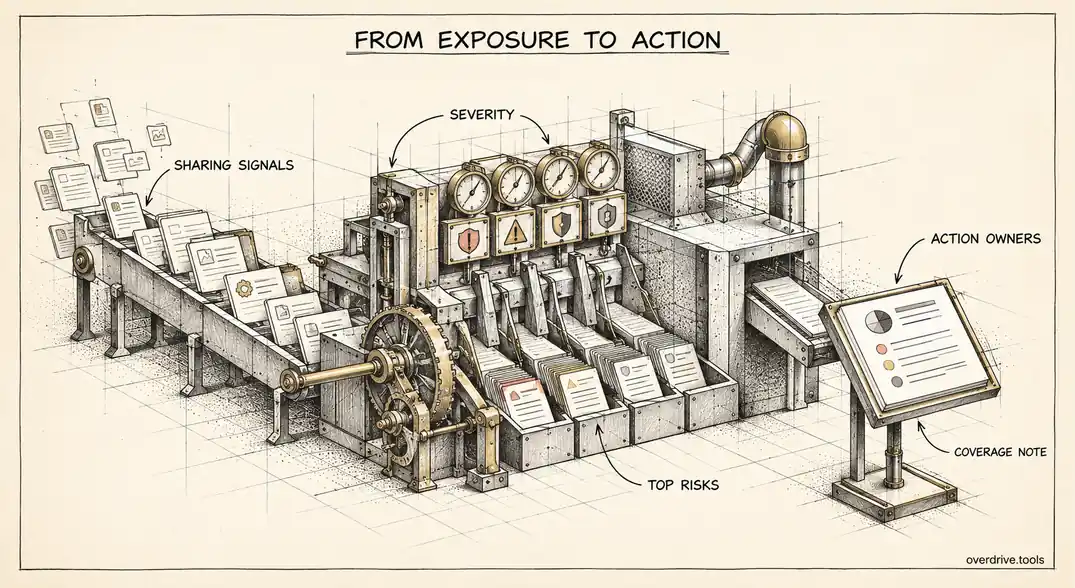
A good Google Drive exposure report fits on one page and answers three questions: how exposed are we, where is the risk concentrated, and what are we doing about it. Most reports fail because they answer a fourth question nobody asked, which is "what did the audit find, in full," and hand leadership a spreadsheet of four thousand shared files.
If you're the person responsible for Google Workspace, sooner or later a founder, a board member, an auditor, or a prospective customer's security team will ask how you know company files aren't leaking. Here's how to turn Drive sharing data into something a non-technical audience can understand and act on.
Why leadership asks, and what they actually want
The question usually arrives for one of a few reasons: a security questionnaire from a large customer, a compliance effort such as SOC 2, an incident at another company that made the news, or a new executive who wants to know where the bodies are buried.
In every case, the underlying need is the same. They want confidence that the risk is understood and managed, and they want to know whether anything needs a decision or budget from them. They do not want to evaluate individual files, and if you give them that, they'll either ignore it or start asking about the wrong ones.
So the report has two jobs: compress the data into a few clear numbers, and translate those numbers into decisions.
The numbers that matter
A Drive exposure report needs only a handful of measurements. Each should be a count you can repeat next quarter, so the trend becomes the story.
Files open to anyone with the link. The broadest exposure, because access requires nothing but the URL. Separate out files that are published or indexed on the web, which are worse.
Files shared with personal accounts. Gmail, Yahoo, Outlook.com, and similar addresses. These sit outside any organization's security controls and are the hardest to clean up later.
Files shared with external business domains. Usually the largest number and mostly legitimate, but worth tracking, especially the count of distinct outside domains.
External people with edit access. Outsiders who can change, and often reshare, your files.
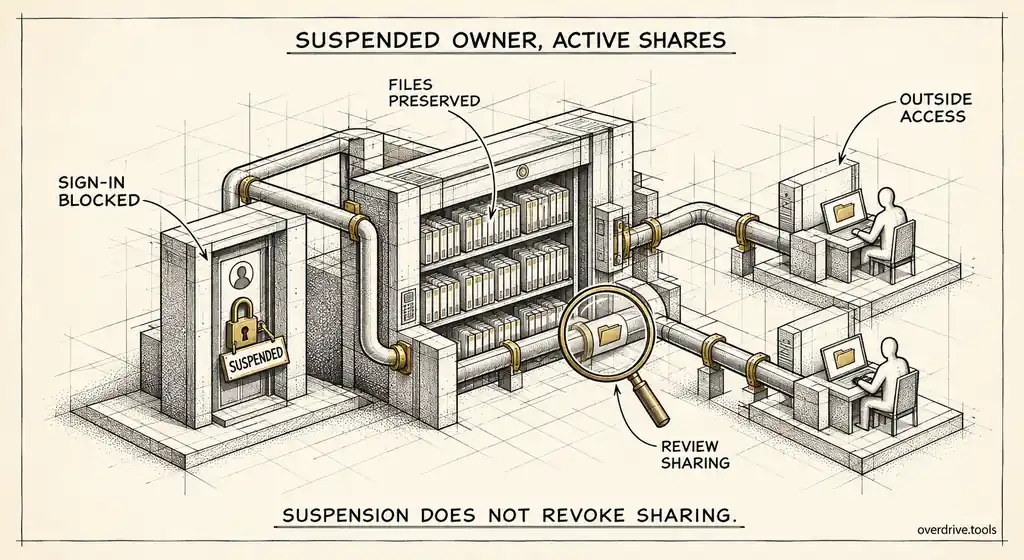
Exposure tied to people who have left. Files owned by suspended or departed users that are still shared outside the company. This one resonates with leadership immediately, because it's exposure nobody inside is watching.
Connected third-party apps with broad access. Apps that can read Drive or Gmail across many users. Not strictly file sharing, but it's part of the same question and auditors ask about it.
Report each as a count, grouped by severity, rather than as a list.
Severity beats volume
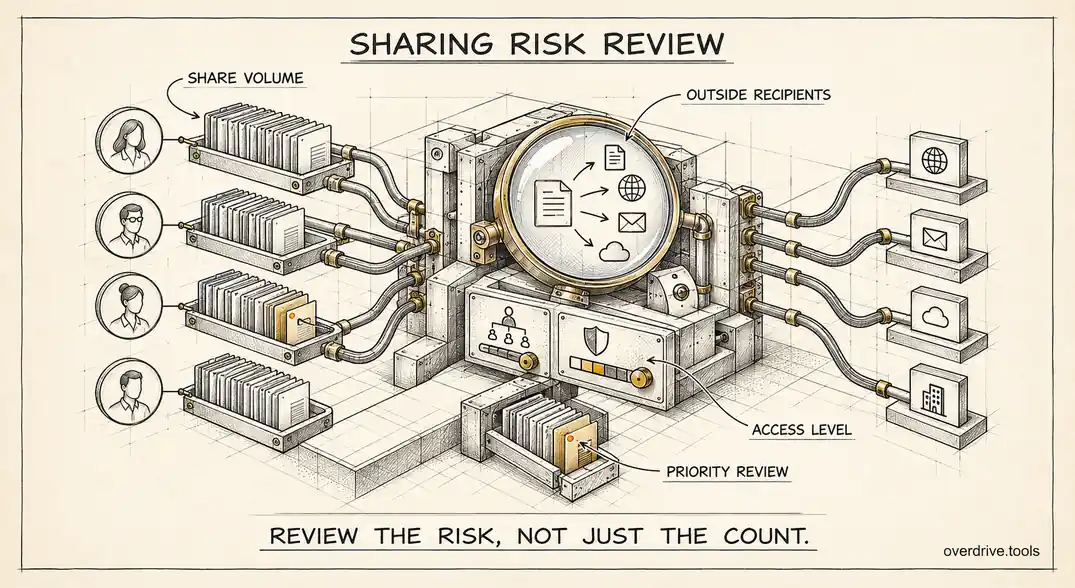
Raw counts mislead. Three thousand files shared with a long-standing partner is less concerning than five payroll spreadsheets open to anyone with the link. A report that only shows totals pushes leadership to worry about the big number instead of the dangerous one.
A simple severity model fixes this. Something like:
| Severity | Examples |
|---|---|
| Critical | Files published or indexed on the web |
| High | Anyone-with-the-link files, personal account shares |
| Medium | Unknown external business contacts, domain-wide external grants |
| Low | Shares with trusted partner domains |
Then raise severity when aggravating factors apply: a sensitive filename such as "contract," "invoice," or "salary," outside edit access, a departed owner, or exposure across several unrelated domains. Lower it for stale shares that nobody has touched in over a year, which are cleanup candidates rather than active risks.
Lead the report with the number of critical and high findings. That's the figure leadership should remember.
Structure for a one-page report
Here's a layout that works for most audiences.
Headline. One sentence: "We have 14 critical and 63 high-severity Drive exposures across 2,400 externally shared files, down from 31 and 120 last quarter."
Posture snapshot. The counts above, by severity, with the trend against last period. A small chart of critical and high findings over time says more than any paragraph.
Where the risk is concentrated. The three to five internal owners, teams, or outside domains responsible for most of the high-severity exposure. Concentration is useful because it means a few conversations fix a large share of the problem.
Top risks. The five or ten individual findings that genuinely need attention, described in plain language: "Investor update deck open to anyone with the link since March, owned by a former employee."
What we're doing. The actions under way and their owners, such as cleaning up public links, restricting link sharing for finance, or adding a pre-departure sharing check.
Decisions needed. Anything that requires leadership: a policy change, budget for a tool, or acceptance of a known risk. If nothing is needed, say so. That's a good outcome.
Coverage note. One line on what the report does and doesn't include, such as the time window covered or files that couldn't be assessed. This honesty builds more trust than a report that implies it's complete.
Getting the data
Here are your options for producing the numbers.
Option 1: Use an exposure audit that produces the report
Overdrive for Google Workspace connects with read-only access, scores every exposed file by severity using the signals above, and generates a printable summary report with severity counts, the riskiest files, the riskiest connected apps, and a note on data coverage, plus a CSV export for the detail. It reads metadata only, never file contents, which matters when the audience includes auditors who will ask what the tool itself can see.
Option 2: Build it from Google's tools
The Drive audit log records sharing changes for the last six months, and the Admin console reports cover connected apps and account security. Exporting those and assembling the counts in a spreadsheet is entirely possible. Expect it to take a day or two the first time, and expect the result to reflect sharing events in the log window rather than the full current state of every file.
Making it a recurring report
The first report is the hardest and the least useful on its own, because a single snapshot has no context. The value comes from the second and third, when you can show that critical exposure fell and new exposure is being caught quickly.
Quarterly is the right cadence for most organizations, with a lighter monthly check on new critical findings. Keep the measurements identical each time so the trend is meaningful, and keep the format stable so leadership learns to read it at a glance.
It also helps to track momentum, not just state: how many findings were resolved this period versus how many new ones appeared. A team that's closing exposure faster than it's created is in control even if the total is still high.
Tailoring it to the audience
The same data serves different readers in different ways. A board wants the headline, the trend, and any decisions. A customer's security reviewer wants evidence that controls exist and are monitored, so include the policy changes and the cadence of review. An auditor wants to see that findings are tracked to resolution, so keep a record of what was found, who owned it, and when it was closed. Build the core page once, then add or remove sections for each audience rather than writing separate reports.
Presenting it
When you walk leadership through the report, start with the headline and the trend, then the decisions. Leave the detail for questions. If someone asks about a specific file, that's a sign the summary worked: they trusted the numbers enough to drill in.
Bring one concrete example. A single real finding, described simply, makes the numbers tangible in a way no chart can.
Avoid alarmism and avoid reassurance. Saying "we have no problems" invites disbelief, and saying "we're exposed everywhere" invites panic. Saying "here's what we found, here's what's serious, and here's how we're fixing it" invites confidence.
The short version
A Drive exposure report for leadership should be one page that shows how exposed you are, where the risk is concentrated, and what's being done, not a list of files. Track a few repeatable counts: public links, personal account shares, external domains, outside editors, exposure tied to departed users, and broad third-party apps. Group them by severity rather than volume, lead with critical and high findings and their trend, name the top risks in plain language, state the decisions needed, and include an honest coverage note. Repeat it quarterly with identical measurements, so the trend becomes the evidence that the risk is managed.
Related Articles
- The Google Workspace Drive Security Audit: A Recurring Checklist for Admins
- How to Find Every Publicly Shared File in Your Google Workspace
- Auditing Third-Party App Access in Google Workspace